VectorStyler
    • Categories
    • Unread
    • Recent
    • Tags
    • Popular
    • Register
    • Login

    Shape Object dimensions on contextual menu for selections?
    Scheduled Pinned Locked Moved Questions and Support
    2 Posts 2 Posters 4.6k Views
    Loading More Posts
    • Oldest to Newest
    • Newest to Oldest
    • Most Votes
    Reply
    • Reply as topic
    Log in to reply
    This topic has been deleted. Only users with topic management privileges can see it.
    • BoldlineB Online
      Boldline
      last edited by

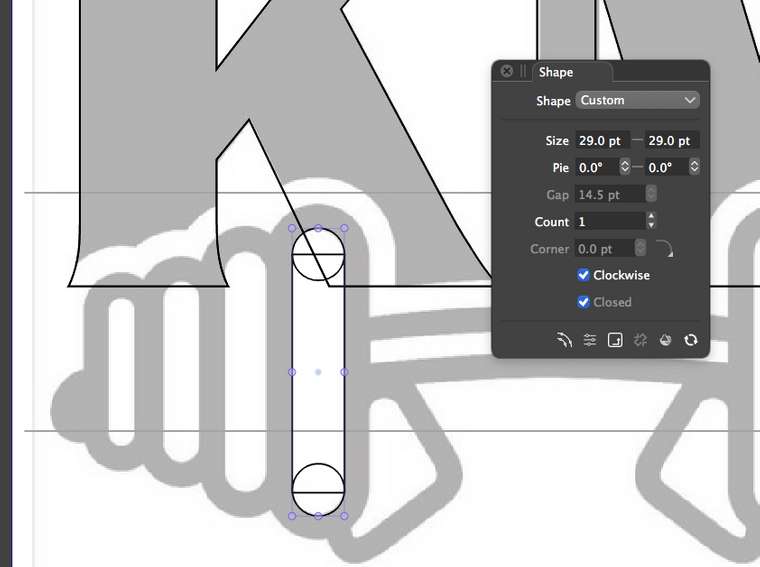
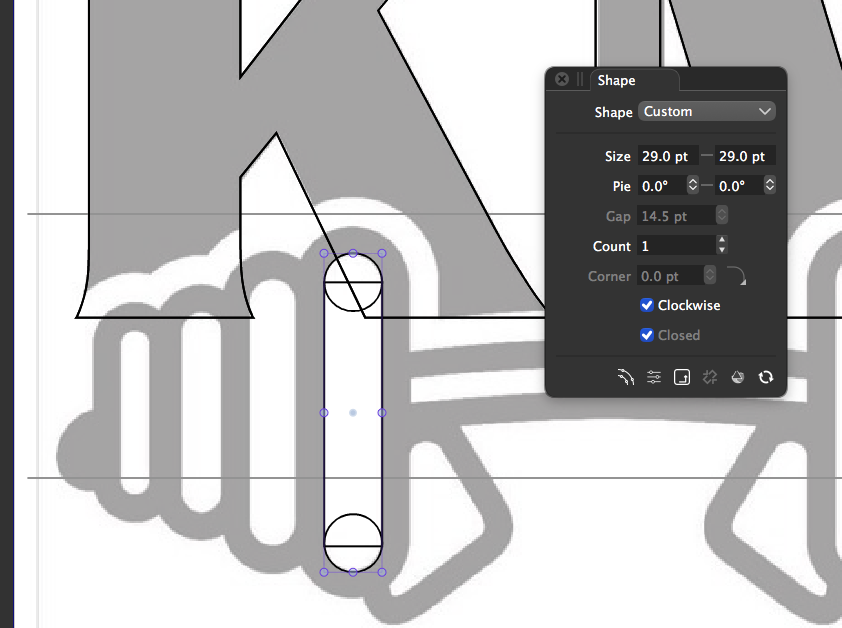
      I was making shapes and wanted the rectangle to be the exact same width as the circles... I couldn't find the width displayed anywhere when I had it selected... then I found it when I looked under the three dots icon. Would showing the size width and height be more helpful as part of the contextual menu for selections?0_1611000738671_BLD 2021-01-18 at 15.09.36.png

      🍎 macOS Tahoe 26.2, Mac mini (M1, 2020), Chip Apple M1, Memory 16 GB
      Cintiq 27QHD Display and LG Ultra HD Display

      VectorStylerV 1 Reply Last reply Reply Quote 0
      • VectorStylerV Offline
        VectorStyler @Boldline
        last edited by VectorStyler

        @Boldline Adding more things to the context panel would not work, as it already too long for typical screen sizes.
        An easy way to have object sizes accessible from a horizontal panel is to dock the Transform panel horizontally (drag from the panel title, to under the context panel):


        0_1611003286026_transformpanel.png

        1 Reply Last reply Reply Quote 1
        • First post
          Last post