Shape Creation with a Click Should Use Widget Ref. Point?
-
Hi,
I noticed that when I select a shape tool, let's say the rectangle, and click on the artboard, I get the shape creation window with parameters I can adjust. When and hit OK, The shape is placed in the exact center of my cursor, which makes sense.If I change the reference point using the Transform Panel's Reference Point Widget from the center to, say, the top-left and click to create a shape, the shape is still placed in the exact center of my cursor.
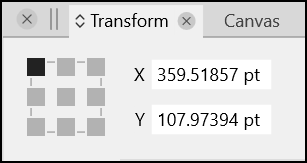
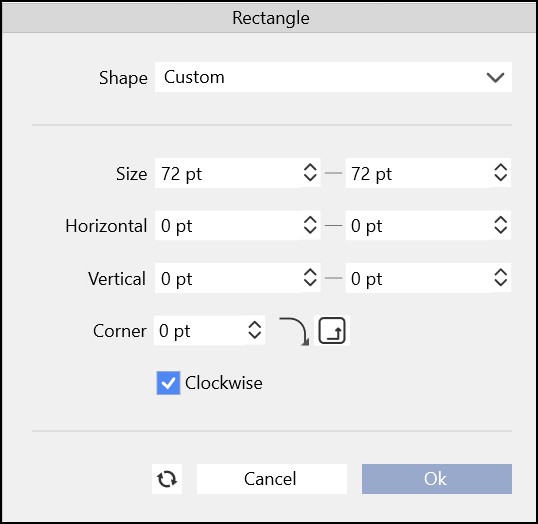
The behaviour I expected was for the shape to be placed using the current reference point, top-left rather than center.I didn't put this in the bug section because it is not necessarily a bug, but I thought it would be an idea that follows the rules of functionality.
If there is a setting I am missing or a reason why it should not conform to the the reference point widget, please let me know.Thank you for considering this small idea.
-
@Victor-Vector Added this to the backlog as a feature request.

