Hiding nodes when selecting a group
-
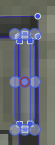
One thing that has been messing with my mind this evening is that when I select groups with the transform tool I see nodes from ALL the objects in the group. This isn't useful with that particular tool and because I am not interesting in the nodes - I am selecting the group to either move it or select a member of the group. And it is extreme distracting when a complex group is selected especially if it is small. When smaller groups are selected I have to check the layers panel to verify that I did select the group and then the toolbar that I am not in shape editor mode.
Is it a preference I missed?
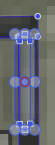
Medium sized simple two-member group that confuses a bit and details in the object are obscured:
When I add details to objects I can add 10-20 members to a group even when the group is a small item like a door handle or smaller. It is often what it takes to add realism.
-
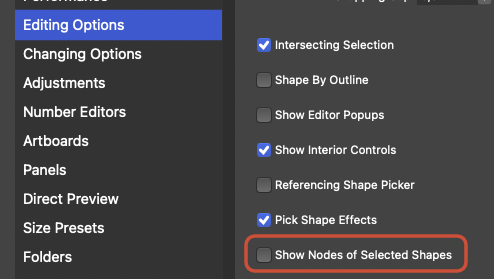
@Ingolf If I understand correctly, you just need to disable 'Show Nodes of Selected Shapes' in Preferences > Editing Options.
-
@b77 said in Hiding nodes when selecting a group:
@Ingolf If I understand correctly, you just need to disable 'Show Nodes of Selected Shapes' in Preferences > Editing Options.
Bingo - thanks!