Option for exporting solid one-bit, bitmaps?
-
@b77 thanks for helping me figure out what I actually needed
-
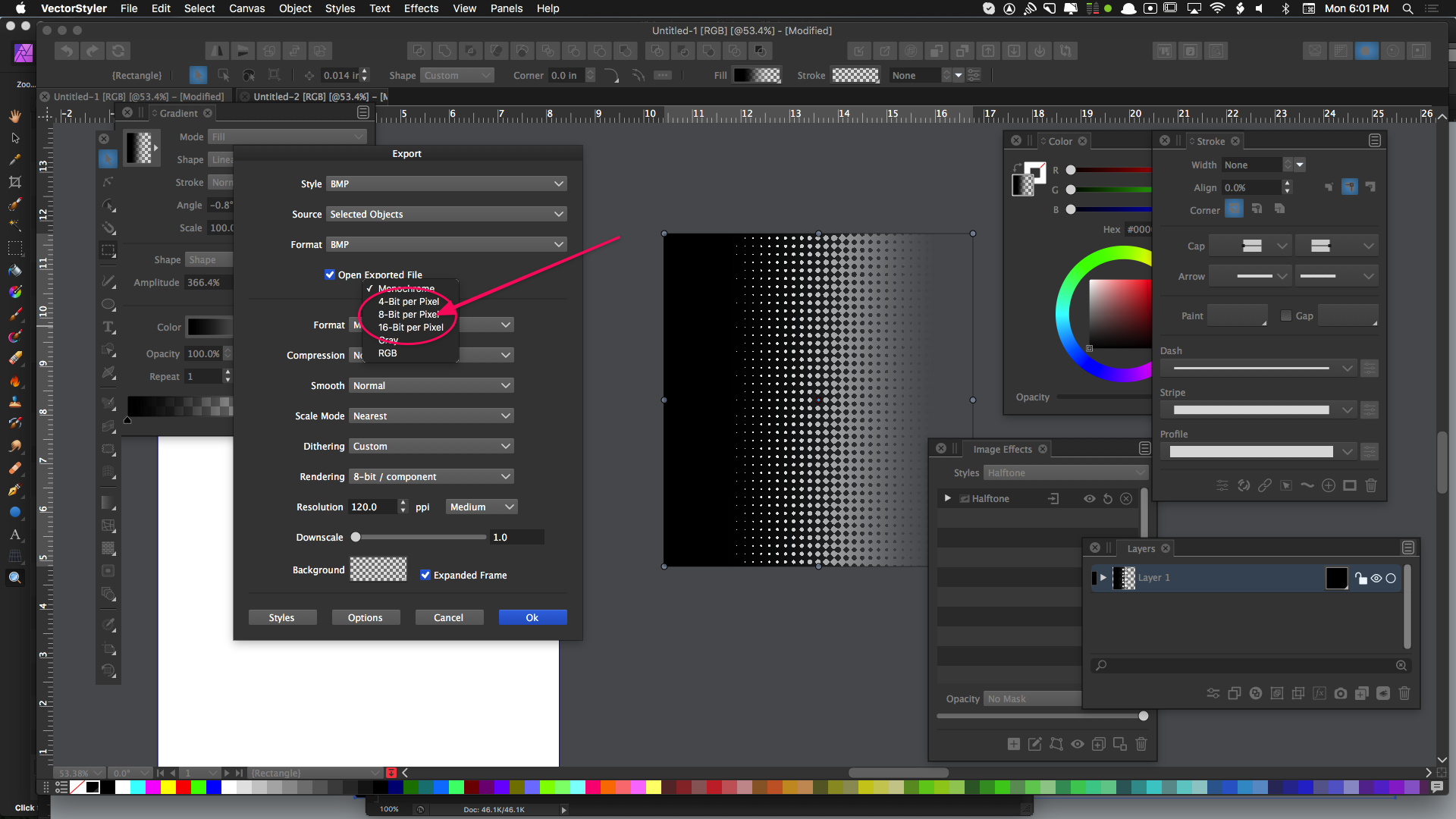
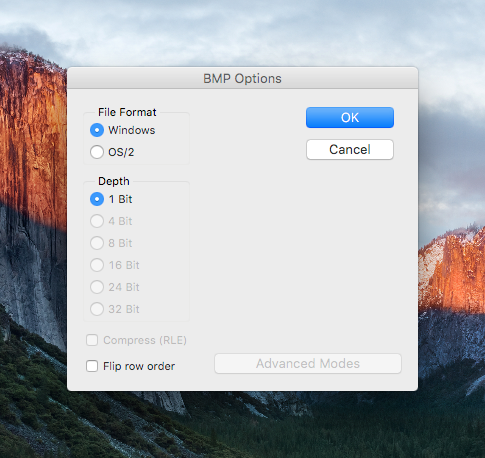
@Boldline To avoid dithering for Monochrome, try selecting in the Dithering drop down, the Nearest option.
-
Setting dithering to "nearest" helped dramatically to remove the dithering issue in the halftone.
Here is the results I got:
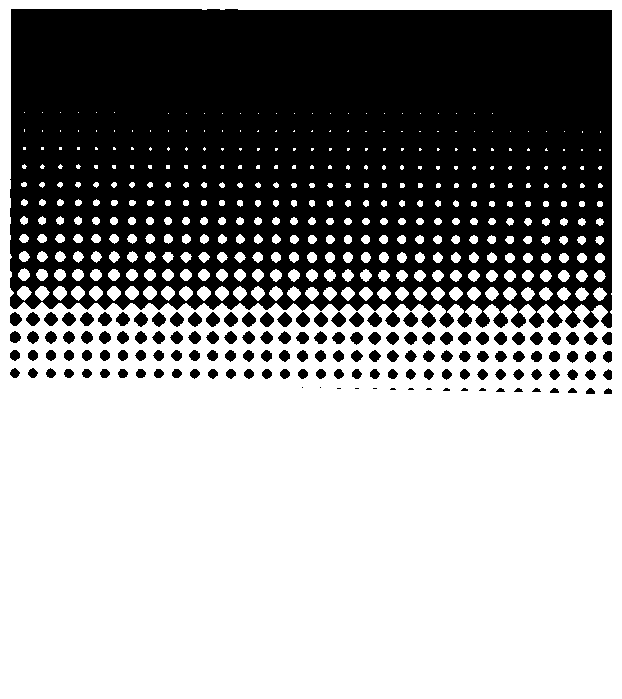
I noticed it lost the second part of the halftone however - I assume because those dots were too faint.
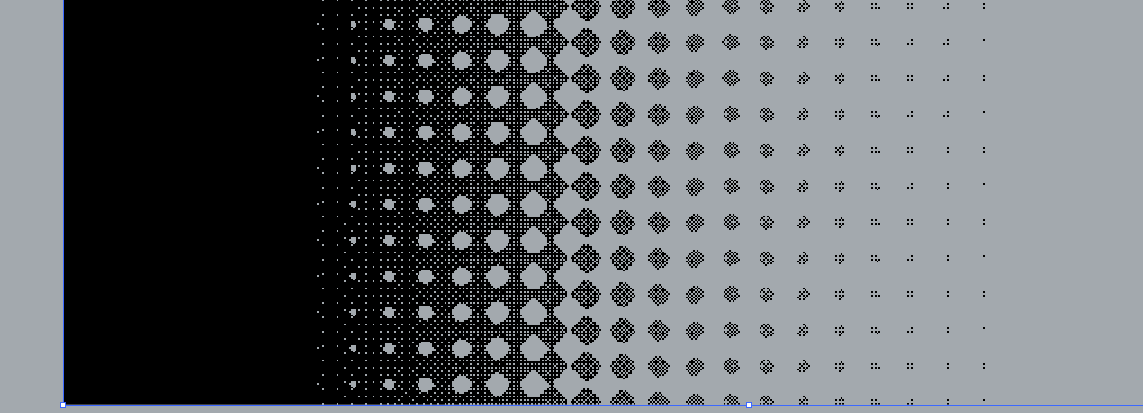
here is the original gradient made into a halftone inside VS before exporting:
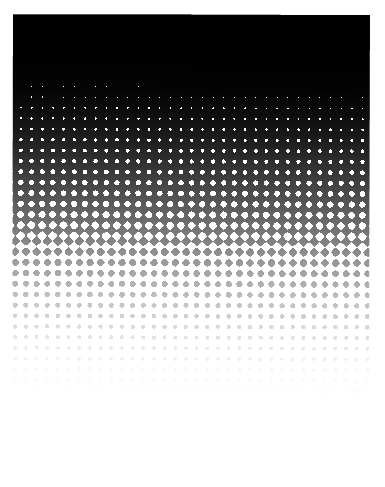
I removed the white by lowering it's opacity to zero. It did still leave me with a halftone pattern that has an obvious fade to it. What would be my best option to get a one color gradient halftone - where all of the halftone dots are a solid fill and not fading as can be seen in the screenshot? -
@Boldline Can you send me a vstyler file with this halftone effect? I will try to replicate the issue.
The second image has a smooth gradient (grayscale) behind the halftone, that will not export to monochrome as it is. -
@vectoradmin I emailed you the file and a screen video of me making the halftone in case that helps. thanks!
-
I was discussing this some with @vectoradmin by email but I wanted to bring it back over to the forum as well.
My goal is to have transparent one-bit (one color only) halftone bitmap using gradients in VS to accomplish this. I've been trying "monochrome" and "gray" settings in the export panel - but I do not think that is the same as 1-bit. When I use the "opaque" setting in the gradient panel, I get perfect full halftones - but not true 1-bit because the white remains with the black. If I switch the setting to "transparent colors", I can remove the white in the gradient, but it also affects the black and the remaining black fade itself becomes transparent leaving me with the result in the screenshot below...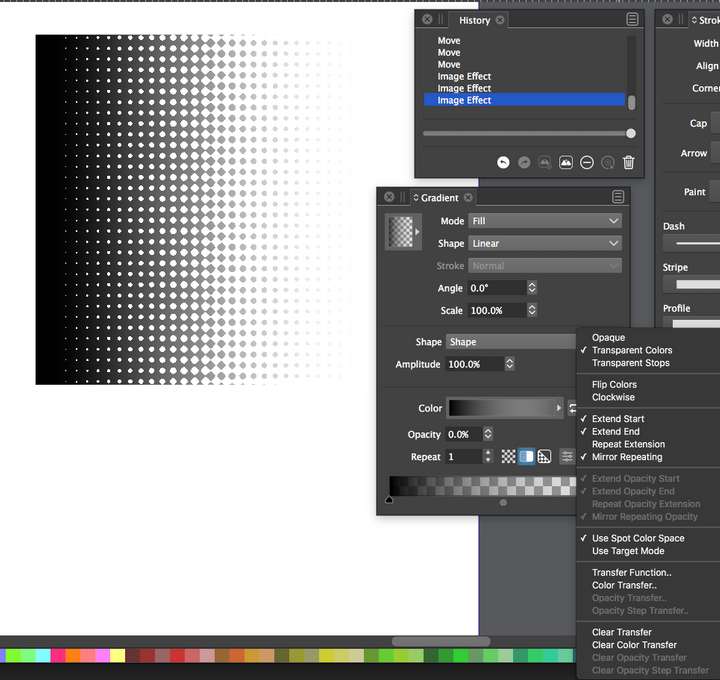
I was also thinking a threshold option might help in the halftone section of the image effects panel
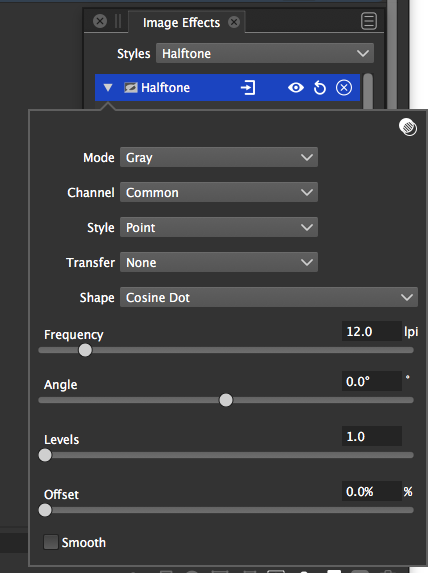
And a true one-bit option in the export panel - so that even if you have a two color halftone (opaque white to opaque black) the default 1-bit setting would automatically remove the white and keep the black by default.
-
@Boldline The Halftone effect is wysiwyg — if you don't see the white or black dots/parts as transparent dots on the canvas inside the app, exporting as 1-bit bitmap won't create that transparency. And since the app doesn't include a 'Color to Alpha' adjustment effect yet, I don't see any possibility to get strictly black-and-white transparency like that – you would need a 'Color to Alpha' effect that replaces white or black with full transparency.
So don't bother with masking the halftone with a gradient — if you don't want the semi-transparent grays it's not the right method.
I would approach it like this:
- assign a gradient fill to the object (any contrasting colors will do) and leave the opacity at 100% for both color stops;
- apply the Halftone effect, with 'Gray' mode;
- export the object as lossless bitmap image (PNG);
- open it in a specialized image editor (Photoshop, GiMP, etc);
- apply a 'Color to Alpha' adjustment where you select white or black to be replaced by full transparency;
(For people who don't have access to a commercial bitmap editor, GiMP has 'Color to Alpha' in the Colors menu).
-
@b77 said in Option for exporting solid one-bit, bitmaps?:
'Color to Alpha'
ok that makes a lot more sense. I'll have to see if Affinity photo has a 'Color to Alpha' option - somehow I doubt that... I am trying to get away completely from adobe
@vectoradmin could we get a 'Color to Alpha' effect added?

🍎 macOS Tahoe 26.2, Mac mini (M1, 2020), Chip Apple M1, Memory 16 GB
Cintiq 27QHD Display and LG Ultra HD Display -
@Boldline It might be named differently. If it has no such adjustment, GiMP does the job (see the Colors menu).
-
@Boldline I open an issue on this one, to improve 1-bit export handling


