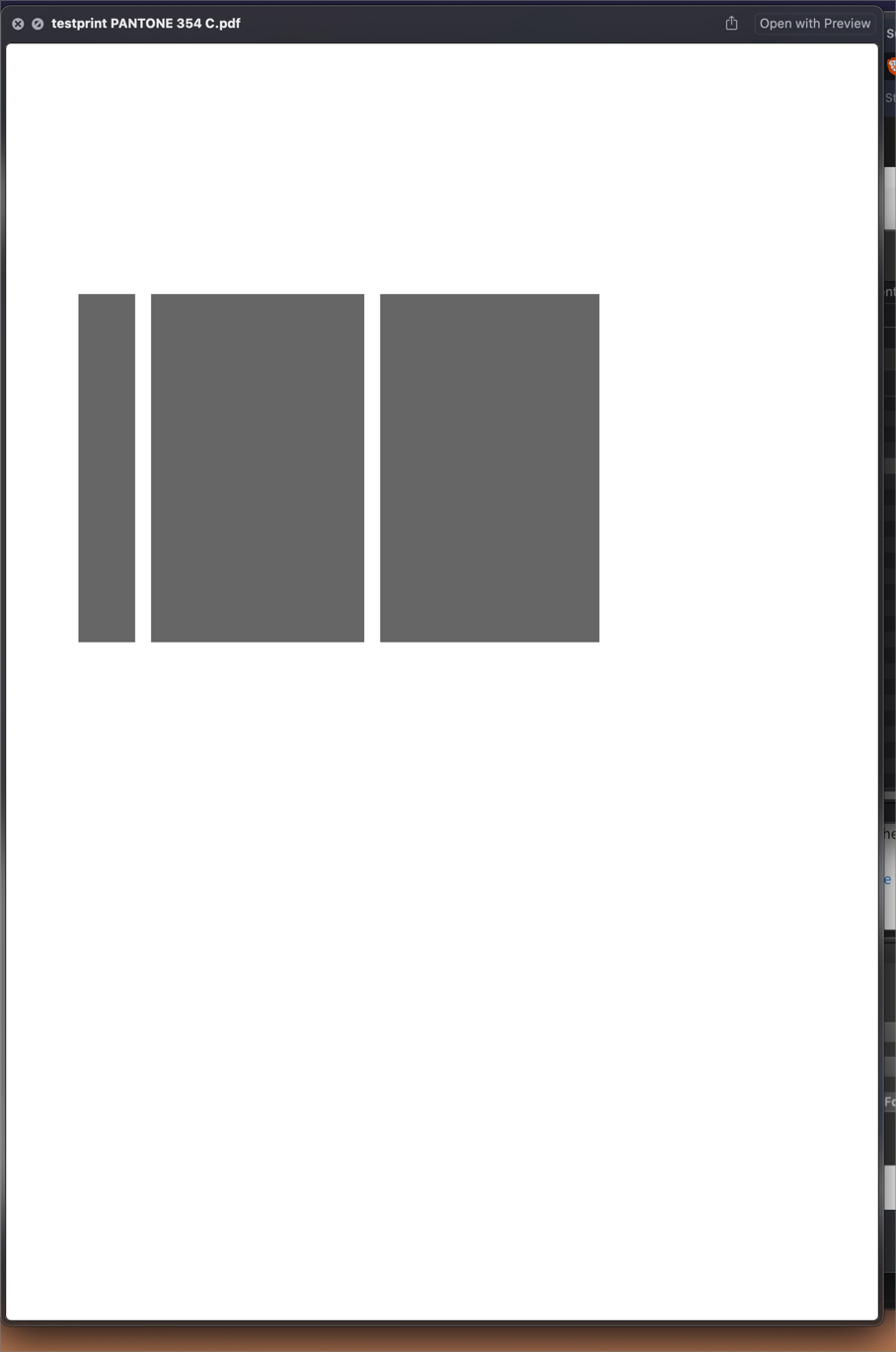
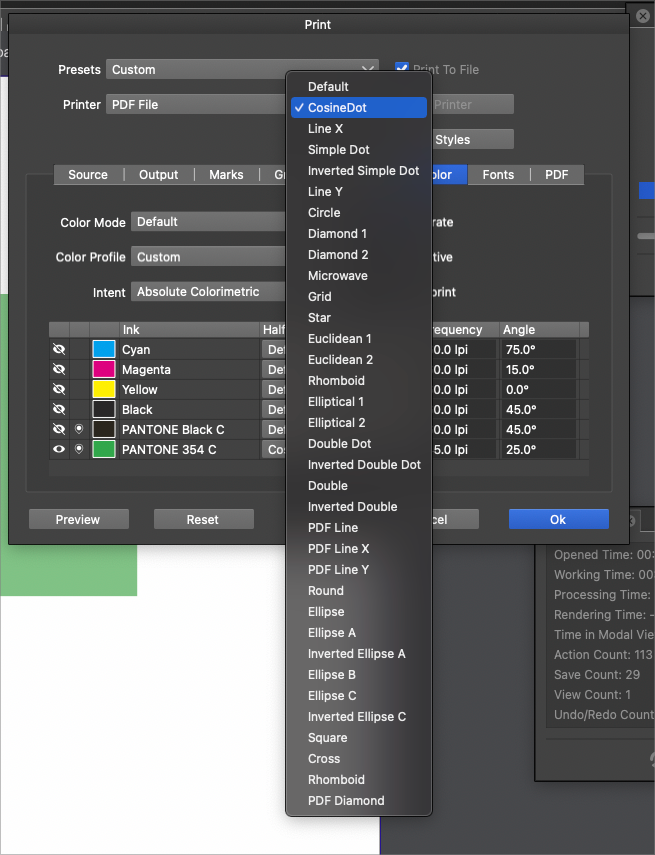
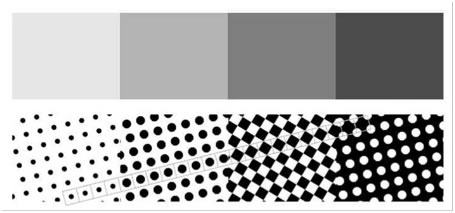
Printing lower opacity object as a halftone seems not to work
-
@Subpath said in Printing lower opacity object as a halftone seems not to work:
In response to a post by @Boldline @vectoradmin posted a VS file a while a go, with one of the early uses of the repeater.
I was all set to use the halftones in repeater to complete a screen print job yesterday but had a few problems with slowdown when repeating and when reducing dot size to the point VS froze on a couple of attempts - so had to complete in Affinity Publisher, although, this feature shows heaps of promise, especially if if you'll be able to do stuff like radial vignettes
-
@Dazmondo Do you have an example file that slows down VS with the repeater, or some steps to replicate? It would help a lot to improve it. Thanks!
-
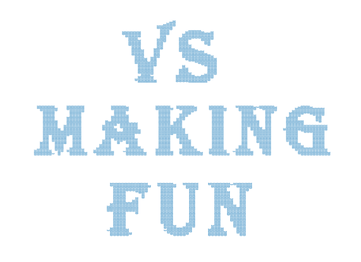
Yes, I remember. Did my first steps with the pattern that I
mentioned in my last post and need to split it into 3 files. Then
converted each line of text to a bitmap and merged the lines
of text as bitmaps.Here the result:
You could also take a look at this here. I mention a while ago in the VS Forum this online Tool here:
https://www.vectorstyler.com/forum/topic/1089/tip-halftone-generator-bitmap-to-vector-graphics-svgIts a free Halftone Generator you upload a Bitmap an it will
be converted into an SVG-File. You could also select different Patterns.
If you read the Post i linked i mention also some Tricks.Win 11
CPU: AMD Ryzen 5 9600X, 6-core.
GPU: Nvidia Geforce RTX 5070. -
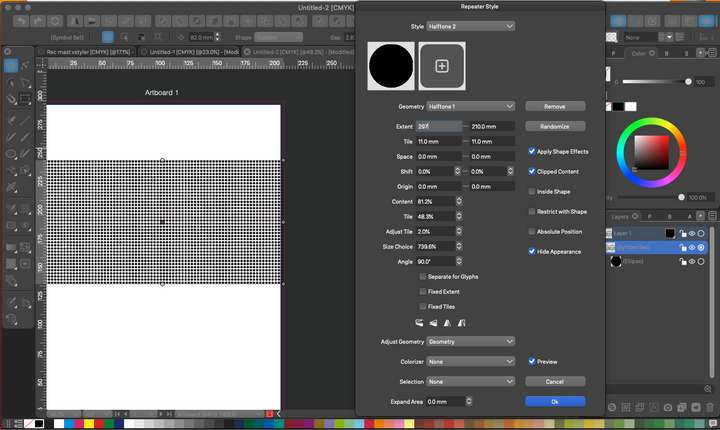
@vectoradmin Just had another try but can't get as far as saving the file before freezing
-
@Dazmondo 3200 circles might be a bit too much, depending on the machine.
Why not create a dotted pattern and use that as a fill for shapes?MacBook Pro (Intel) running Monterey 12.6.4
-
@Subpath If you get the chance, try out "Vectoraster" from a company called "Lost Minds" Here is the link.
It's a lot like what you are suggesting with the free halftone generator, but on steroids.
They have a free trial and also have a pattern maker app that seems complex but promising.🍎 macOS Tahoe 26.2, Mac mini (M1, 2020), Chip Apple M1, Memory 16 GB
Cintiq 27QHD Display and LG Ultra HD Display -
@b77 said in Printing lower opacity object as a halftone seems not to work:
@Dazmondo 3200 circles might be a bit too much, depending on the machine.
Why not create a dotted pattern and use that as a fill for shapes?Same problem with a large dense fill
-
@Boldline said in Printing lower opacity object as a halftone seems not to work:
@Subpath If you get the chance, try out "Vectoraster" from a company called "Lost Minds" Here is the link.
It's a lot like what you are suggesting with the free halftone generator, but on steroids.
They have a free trial and also have a pattern maker app that seems complex but promising.VectoRaster is great, also does a fine job of of creating etched / lithograph style vectors for vouchers/money bill
-
Thanks for the Tip. Looks powerful indeed.
But the Website said "This software will not run on Windows!"
and i am a PC guy
Btw, I don't really have jobs where I need something like this.
From time to time I see what is feasible with the repeater
and what ideas I come up with. -
@Dazmondo The repeater has been improved in 1.1.024 to work better with large number of objects.



