Building a custom color palette in VS for spot color printing
-
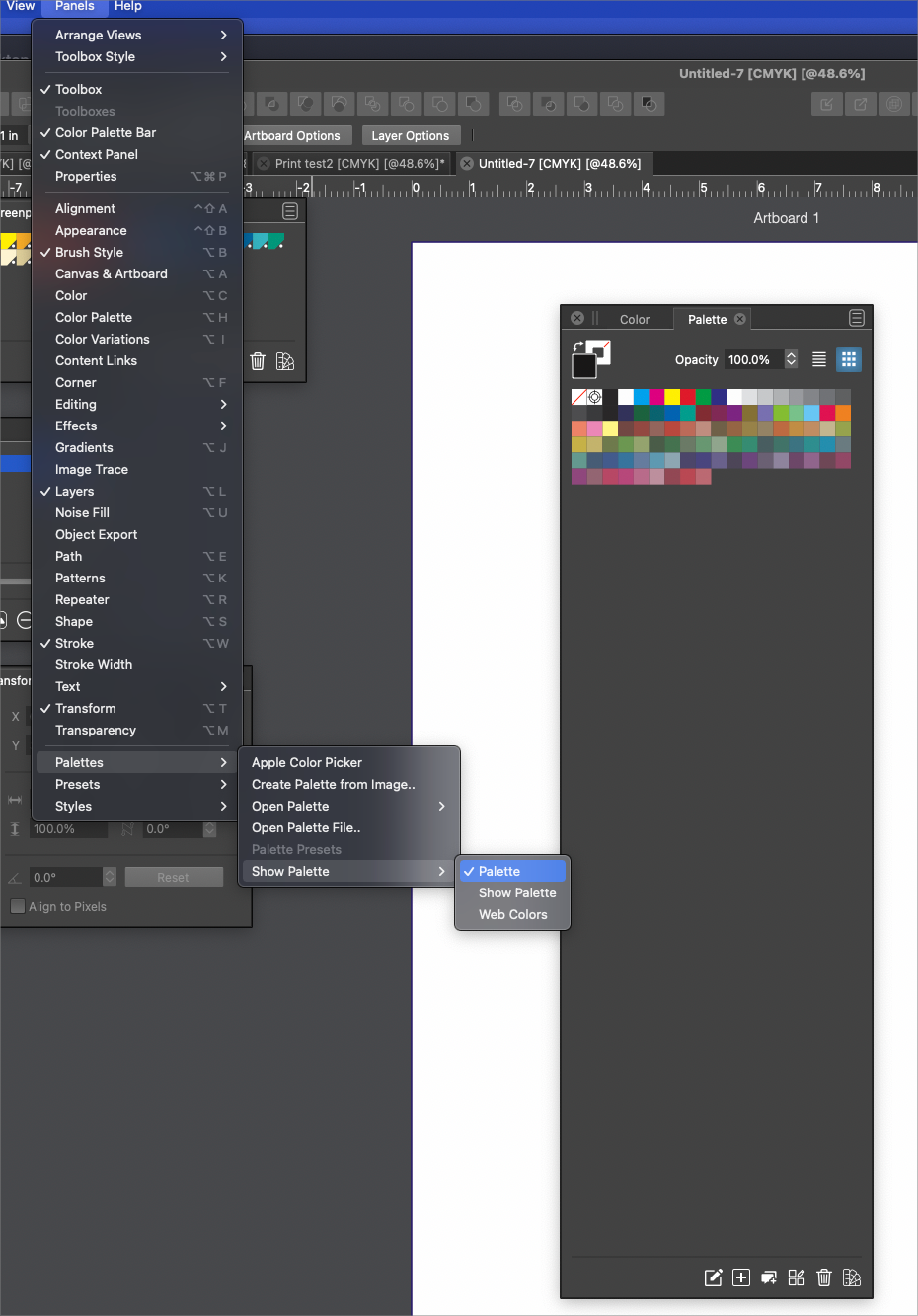
I was able to somehow get my custom spot color into the default palette and I set the wording to that spot color and then made the reg marks "reg color"
0_1642627906861_Print test2.vstyler
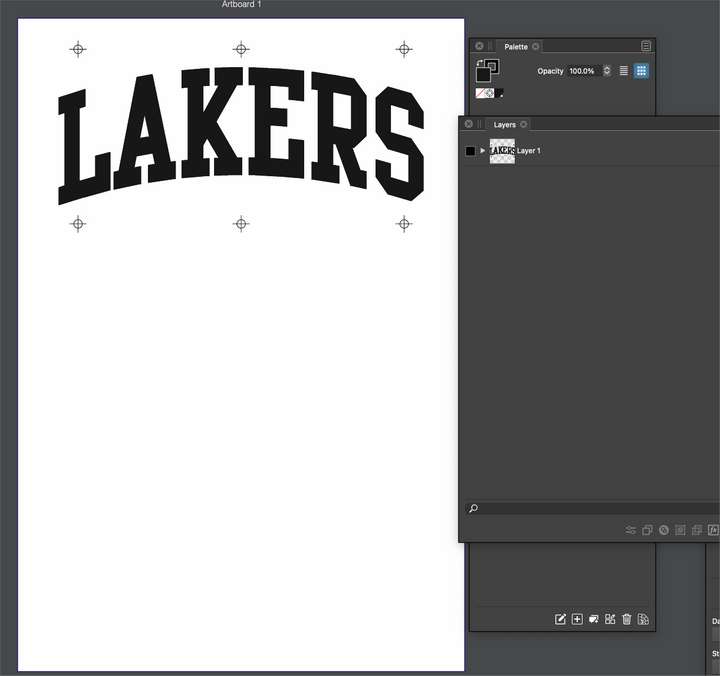
I tried exporting it as an eps file with these settings:
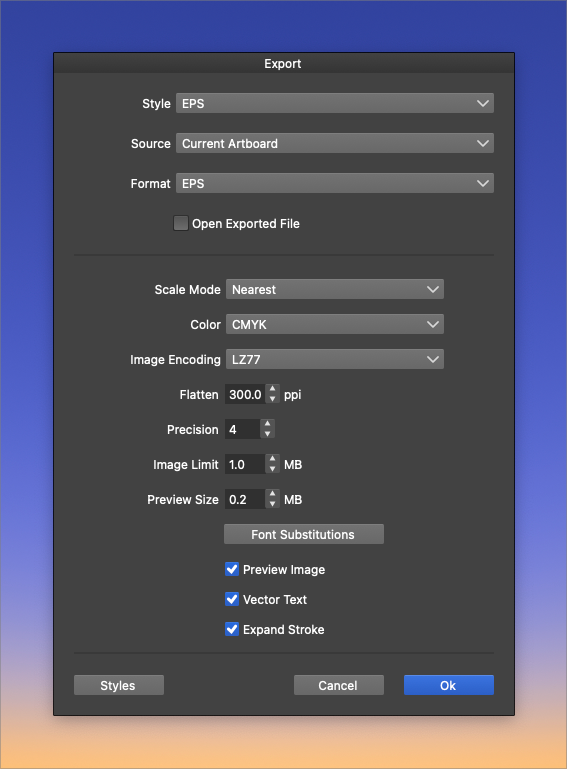
It exported an RGB file instead even though I told it to produce a CMYK version. Also, the registration marks are missing
Here is that eps file: 0_1642628096704_Print test2.epsI then tried to export the original VS file again, this time as a PDF file
Here were the settings for that attempt:
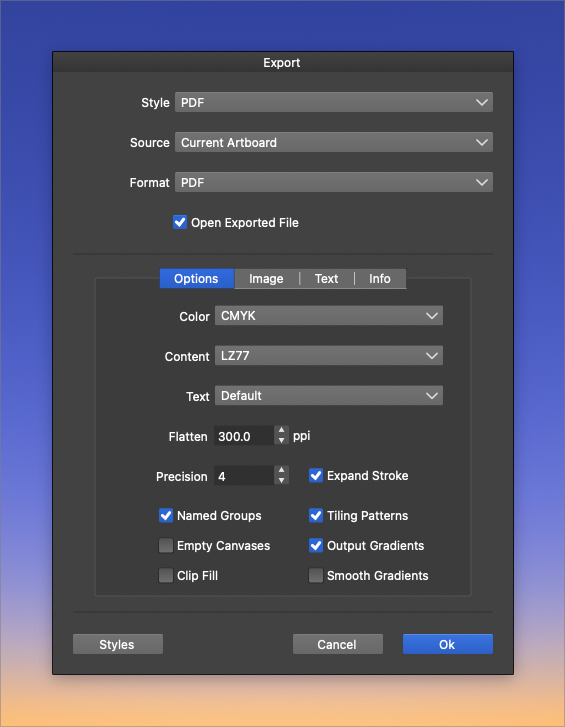
Saving out as a pdf gave me a strange file name as it included "eps" in the name, even though I only specified I wanted it to be a pdf. The registration marks did show up this time, but the file is also an RGB file despite my selecting CMYK output in the export panel
Here is that pdf file: 0_1642628566988_Print test2.eps.pdf🍎 macOS Tahoe 26.2, Mac mini (M1, 2020), Chip Apple M1, Memory 16 GB
Cintiq 27QHD Display and LG Ultra HD Display -
@Boldline I opened both the EPS and the PDF file in AI and they are in CMYK color mode.
Which app opens them in RGB?The .eps.pdf part at the end of the last file is probably just human error when you clicked on the name to change it.
MacBook Pro (Intel) running Monterey 12.6.4
-
@b77 When I open the exported eps or pdf file in VS this is what it says in the tab
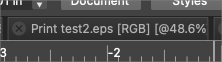
When I open either file in VS again, it does not retain the reg mark color nor the opaque black spot color. and one one, it opened without the reg marks showing at all... I had not tried them in Illustrator. I will do that now
🍎 macOS Tahoe 26.2, Mac mini (M1, 2020), Chip Apple M1, Memory 16 GB
Cintiq 27QHD Display and LG Ultra HD Display -
@b77 said in Building a custom color palette in VS for spot color printing:
The .eps.pdf part at the end of the last file is probably just human error when you clicked on the name to change it.
I am certainly error-prone! However, I never went in and changed the name of the file. It was always "print test2" and I just saved it out first as an eps and then tried again from the same VS source document. I even tried it a second time and got the same name issue
-
Oh… well, this opening in RGB mode needs to be fixed.
MacBook Pro (Intel) running Monterey 12.6.4
-
@b77 well, the good news in all this - when I opened the pdf file in Illustrator, it retained the reg mark color as well as my spot color black!!!!! It did require I expand a clipping mask applied to the whole file. This must be added when the pdf is made. Is there a way to avoid this?
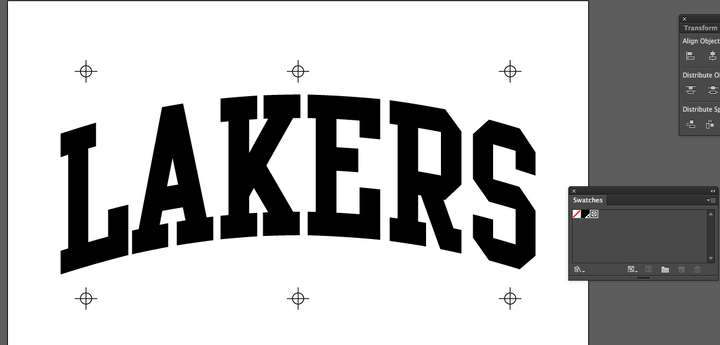
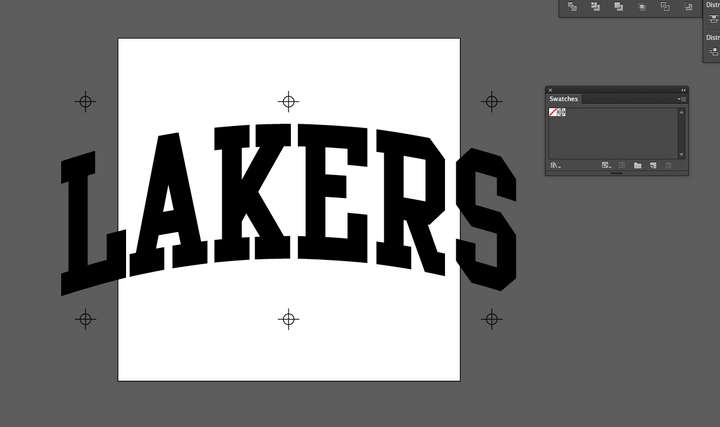
When I opened the eps file - it retained only the registration color, but not my spot color and @vectoradmin it still is defaulting to what illustrator sets as the artboard like we discussed before. Probably no real way to fix that right?
-
@b77 said in Building a custom color palette in VS for spot color printing:
Oh… well, this opening in RGB mode needs to be fixed.
Are you seeing the same thing when you open the two files in VS?
-
@Boldline Yup.
-
@b77 thanks for checking
-
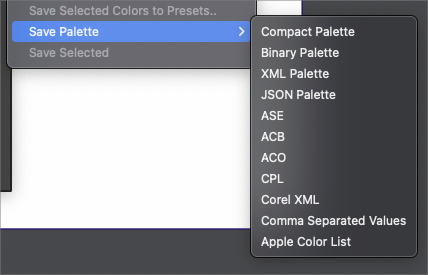
@Boldline About custom palettes: these should be saved to some user folder, and then in Preferences -> Folders select the "Color Palette Folders" in the Folder Mode field, and add that user folder.
Now any palette saved to that folder will show up in the palette menus.For a VS palette type use the Binary or Compact formats. For human readable VS palette use the XML or JSON formats.
The other formats can also be used, if you want to use the palette in those apps.
In VS spot colors are only allowed in the primary color palette (the one stored in the document). The "Register.." options are used to register a color from the external palette into the primary, when it is applied.
I add to the backlog a task to have spot colors in external palettes, but these of course then will auto-register into the primary when applied.
-
@Boldline I will check these (color) exporting issues.
-
@vectoradmin said in Building a custom color palette in VS for spot color printing:
For a VS palette type use the Binary or Compact formats. For human readable VS palette use the XML or JSON formats
I'm new to all of these considerations. I assume you are referring to the overall file type?
In documentation, the available storage modes are briefly discussed; "This can be Compact, Binary, JSON or XML. The Compact storage mode offers the most compact file in terms of size and speed of saving and opening. The Binary storage mode is next in terms of speed and size, but allows a more future proof format. The XML and JSON storage modes allow access to the internal VectorStyler object hierarchy for 3rd parties and external scripts for processing."Could this be expanded upon in the documentation at some point? Is there a reliable source online I could go research? I did some googling but did not find or understand what I was reading. This was not something I was introduced to when I was using Illustrator for example.


