Streamlining the Repeater User Experience
-
I would like to consider ways to streamline the initial Repeater user experience;
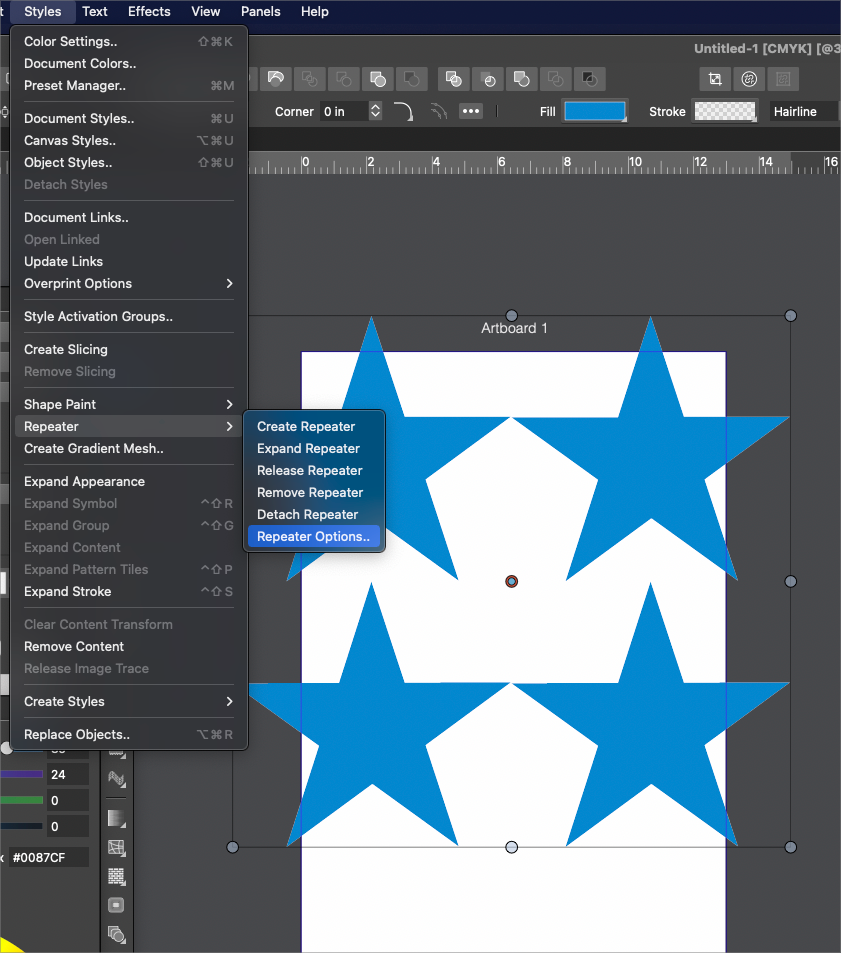
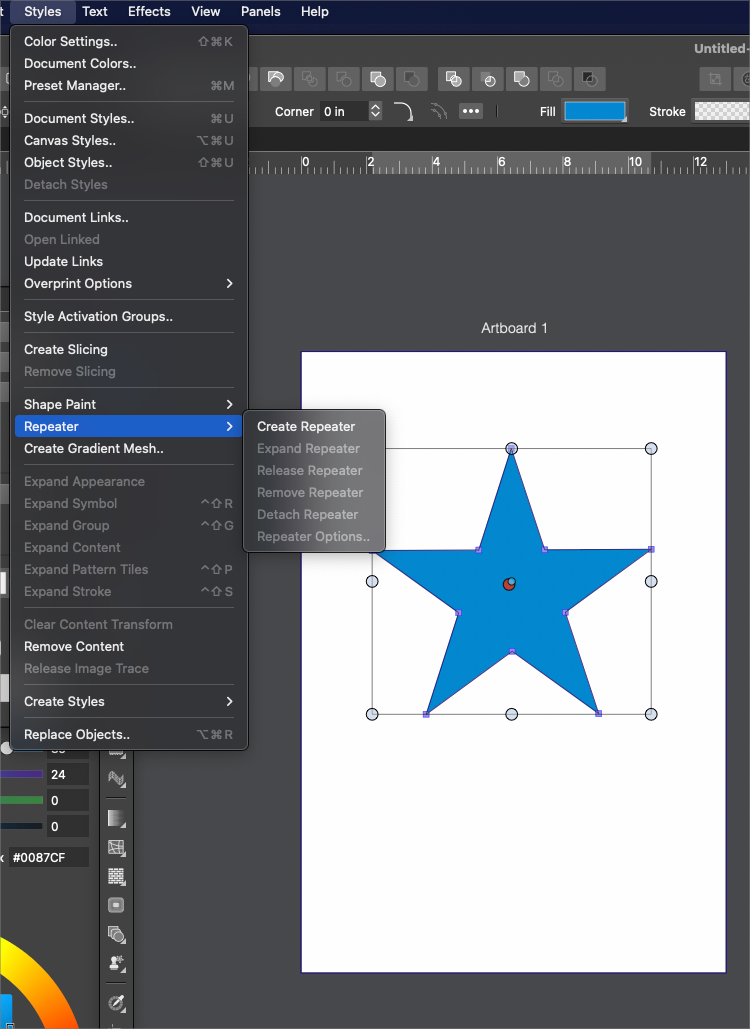
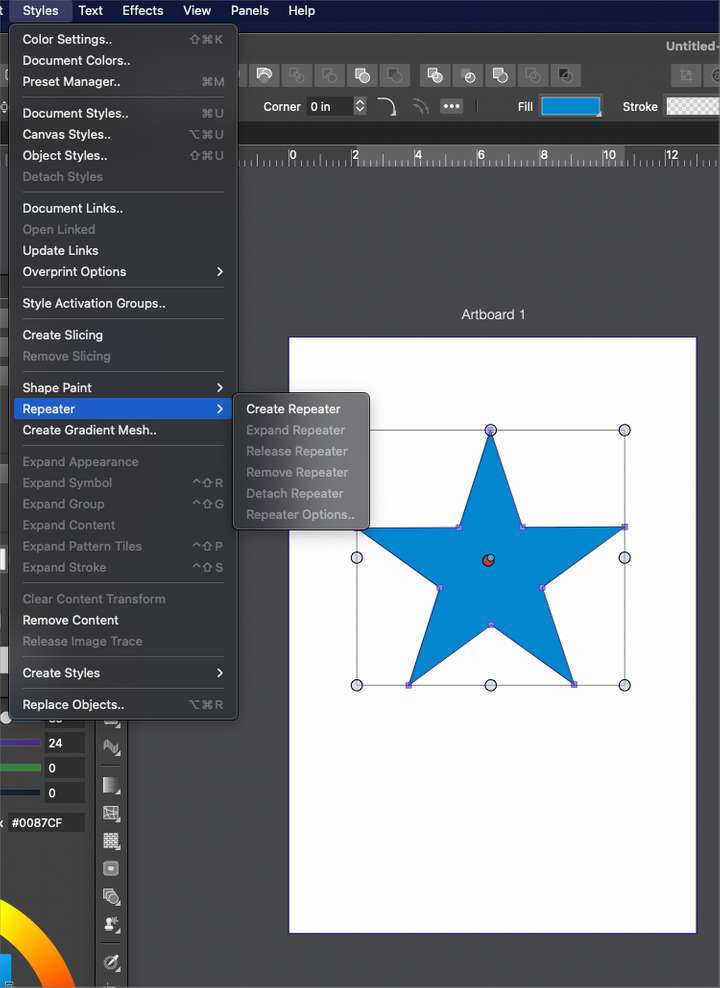
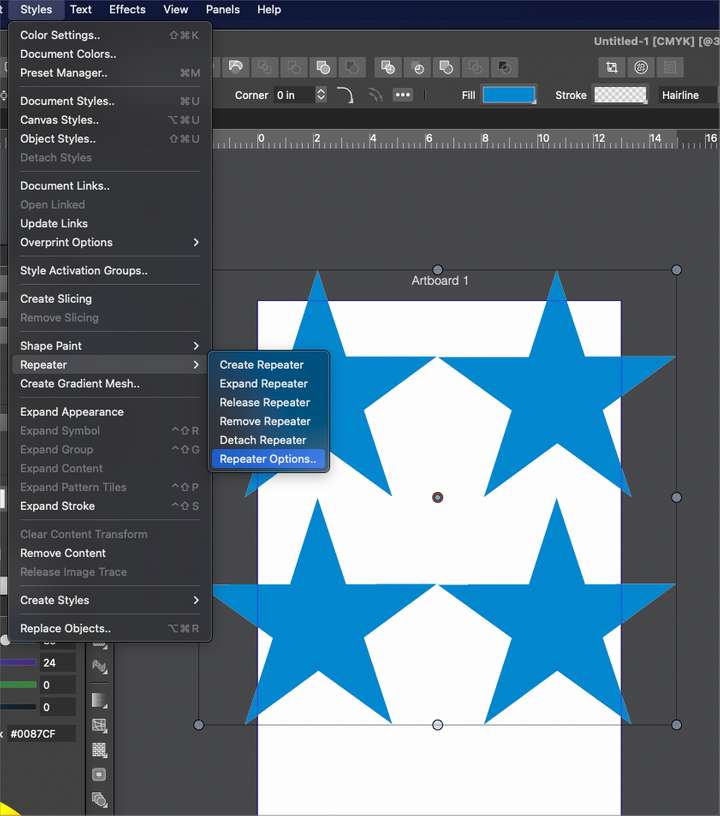
When I go to use the repeater, it seems the only initial option available is to create an immediate repeater and then a second action is required to edit that repeater action (going back in to the repeater submenu and choosing "repeater options")
It does not seem to me that the first arbitrarily created repeater action made by going into the repeater submenu and choosing "create repeater" would suffice. 99% of the time, the user is going to need to modify that repeater result.
Would it make more sense to make the first option to open the repeater options?
I understand the idea of initiating the repeater process and that the options are not necessarily tied to that function. I'm just trying to find to remove a step in the process.
I'm open to ideas for sure.
-
@vectoradmin Though it's not set up the exact same way, a similar thing happens with using the blend tool. Illustrator had a similar issue in that you had to select "blend" and then go back in again and choose "blend options"; I never understood why they made you make two actions just to get a blend set up with controls.
-
@Boldline said in Streamlining the Repeater User Experience:
@vectoradmin Though it's not set up the exact same way, a similar thing happens with using the blend tool. Illustrator had a similar issue in that you had to select "blend" and then go back in again and choose "blend options"; I never understood why they made you make two actions just to get a blend set up with controls.
The main reason to have such a separation (create / edit options) is to allow the change of options in existing repeater (or blend) effects, without inadvertently creating new repeaters or blends.
-
@vectoradmin Thanks for explaining that

