VectorStyler
    • Categories
    • Unread
    • Recent
    • Tags
    • Popular
    • Register
    • Login

    Actual size: VS don’t display artboard/canvas in 100%
    Scheduled Pinned Locked Moved Questions and Support
    3 Posts 2 Posters 3.3k Views 2 Watching
    Loading More Posts
    • Oldest to Newest
    • Newest to Oldest
    • Most Votes
    Reply
    • Reply as topic
    Log in to reply
    This topic has been deleted. Only users with topic management privileges can see it.
    • RaaskotR Offline
      Raaskot
      last edited by

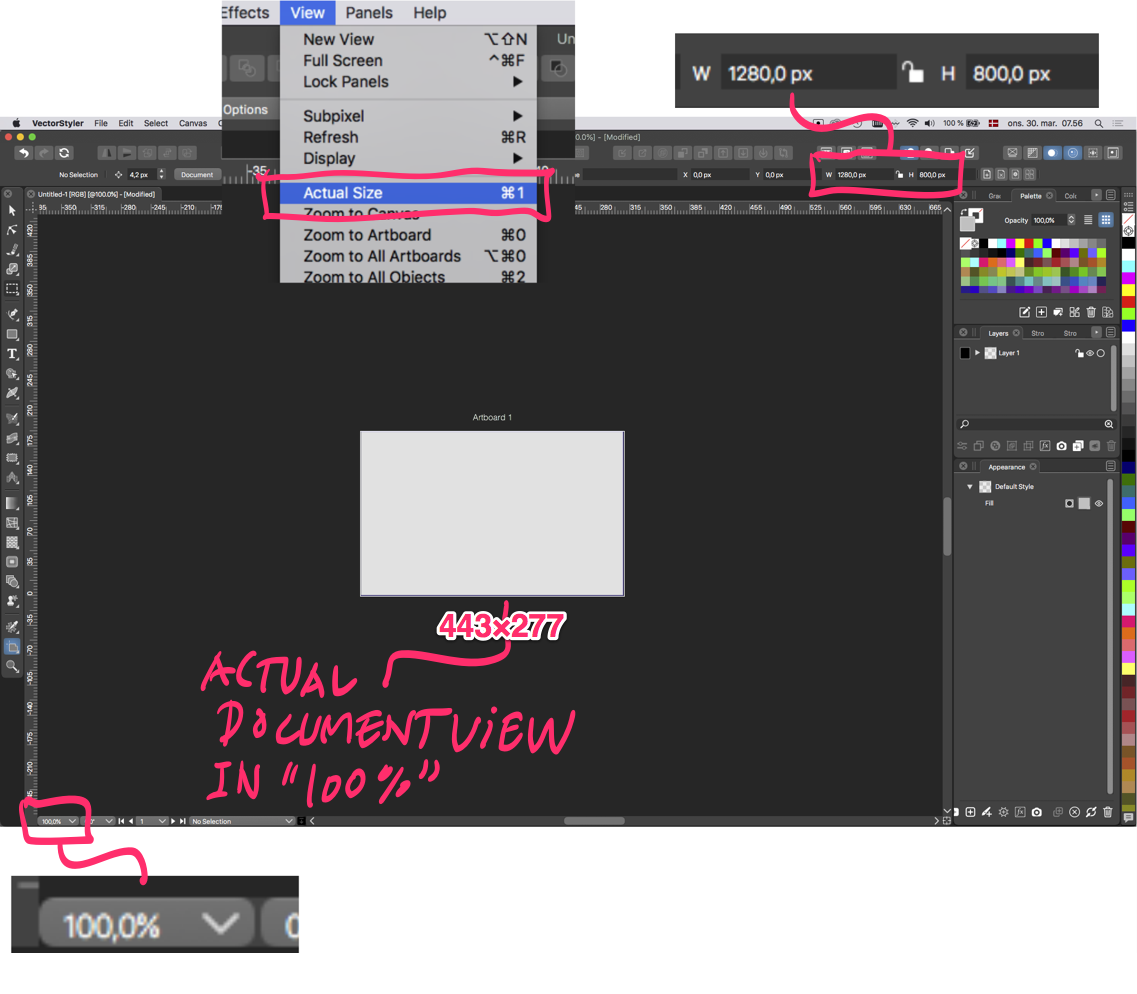
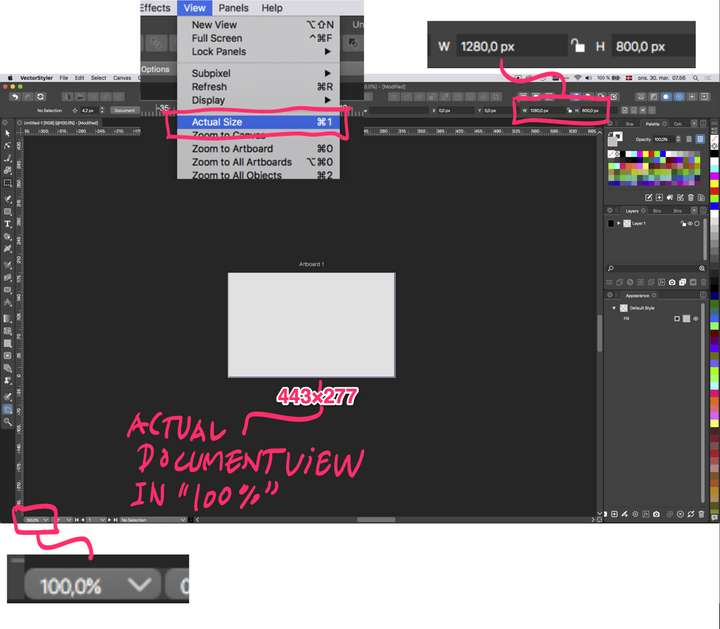
      I want to display a 1280x800 canvas in actual size but on-screen appearence is 443×277 px even though Actual Size (cmd-1) is set to 100% in document viewport

      Do I miss something here? How can I make the view consistent?
      0_1648622101376_08741974-1da7-4a47-9902-d65f943452cb-billede.png

      VectorStylerV 1 Reply Last reply Reply Quote 0
      • VectorStylerV Offline
        VectorStyler @Raaskot
        last edited by

        @Raaskot This looks like a bug, I will try to replicate it, and fix it ASAP.
        Is this on a retina display?

        1 Reply Last reply Reply Quote 0
        • RaaskotR Offline
          Raaskot
          last edited by

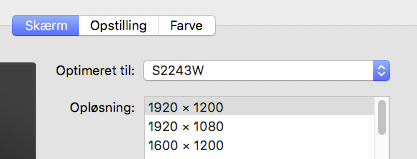
          Its non-retina:

          0_1648626396323_591843a9-3f85-4ea9-819f-9aa66ba4ebb5-billede.png

          1 Reply Last reply Reply Quote 1
          • First post
            Last post