Pattern Brush Questions
-
I was trying to understand how to use the pattern brush better and felt like there was not enough explained in the documentation.
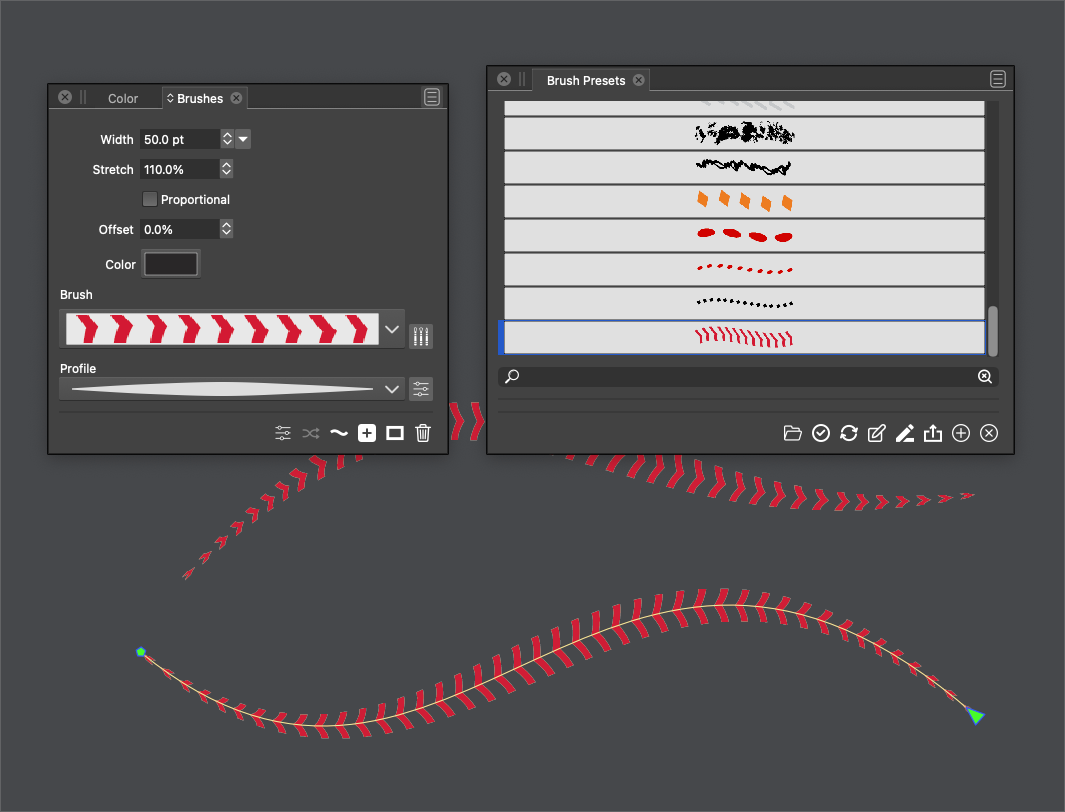
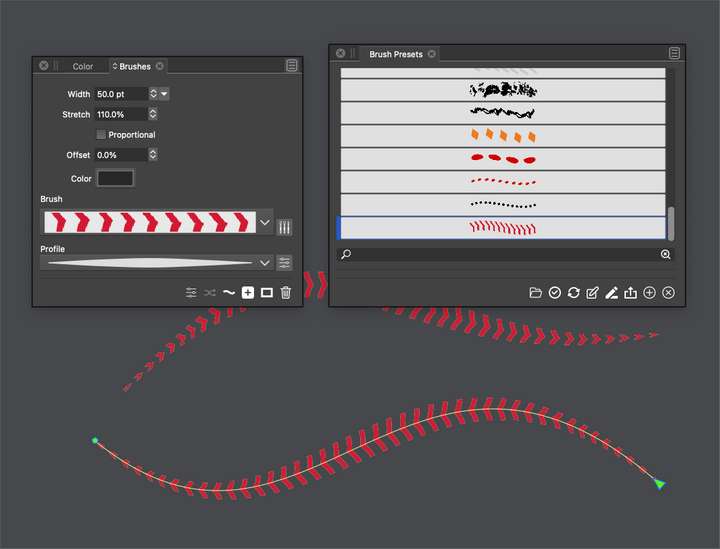
I was unable to get the selected stroke in the document to update in real time based on the edits made in the brush presets panel. I noticed I could see immediate changes to the preview in the brushes panel however.
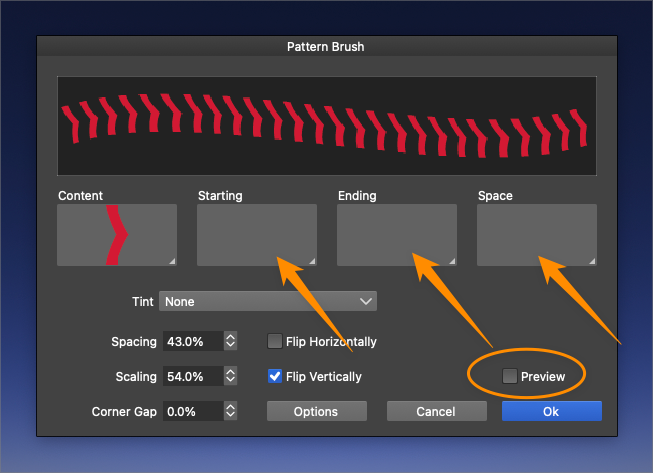
Also, how do I add other sections to the pattern brush? When I click on the box for "starting", "ending" and "space" I don't see any obvious way to add vector shapes. There's also a "preview" button that does not appear to do anything when clicked - as I wrote above, there does not seem to be any way to preview things edited in the pattern brush editor currently.
🍎 macOS Tahoe 26.2, Mac mini (M1, 2020), Chip Apple M1, Memory 16 GB
Cintiq 27QHD Display and LG Ultra HD Display -
@Boldline About Styles / Presets first:
Automatic updating (linking) works with brush Styles only, not with brush Presets.
The general idea: for most attributes VS provides the ability to create Styles and / or Presets.Presets are always copied when applied, and editing a presets will not update it on the objects: Presets and the object attribute (in this case brush) are not linked. Because of this Presets can also be stored outside of the document.
Typically, Presets are listed in panels with a "Presets" in their titleWhen Styles are applied on an object, instead of "copying" the style, a "link" is created from the object to the style. When the Style is changed, all objects using that style are updated automatically. Because of this "linking", styles can only be stored in the document (but they can be imported / exported).
If you look in the Brushes panel menu, there are separate "Create ... Style" and "Create ... Preset" menus. In this case, you need to create a Style.
If the brush Preset already exists, it can be saved as a Style, by drag&drop from the "Brush Presets" panel to the "Brush Styles" panel (remember: styles are available only inside the document they were created in).Also: when changing the style, in some cases the document may need to be refreshed (Command+R).
-
@Boldline About content selection: these drop boxes (Starting, Ending ..) contain objects / symbols that were previously saved as a Symbol (preset or style), or (named) objects marked with the "Pattern Brush Content" role (roles are set in Object Options).
So if no symbols or objects with the suitable roles exist, these lists will be empty.
-
@VectorStyler, replied faster than me

but maybe this post is still helpful.Thanks to your question, I understand the Pattern Brush a little better now
As far as I understood, you have to give a Shape a Role as
"Pattern Brush Content" first.Select your shape and go to "Object" -> "Object Role" ->
"More Roles" and select "Pattern Brush Content".Then you can select these shapes in the Start and End fields.
Btw. Symbols would also work.
.
.
But I don't know how to use the "Space" Field properly.
Edit:
Vectorstyler answered this Question in a post below -
May you describe me how to use that "Space" field correctly?
Also with a Shape, with a "Pattern Brush Content" Role ?
Or just "space" ? Seems a bit confusing to me. -
@Subpath said in Pattern Brush Questions:
May you describe me how to use that "Space" field correctly?
The content selected in "Space" is used when "Spacing" (just below Tint) is set to some larger than 0 value.
Also: the Symbol role should also work for adding an object to the list.
-
@VectorStyler
Thank youI know already that Symbol would also work to create a Pattern Brush.
But forgot to mention it in my Post above.

