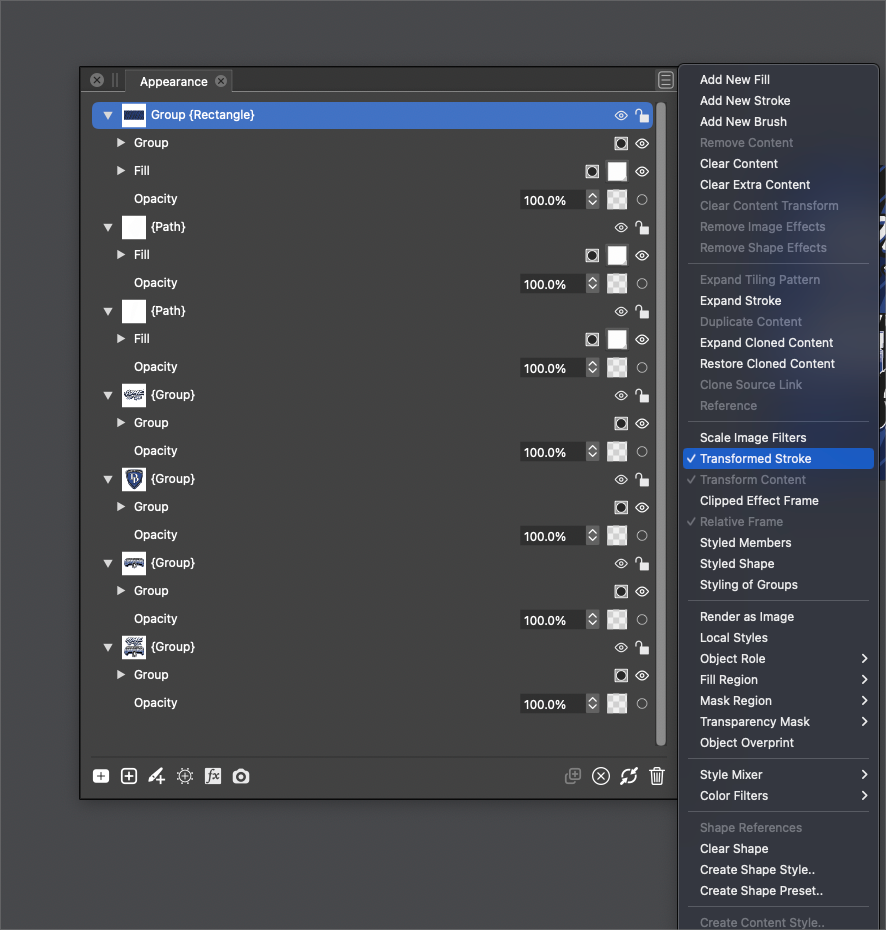
Can Scaling stokes and effects be on by default? Can we make it easier to switch all child sublayers by editing the setting at the parent level?
-
@Dazmondo When creating new documents, enable the "Transformed Stroke" option in the Document Setup -> General view.
-
@Dazmondo When creating new documents, enable the "Transformed Stroke" option in the Document Setup -> General view.
Doesn't work for me - the strokes only scale when grouped ????? or if scale image filters is ticked
-
@VectorStyler It looks like it doesn't work for parametric shapes (smart shapes). Easily fixable, I guess.
@Dazmondo Convert them to curves and this works as expected. -
@b77 said in Can Scaling stokes and effects be on by default? Can we make it easier to switch all child sublayers by editing the setting at the parent level?:
@VectorStyler It looks like it doesn't work for parametric shapes (smart shapes). Easily fixable, I guess.
@Dazmondo Yes, a few parametric shapes are not "scaled" (rectangle, ellipse).
An other way to go around this is to disable the Direct Shape Transformation option in Preferences -> Editing Options 2 (bottom-right corner). -
@Dazmondo Yes, a few parametric shapes are not "scaled" (rectangle, ellipse).
An other way to go around this is to disable the Direct Shape Transformation option in Preferences -> Editing Options 2 (bottom-right corner).Done and working ----



