Troubles with divide / remove overlaps
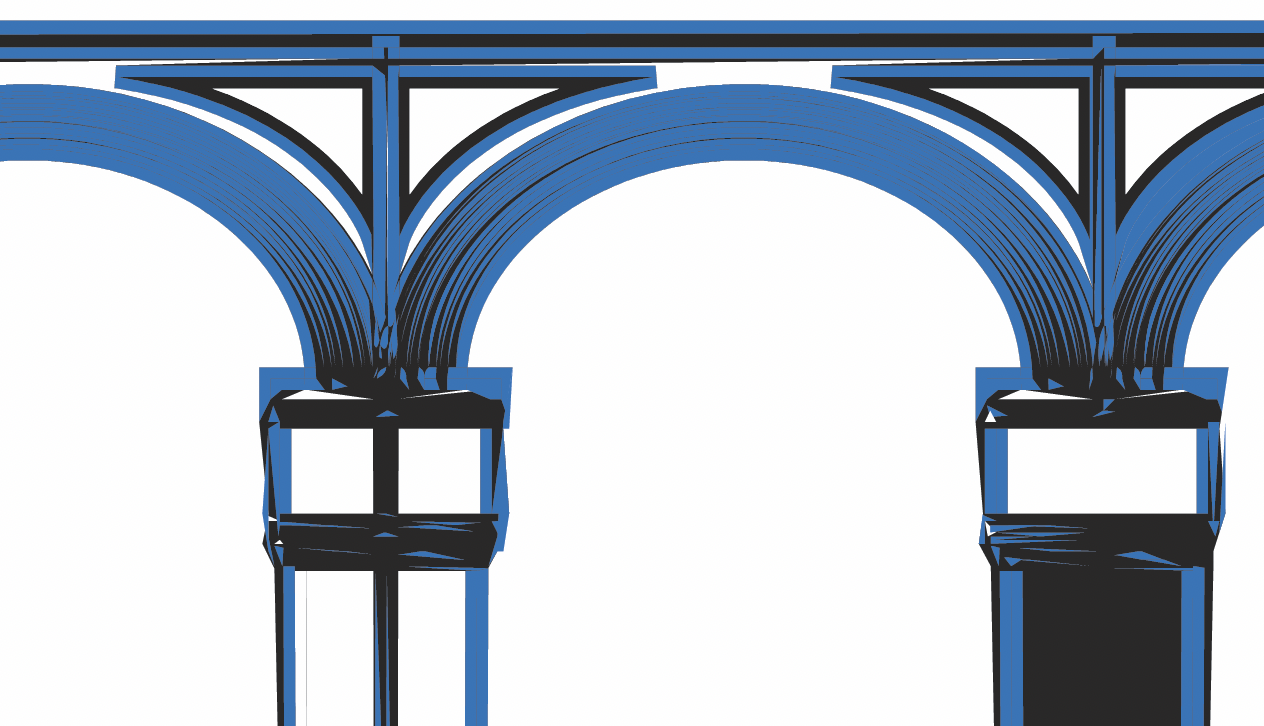
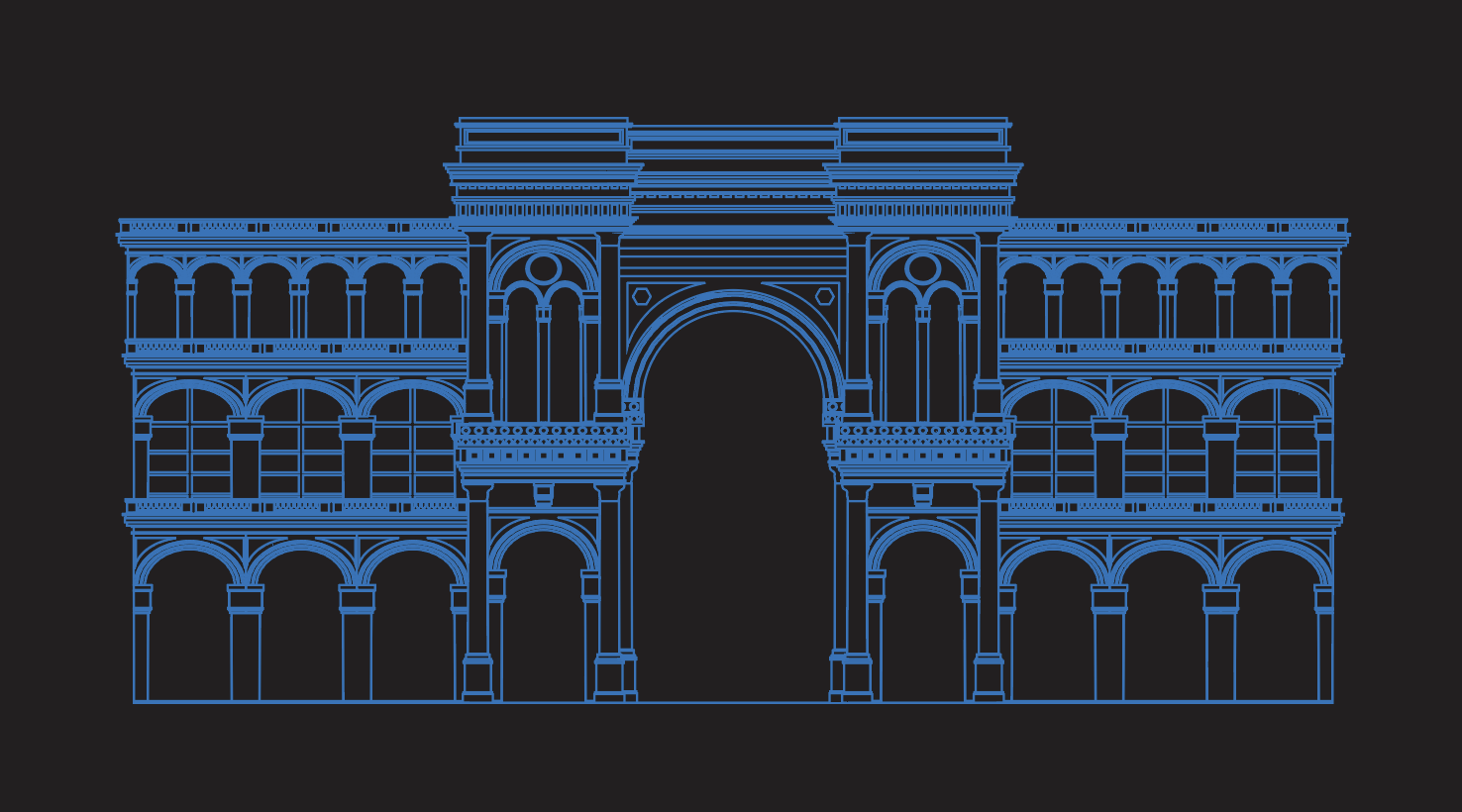
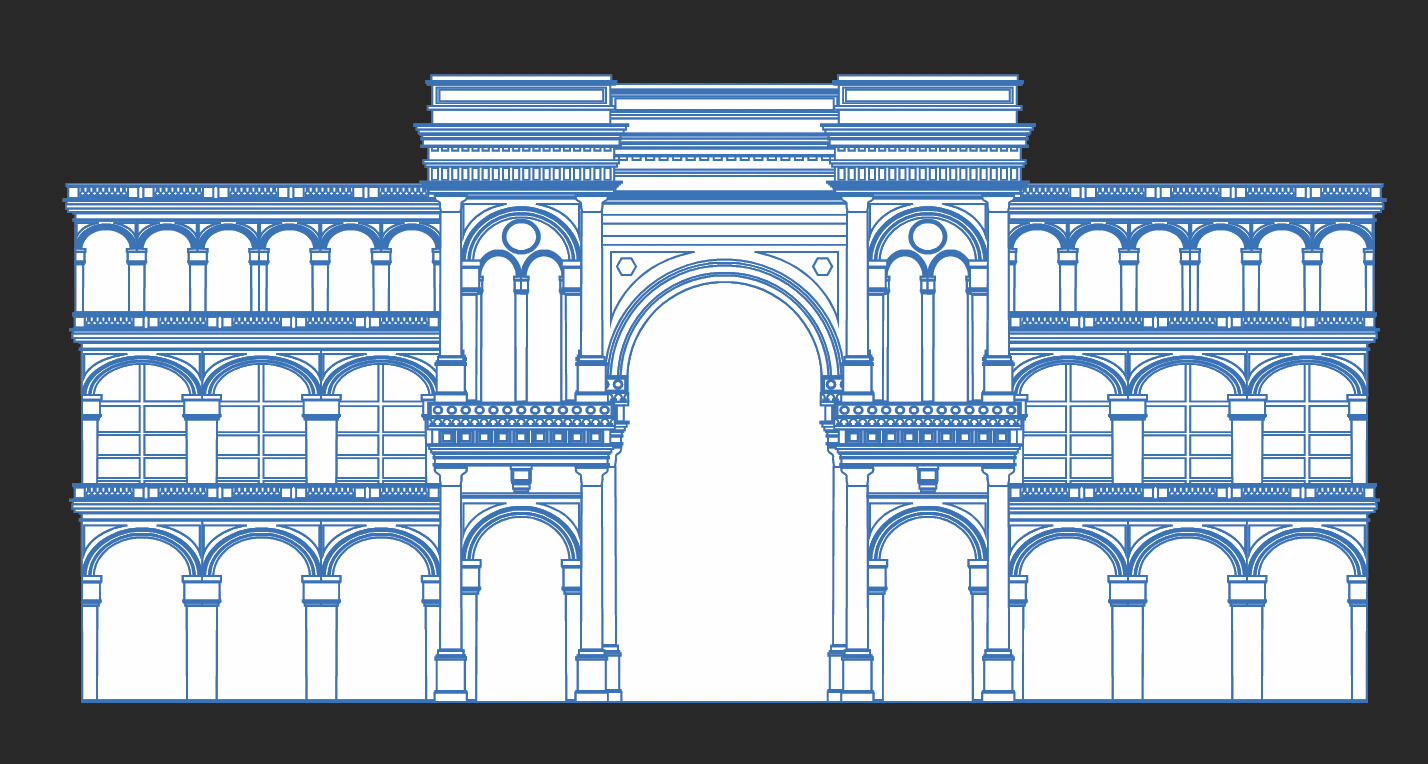
-
Another topic about this complex building illustration:
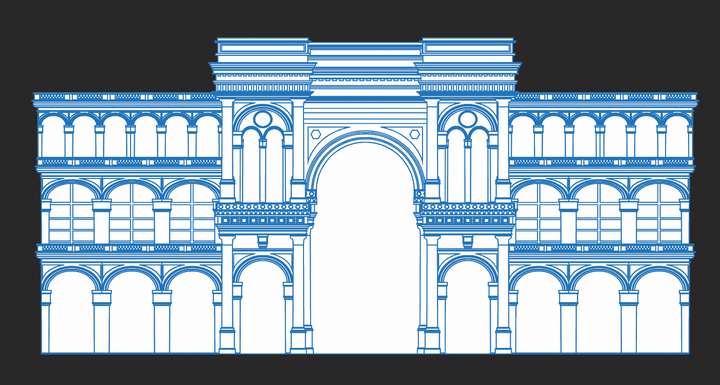
In Vectorstyler, how can remove everything that is currently white? Basically I want it to look like this:
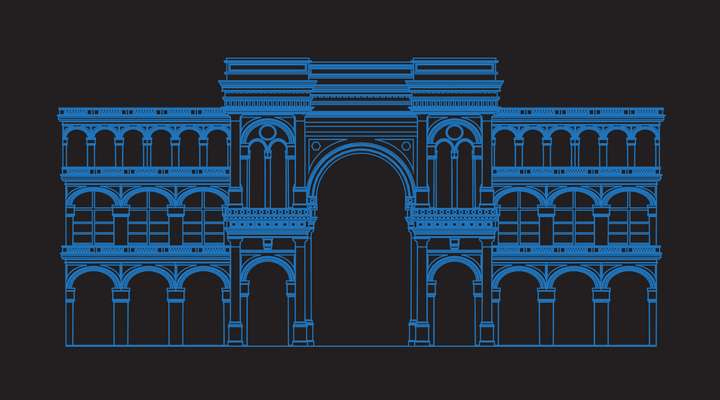
Since there are lots of overlapping shapes there, I can't just delete everything filled with white. In Illustrator I select the whole group, use the Divide operation, then I select all shapes filled with white and delete them. I tried this in VS and the result looked weird.
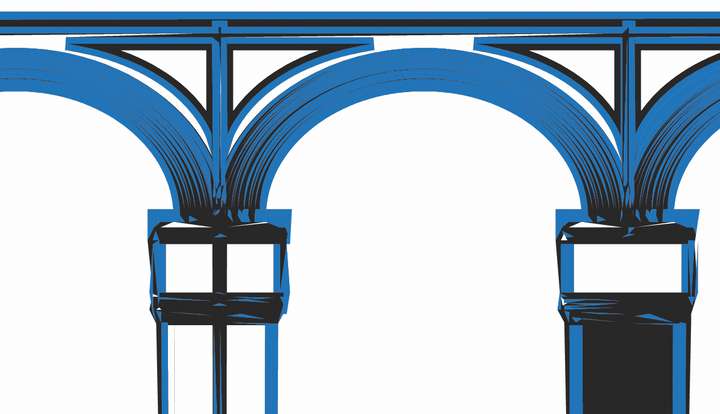
Is there another operation better suited for this purpose than Divide?
-
@tudor You can draw a white object and use Select by Style > Fill Content from the Select menu to select all white objects and delete them.
("Draw a white object" because in this case it's a bit difficult to select an existing white object, as I would normally do).
-
@b77 I can't simply select all white shapes and delete them, because there's lots of overlapping there. There are blue shapes, or portions of blue shapes, that are currently below other shapes, therefore not visible. Those also must be deleted.
Ideally I need something like the magic wand in Photoshop that selects all that's blue and visible, and converts it into a vector graphic, discarding everything else.
(Once upon a time, the Flash authoring application had this weird way of automatically merging any adjacent, ungrouped vector shapes of the same color into one shape. That would work well for me in this case. I might download Adobe Animate just to try it...)
-
@tudor There seems to be an issue with divide, some of the small shapes confuse the app.
I will try to figure out how to fix this. -
I dont know Select by Style seems to work
but you need to fix some parts. Seems better than nothing.I used select by Style "Fill contend" and i dont delete
any shape. I just removed the white Fill.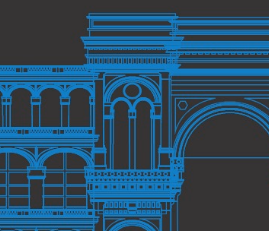
.
.
Btw
If you dont need it transparent you could fill it with
the darker color -
@Subpath said in Troubles with divide / remove overlaps:
I dont know Select by Style seems to work
Yes, in this particular case it's close to what I'm looking for, but I have other building illustrations where the hidden shapes become really obvious when I delete the white ones. This is the whole thing:
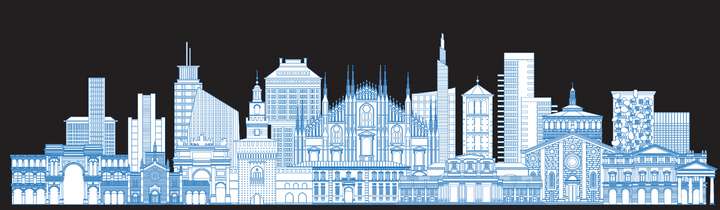
Ideally I'd like to make transparent everything that's white in that illustration, but no software I tried was able to perform a divide operation on that whole thing at once. Or I didn't wait long enough for the operation to finish. (There are 52145 shapes and 244442 points in that illustration.) I think rasterizing and tracing is the easiest way to do this.
-
WOW, thats a illustration, respect
understand it now -
@tudor said in Troubles with divide / remove overlaps:
@b77 I can't simply select all white shapes and delete them, because there's lots of overlapping there. There are blue shapes, or portions of blue shapes, that are currently below other shapes, therefore not visible. Those also must be deleted.
Typical half-baked export module from CAD app (exploded shapes…)
Anyway, if you don't want the white parts deleted, select them by the Fill attribute (white) and send them to the back of all the blue shapes/lines with Cmd-Option-DownArrow, then group them or use Union.
(If I misunderstood this, never mind).

Ideally I need something like the magic wand in Photoshop that selects all that's blue and visible, and converts it into a vector graphic, discarding everything else.
(Once upon a time, the Flash authoring application had this weird way of automatically merging any adjacent, ungrouped vector shapes of the same color into one shape. That would work well for me in this case. I might download Adobe Animate just to try it...)
How should such a tool work best with the many attributes VS lets you select by?
You would press the button or shortcut and the app pops a 'Select by' submenu before you click? -
@tudor said in Troubles with divide / remove overlaps:
Once upon a time, the Flash authoring application had this weird way of automatically merging any adjacent, ungrouped vector shapes of the same color into one shape. That would work well for me in this case. I might download Adobe Animate just to try it...
OMG, the Adobe Animate trick with the self-merging vector shapes works as well as it did back in the old Flash days!! I'll post later some more information.
-
seems good news


