Add pull out control handle to Rotate tool and potentially the transform tool as well
-
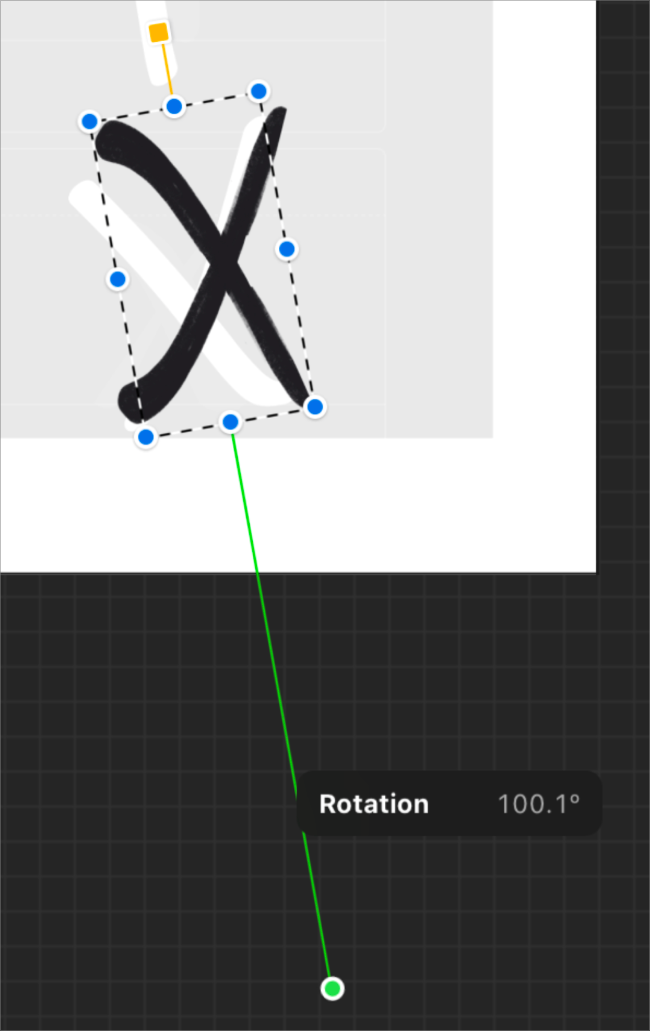
I would like to see an option to add the same kind of pull out handle found already in the reflect tool to be added to the rotate tool and potentially also to the transform tool as well. I first noticed this option in procreate on the ipad. I was able to pull the handle out and the longer the length, the more precise control was available in the rotation. I could see this being a huge boon to the rotate tool and potentially the transform tool.
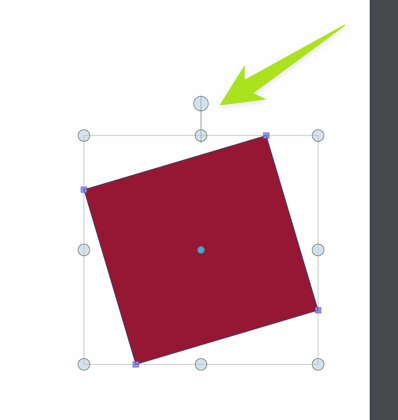
Here is a video of me pulling the existing handle with the reflection tool. If it were added to the rotate tool, it would not flip anything, just rotate onlyThe handle option is similar to what is in procreate and pulling the handle here is what lengthens and allows for more precise rotation control. I'm not sure how it would be done with the standard corner rotate option
🍎 macOS Tahoe 26.2, Mac mini (M1, 2020), Chip Apple M1, Memory 16 GB
Cintiq 27QHD Display and LG Ultra HD Display -
Kebu approves!

-
@Boldline Would this be basically a line (indicator) from the pivot to the cursor position, to indicate the rotation angle?
-
The handle itself could be pulled out as long as you wanted and would give more detailed precise control over how fast the rotation occurred. The shorter the handle, the less precision and control over the rotation. the longer the handle is pulled out, the more precise and minute edits can be achieved.
Here is a screenshot of the feature found in procreate on the ipad. the green handle pulls out and controls the precision of the rotation of the actual selected object. the yellow handle on the opposite side rotates the bounding box itself around the object. This would also be an awesome addition to VS