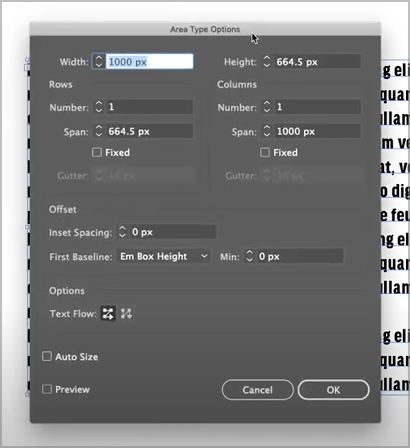
Option to switch from text shape to text frame
-
I saw this cool feature in an Instagram post but having trouble finding it again. There was a little tab at the end of the text shape that if you resized the box, it would convert to a text frame instead.
-
@Boldline There is a menu command in VS to change between shape / frame text.
But adding a "floating" knob for this I think would be too much, as it is rarely needed. -
@VectorStyler Thanks for pointing out where it already existed in VS as a menu option/shortcut. I assume that is the "convert to frame" option? Knowing the shortcut to do this is probably a better option than adding it as a handle on the text frame. I agree it's not something commonly used too often.
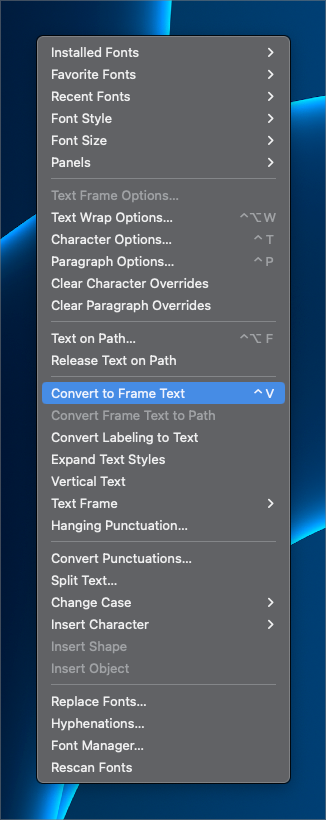
I did notice when trying it out, that it shrunk the text box down considerably when used. Is there something I would need to do to keep the text the same size when switching to area type?
This is a different video I found that relates to it. He approaches it from the other way - creating area type and then wanting to control it as text shape and switching between them.
I was intrigued by the "area text panel" in illustrator in the video I linked. Seems to allow for control of spacing between lines of text, etc while maintaining it within an area text selection. I also know there's a high chance this already exists in VS and I just didn't see it yet lol