release candidate 1
-
Still in beta mode, but lets start counting release candidates.
VectorStyler 1.0.013 RC1 release notes
- Fixed: regression in mesh creation.
- Fixed: alignment panel should work on selected path nodes also.
- Fixed: glyph width in sole COLR OTF fonts was wrong.
- Fixed: crash when arranging blended objects in the layers panel.
- Fixed: better resolution for the windows / task icon.
- Fixed: disable direction matching shape blending by default.
- Fixed: spacing after first glyph in text on path.
- Fixed: wrong font style variations in some OTF fonts.
- Fixed: backgrounds in extra dark theme.
- Fixed: adjustable outline width in Display Options for wire frame preview mode.
- Fixed: holding Shift in Pen tool should not start new shape.
- Fixed: select last node in Pen tool after completing a segment.
- Fixed: do not register the delete undo if could not delete.
- Fixed: paragraph options labeling section was disabled for no reason.
- Fixed: creating new style without selecting the style type.
- Fixed: some font families could not be removed from font groups.
- Fixed: three point circle tool created two circles.
- Fixed: palette bar content scrolling was too fast and direction was wrong.
- Fixed: pinch zoom should be centered around zoom.
- Fixed: changing line with smooth ending to curve segment resulted in cusp ending.
- Fixed: moving from node tool to pointer tool with nodes selected shows wrong box if shape has corners.
-
This is rarely how release candidates look:

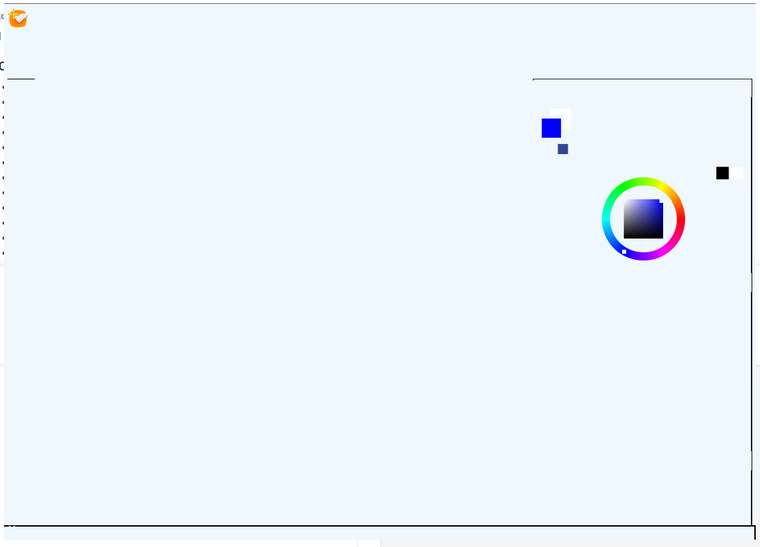
-
I'm on mac and this release candidate version looks fine on my end
-
This is the windows port.
🍏 macOS Sequoia Apple Silicon
-
@Ingolf In the c:\Users<username>\ folder, delete the NumericPath folder (contains VectorStyler settings).
This will clear all previous options.
What was the last theme used? -
@Ingolf Seems that one of the Light themes is broken on windows.
-
@Ingolf The two new themes were not included in Windows for some reason.
Please uninstall the current VS and install again from the new msi. -
That did the trick, thank you.


