VectorStyler
    • Categories
    • Unread
    • Recent
    • Tags
    • Popular
    • Register
    • Login

    How to turn off default grid on new projects
    Scheduled Pinned Locked Moved Questions and Support
    2 Posts 2 Posters 2.8k Views 1 Watching
    Loading More Posts
    • Oldest to Newest
    • Newest to Oldest
    • Most Votes
    Reply
    • Reply as topic
    Log in to reply
    This topic has been deleted. Only users with topic management privileges can see it.
    • BoldlineB Offline
      Boldline
      last edited by

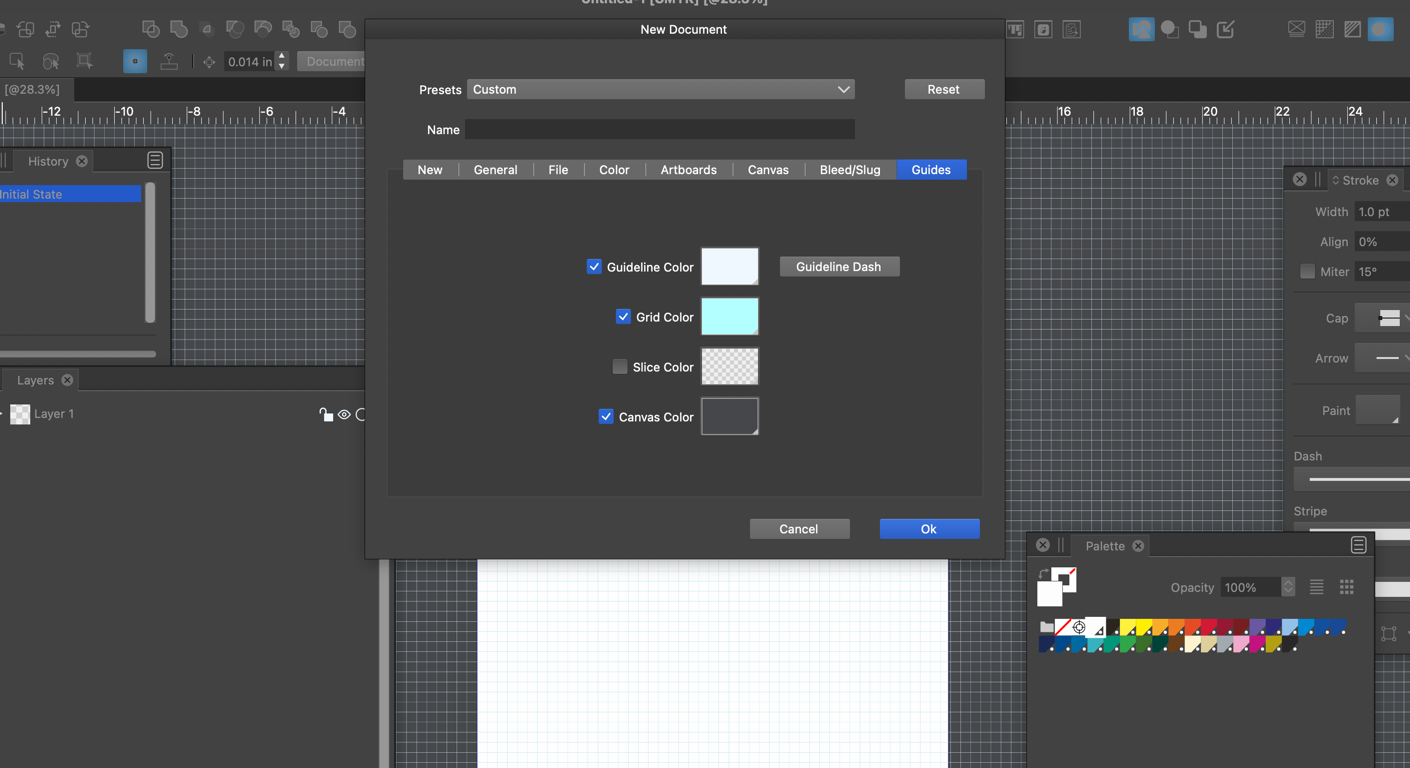
      When I start a new document, the grid is on by default. I don't know where specifically in the file setup I need to go to turn it off by default again. I am not sure what I did that changed my default settings to turn the grid on. I go into the "new document settings" and can turn off the grid color and such, but that does not stop the grid from being active the next time I create a document. Is there another setting somewhere I am missing? thanks
      0_1676299603696_0a41cda1-9609-4112-b57e-1370e7c71fc2-CleanShot 2023-02-13 at 09.44.02.png

      🍎 macOS Tahoe 26.2, Mac mini (M1, 2020), Chip Apple M1, Memory 16 GB
      Cintiq 27QHD Display and LG Ultra HD Display

      VectorStylerV 1 Reply Last reply Reply Quote 0
      • VectorStylerV Offline
        VectorStyler @Boldline
        last edited by

        @Boldline That document settings changes the grid color only.

        Currently, the grid visibility is not persistent to the next new document, but it has been in the past.

        Which means, that a visible Grid mode is stored in the settings.xml files and it is always on.
        The only way to turn it off for default is to start with the new settings file (or remove from an existing one, but there is no UI for that).


        1 Reply Last reply Reply Quote 0
        • First post
          Last post