Why vertical guideline grids are not showing?
-
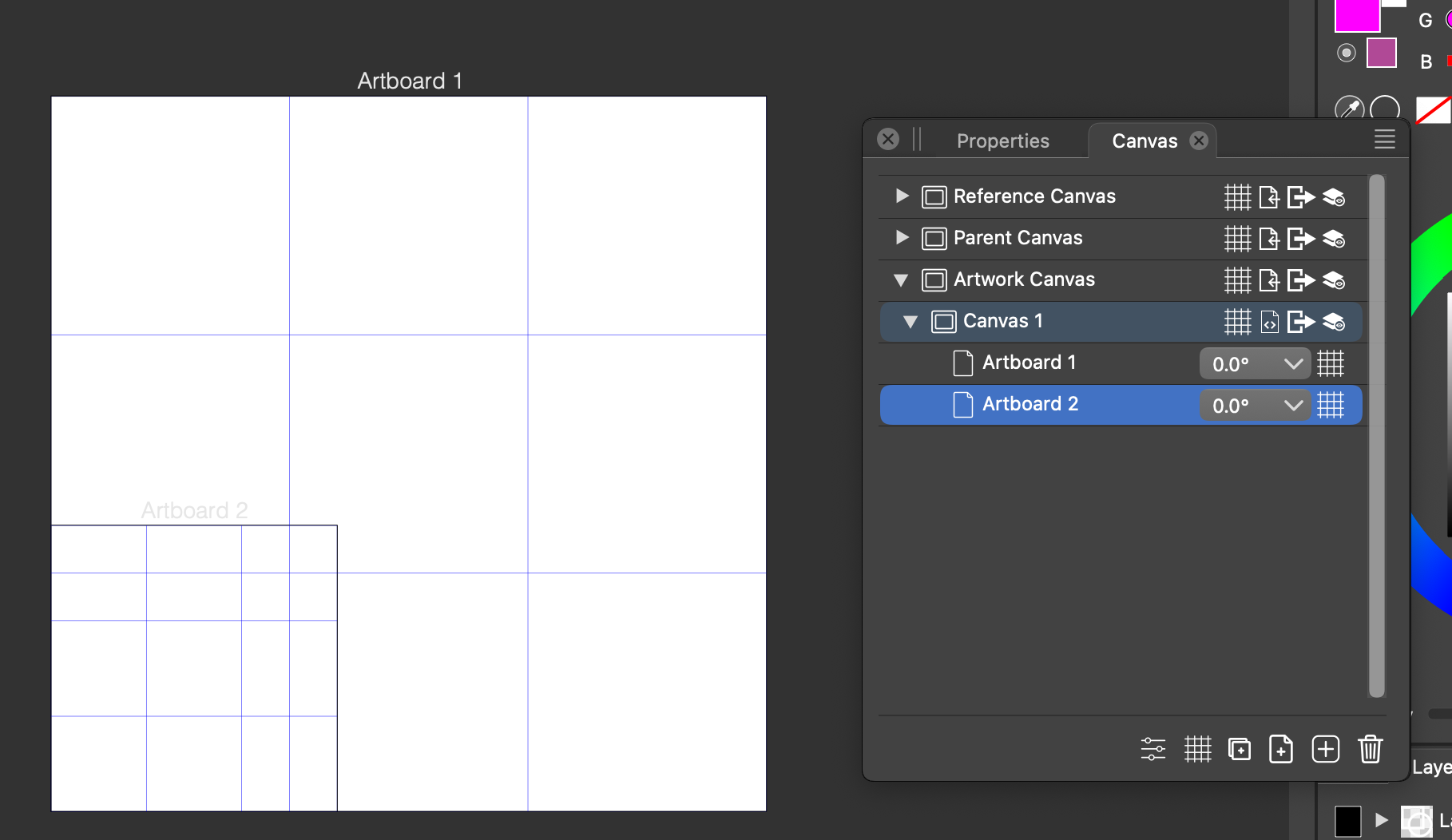
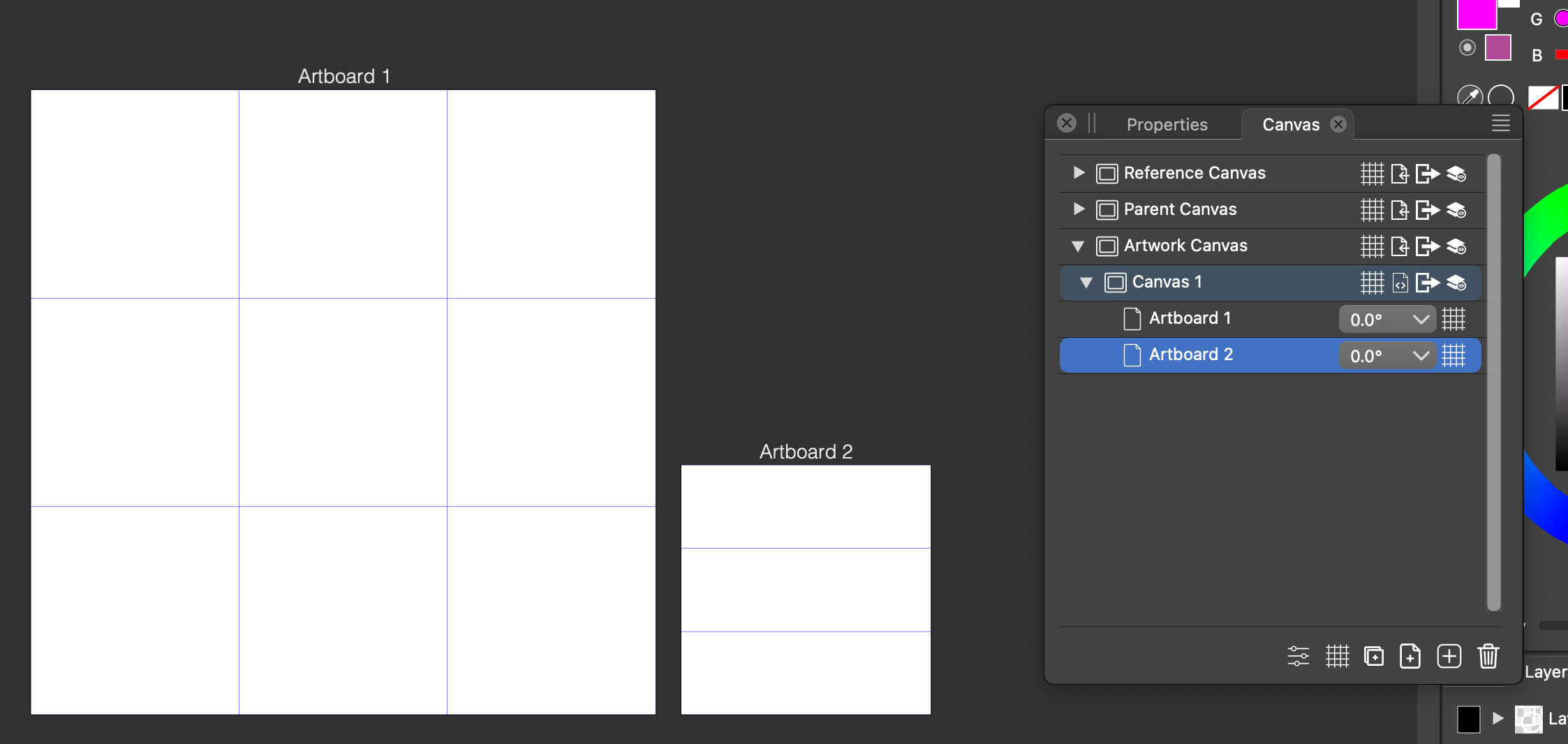
Could anyone revel the secret why the vertical guideline grids are not showing up in the small artboard?
I have 2 artboards. "Artboard 1" is 250x250 and "Artboard 2" is 100x100. I have enabled a 3x3 Guideline Grid in the Artboard Options > Guidelines section for both artboards.
The first artboard (Artboard 1) is corretcly displays the 3x3 guideline grids but the small one only shows the horizontal ones.
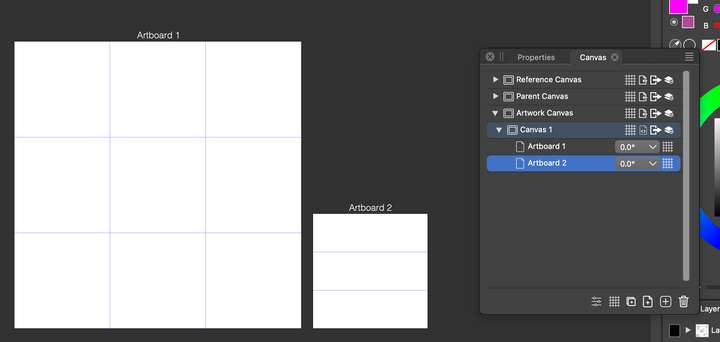
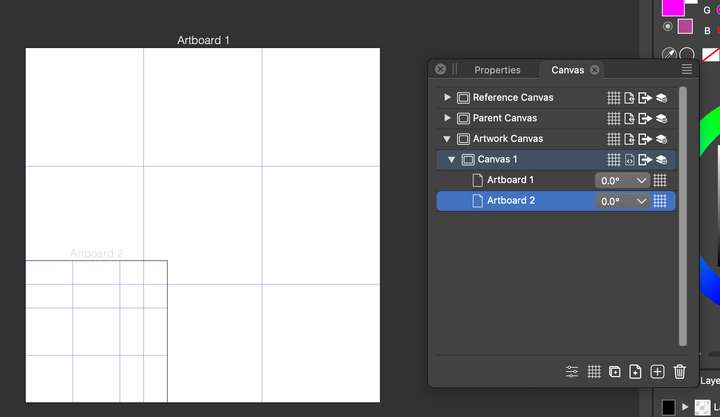
However, when I reposition the small artboard to 0,0 (so it overlaps the big artboard) the vertical guidelines show up as well. For the life of me I cannot figure out why the vertical guidelines are not showing if I move the small artboard next to the big one. Thanks!
-
...just in case, I attach the file here.
MacBook Pro 13" early 2015 8G | Intel Iris Graphics 6100 1536 MB | macOS Monterey 12.7.6
-
It seems like the guide grids are not artboard specific. They start at the top/left at the big artboard (for some reason) instead of starting at the local coordinates of the selected artboard. Haven't found a way to remedy this so far...
-
@pentool I tried to replicate this with the attached document, but when moving the smaller arboard back to the origin (bottom-left corner of the larger artboard) it still had only two guidelines.
But all the guides are there, for some reason they are outside of the artboard.
One thing to do is to go to the smaller page using the PageDown key, open the Panels -> Editing -> Guidelines panel, in the top of the panel, select Artboard Guidelines from the drop down, now the guidelines associated with the current artboard are shown.
Edit those coordinates, relative to the artboard origin. -
I think the reason you only saw still 2 guidelines on Artboard 2 because you moved it using the Artboard Editor Tool.
Try this:
- Open the "Canvas & Artboard" Panel
- Select "Artboard 2"
- Click the icon at the bottom of the panel "Edit the selected canvas or artboard attributes" (that's the first icon on the left). This will open the Artboard Options dialog.
- In the Artboard Options dialog select the Place tab.
- For the "Horizontal" value, enter zero (0).
Now you should see the 3 grids when Artboard 2 is over Artboard 1. Repeat the steps by changing the "Horizontal" value to, like, 260, so Artboard 2 will be on the right of Artboard 1 and the vertical guides will disappear.
-
@pentool said in Why vertical guideline grids are not showing?:
I think the reason you only saw still 2 guidelines on Artboard 2 because you moved it using the Artboard Editor Tool.
Yes, that is the case. When changing the artboard position like that, the guidelines are not moved.
I added this to the backlog as a bug.
