VectorStyler
    • Categories
    • Unread
    • Recent
    • Tags
    • Popular
    • Register
    • Login

    Bloom effect – again a bug?


    Scheduled Pinned Locked Moved Questions and Support
    12 Posts 3 Posters 9.9k Views 3 Watching
    Loading More Posts
    • Oldest to Newest
    • Newest to Oldest
    • Most Votes
    Reply
    • Reply as topic
    Log in to reply
    This topic has been deleted. Only users with topic management privileges can see it.
    • B Offline
      Buntstift
      last edited by

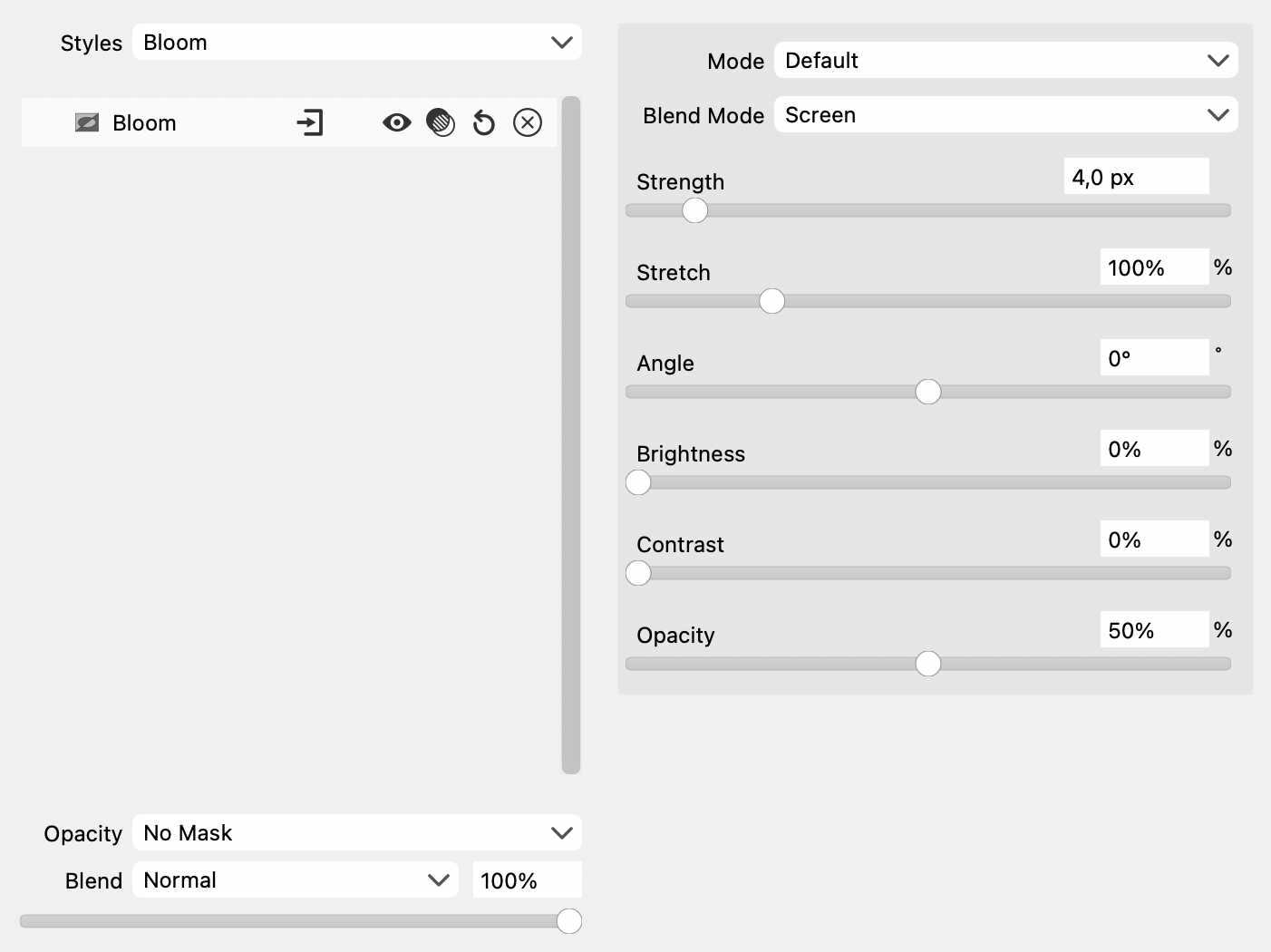
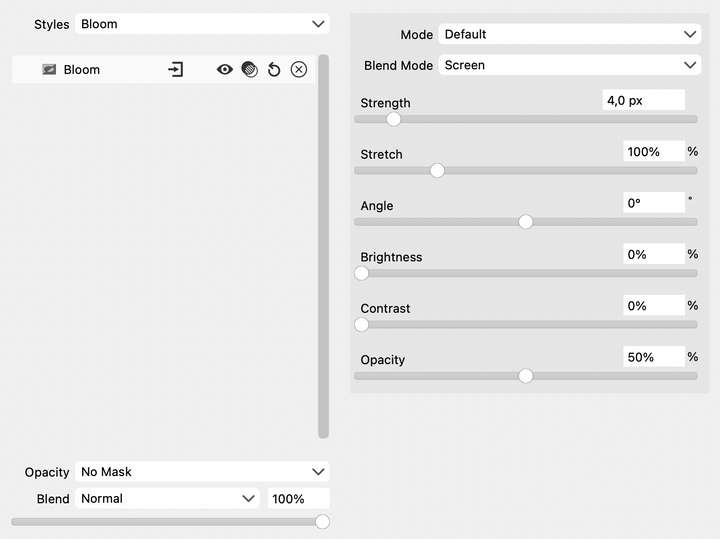
      Effect, Bug!? This time: the Bloom effect >

      0_1694201904784_BloomEffect.png

      0_1694201921850_BloomEffect_b.png

      Export to png :
      0_1694201927262_Bloom_Effect_after export_png.png

      0_1694201951653_Bloom_Effect_after export_png.png

      And again something that should not happen (I didn't even try the export as jpeg)
      What to tell potential clients: should look like on screen, but you have to wait until the software provider has solved the problem?
      Let's not talk about the stepped representation of the edges.
      I will always support you because I find your project to create an alternative to Adobe Illustrator highly useful and honourable.
      But a programme has to work in such a way that such mistakes don't happen.
      Solution: Subscribe to Adobe Illustrator - and always keep an eye on the development of VectorStyler.
      But maybe I'm doing it all wrong.

      b77B 1 Reply Last reply Reply Quote 0
      • b77B Offline
        b77 @Buntstift
        last edited by b77

        @Buntstift I tried to replicate the issue here by assigning Bloom to
        the object then only to the Fill of the object, but everything looks
        and exports all right.

        Can you upload the .vstyler file with this issue?

        MacBook Pro (Intel) running Monterey 12.6.4

        1 Reply Last reply Reply Quote 0
        • B Offline
          Buntstift
          last edited by

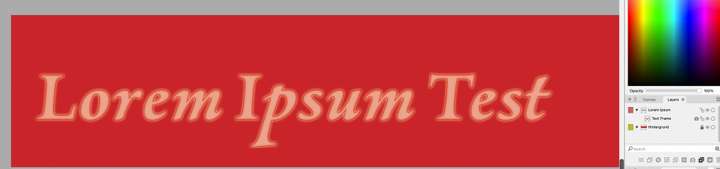
          I could not use the original file because of the client. I applied the effect to another text with the same result. I attach the file here (…)
          The file is 15.8 MB, too large to be uploaded here. …
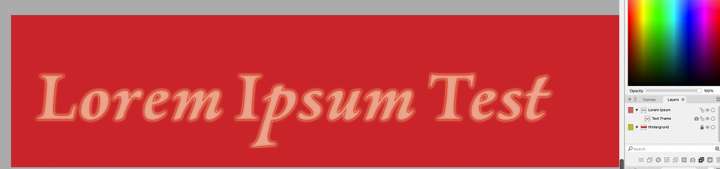
          0_1694206140098_Bildschirmfoto 2023-09-08 um 22.46.48.jpg

          Sorry, the efforts to help in all honour, but this is too complicated, too exhausting and now I'm going to call it a day.
          Thank you very much for the help.

          1 Reply Last reply Reply Quote 0
          • B Offline
            Buntstift
            last edited by

            Before export:
            0_1694206399857_06 Lorem Ipsum before export.jpg

            After export

            0_1694206431875_06 Lorem Ipsum.jpg

            b77B 1 Reply Last reply Reply Quote 0
            • b77B Offline
              b77 @Buntstift
              last edited by b77

              @Buntstift Just one question then: Is the document in RGB or CMYK color mode (File > Document Setup > Color tab)?

              Also: you could upload the test file to Dropbox.

              MacBook Pro (Intel) running Monterey 12.6.4

              1 Reply Last reply Reply Quote 0
              • B Offline
                Buntstift
                last edited by

                So: I work in CMYK mode. After I have converted the document to RGB mode, the Bloom effect disappears.
                What is the reason for the disappearance of the set effect?

                VectorStylerV 1 Reply Last reply Reply Quote 0
                • VectorStylerV Offline
                  VectorStyler @Buntstift
                  last edited by

                  @Buntstift Since the effects are applied in a non-destructive in the document color mode, changing the color mode changes the result of the effect.

                  I will try to find a solution for the bloom effect exporting.

                  1 Reply Last reply Reply Quote 0
                  • B Offline
                    Buntstift
                    last edited by

                    Does this also happen with the other effects?
                    I don't want to try them all. Or have the same problem the next time I use an effect.
                    The appearance must not change when the document/file is converted to another colour mode.

                    By the way: I have difficulties selecting the or a text frame. When I click with V/Transform Tool in or on the text, nothing happens. I then switch to line mode with Command+Y and can then select the text via the outer line of the text block.

                    VectorStylerV 2 Replies Last reply Reply Quote 0
                    • VectorStylerV Offline
                      VectorStyler @Buntstift
                      last edited by

                      @Buntstift said in Bloom effect – again a bug?:

                      Does this also happen with the other effects?

                      Depending on the effect type. If the effect acts on colors, they yes. For CMYK document it will adjust CMYK colors and in case of RGB documents, the RGB colors.

                      1 Reply Last reply Reply Quote 0
                      • VectorStylerV Offline
                        VectorStyler @Buntstift
                        last edited by

                        @Buntstift said in Bloom effect – again a bug?:

                        I have difficulties selecting the or a text frame. When I click with V/Transform Tool in or on the text, nothing happens. I then switch to line mode with Command+Y and can then select the text via the outer line of the text block.

                        Cannot replicate this.

                        1 Reply Last reply Reply Quote 0
                        • B Offline
                          Buntstift
                          last edited by

                          https://recordit.co/JJvfjgDkLA

                          VectorStylerV 1 Reply Last reply Reply Quote 0
                          • VectorStylerV Offline
                            VectorStyler @Buntstift
                            last edited by

                            @Buntstift Send me that file.

                            1 Reply Last reply Reply Quote 0
                            • First post
                              Last post