Fonts, Arrows, Bullets Cutoff in drop downs
-
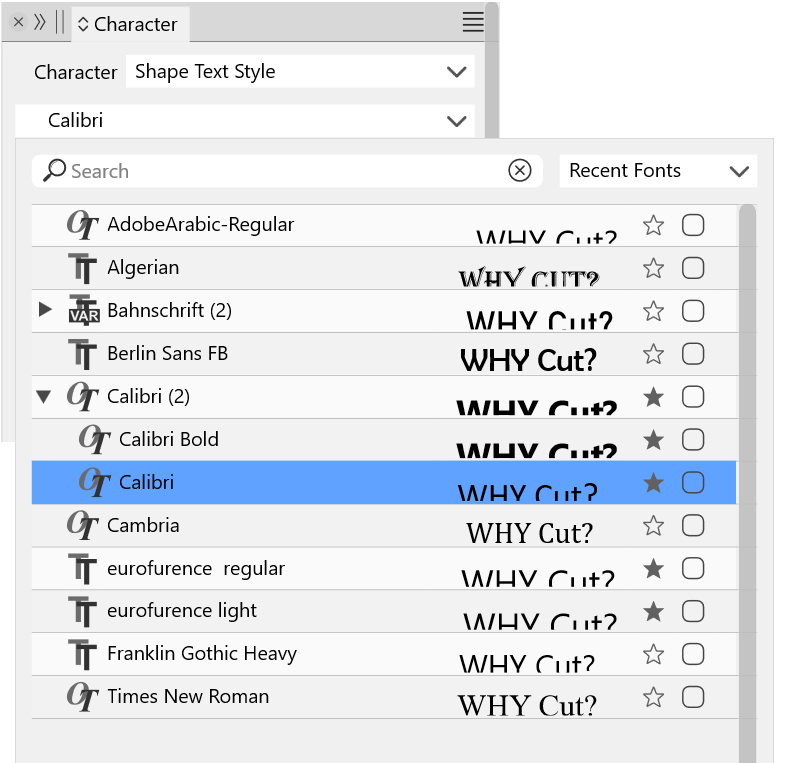
Hi, I have been experiencing these issues in various versions or VectorStyler for a few months. The only one that is consistent has been the font preview cut off.
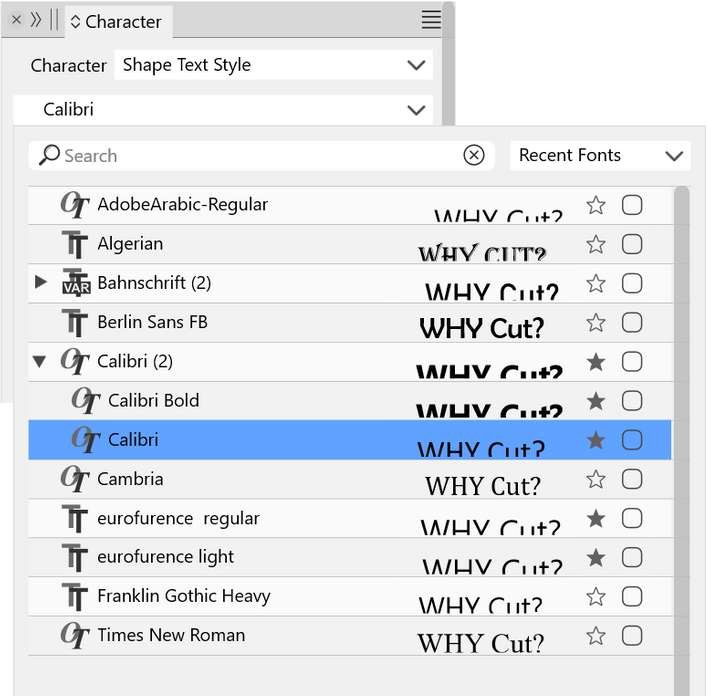
The issue, Using VS 1.2.009 Beta, on Windows 11, with a display resolution of 3840 x 2160, Scaled to 150% (Recommended), is that in the font drop-downs the preview text is always cut off.
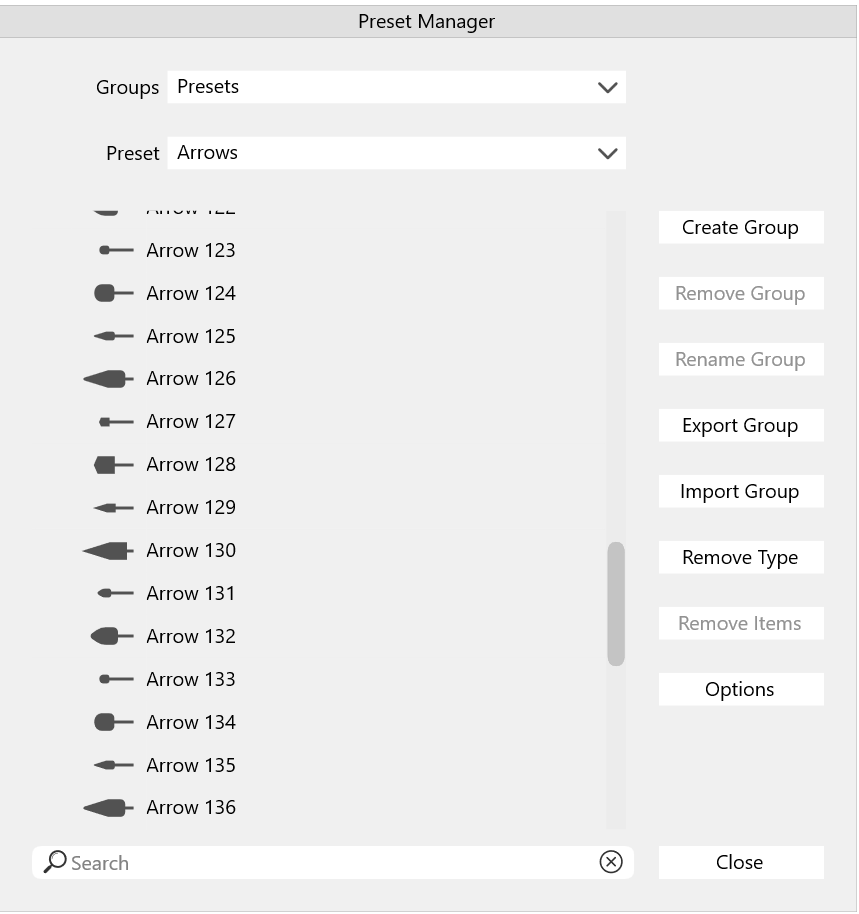
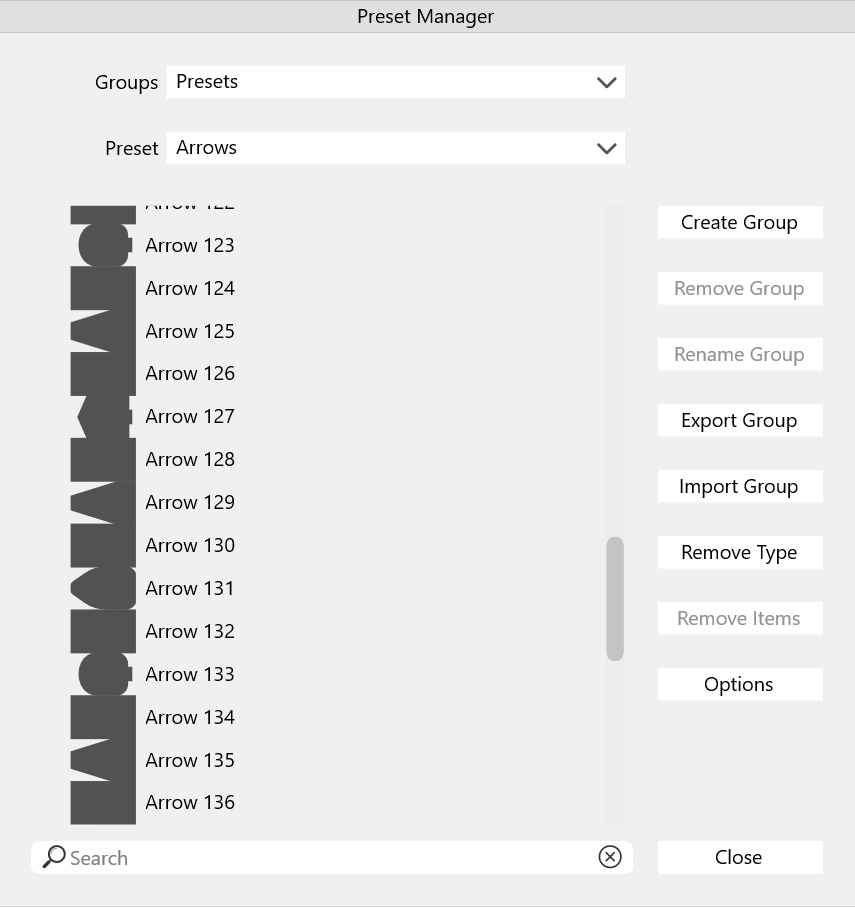
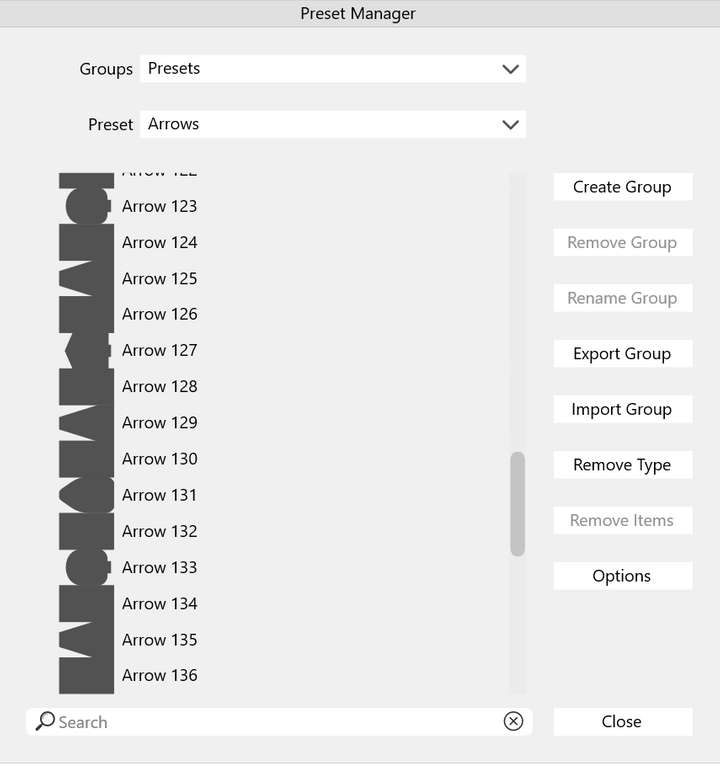
Arrow previews are sometimes cutoff:
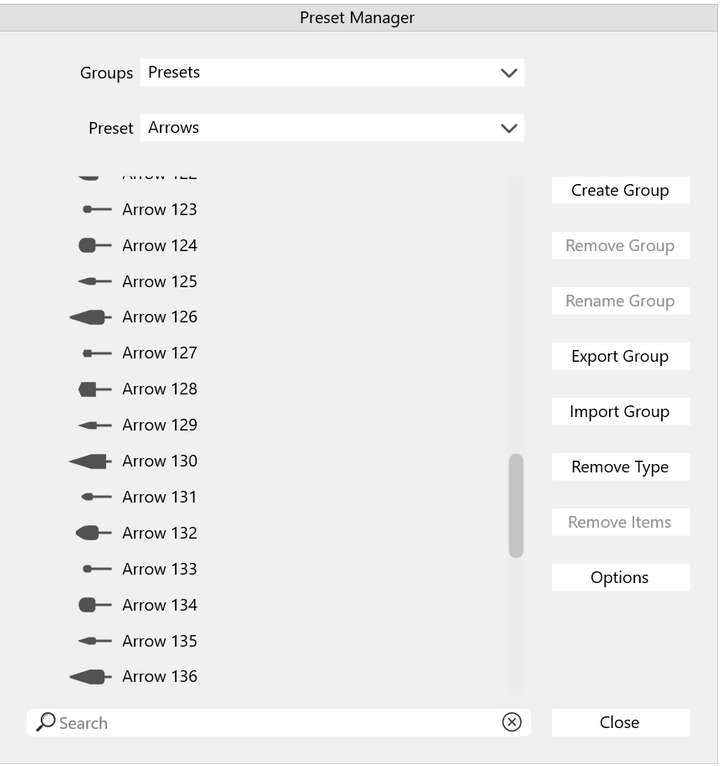
But in the same session, it corrected itself. Sorry I could not replicate this or figure out what I did when I was poking around the interface to have it correct itself:
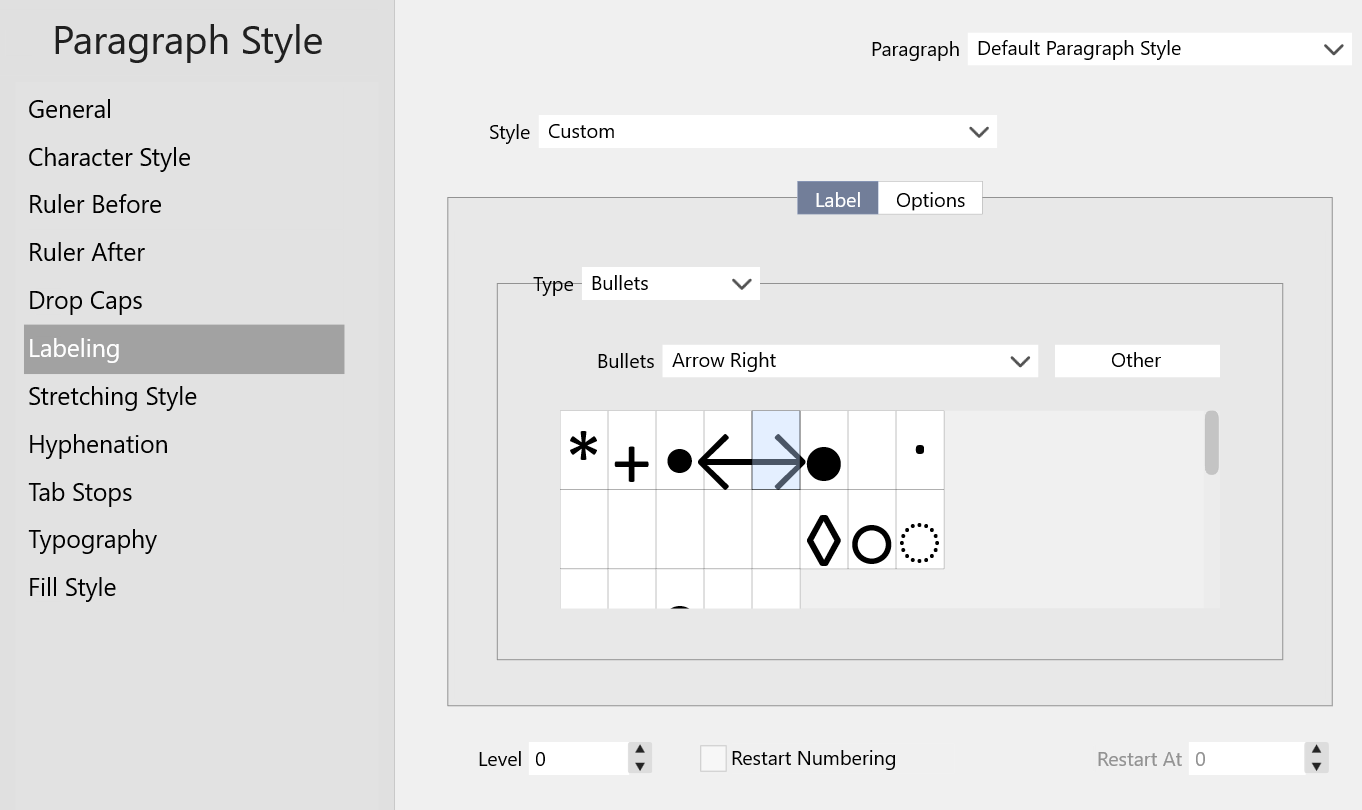
Lastly there is a similar problem with bullet previews, but instead these go beyond the preview box. In other cases the previews are simply missing:
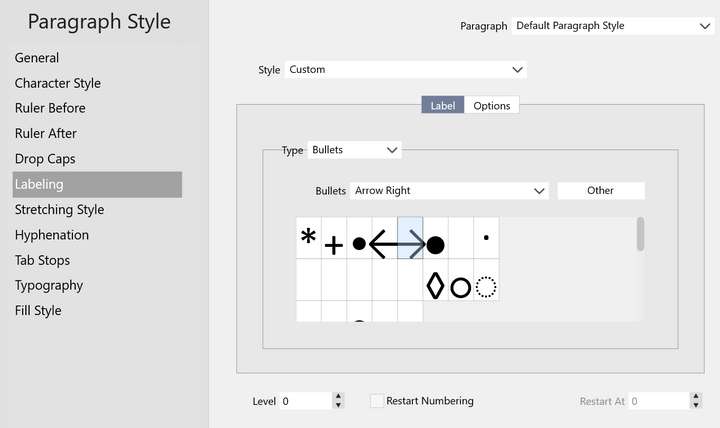
Also note that the preview boxes do not utilize the full width of the scrolling area.I grouped these as a single bug because they seem related to me. If not I can separate them into individual issues.
Brush previews and patterns previews display correctly.
I could not think of other asset previews to test. If you have any for me, let me know and I will check them.
Thanks! -
@Victor-Vector I open a bug on this one. I could not replicate the arrow preview issue, but the font preview issue has been observed before.
-
@VectorStyler
Thank you for opening a bug on the Font preview.
The Bullet preview in VS1.1.118 does not have the issue of the blank previews, but there is still the issue of the preview boxes not utilizing the full width of the scrolling area, and some of the larger bullet shapes overhanging the preview boxes (blue ticks, below). I am hoping you are able to find out what is causing this so that they are bulletproof in the future (couldn't resist the pun...)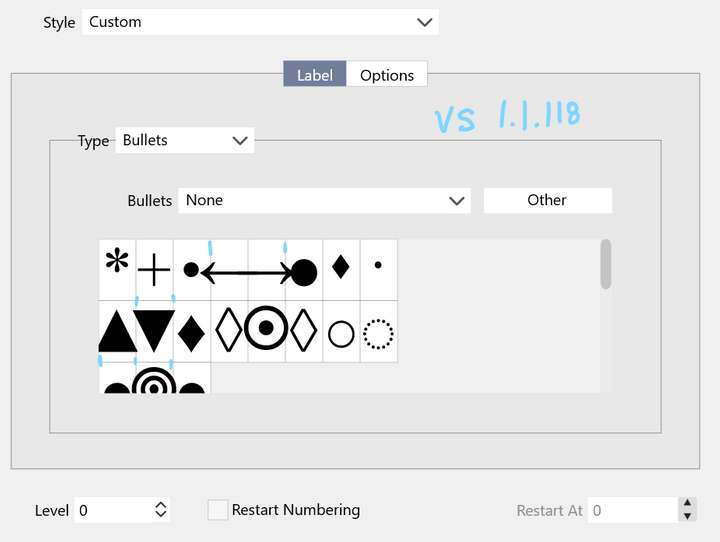
[Using Windows 11]
-
@Victor-Vector Is there a screen (display) scaling in windows?
-
@VectorStyler
Yes, in Windows 11,
Main display is 3840 x 2160, Scaled to "150% (Recommended)".
Second display is 2560 X 1440, Scaled to "100% (Recommended)".

