VectorStyler
    • Categories
    • Unread
    • Recent
    • Tags
    • Popular
    • Register
    • Login

    Could there be an option to have the node editor tool not automatically show nodes on hover?
    Scheduled Pinned Locked Moved VectorStyler 1.2 beta
    2 Posts 2 Posters 3.2k Views 1 Watching
    Loading More Posts
    • Oldest to Newest
    • Newest to Oldest
    • Most Votes
    Reply
    • Reply as topic
    Log in to reply
    This topic has been deleted. Only users with topic management privileges can see it.
    • BoldlineB Online
      Boldline
      last edited by

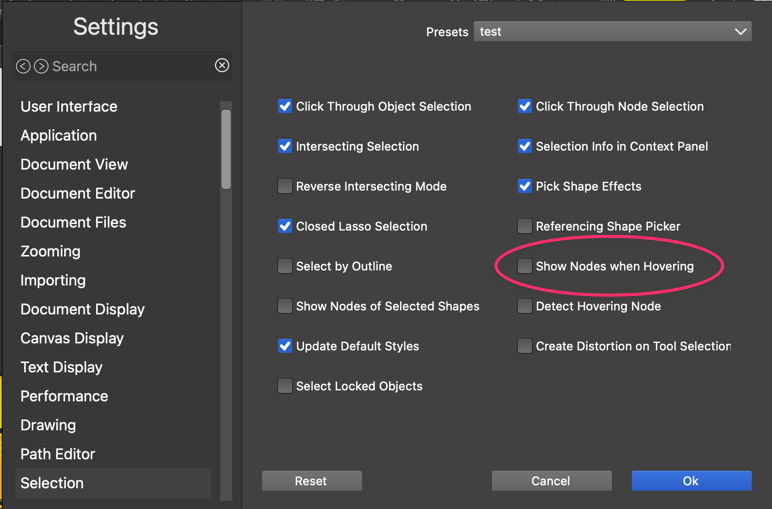
      I was doing edits on a design with the node editing tool and as I moved the cursor over the screen, the nodes of the shape I am hovering over all get highlighted. I know there is an option to turn off that feature for the transform tool, selection>show nodes when hovering
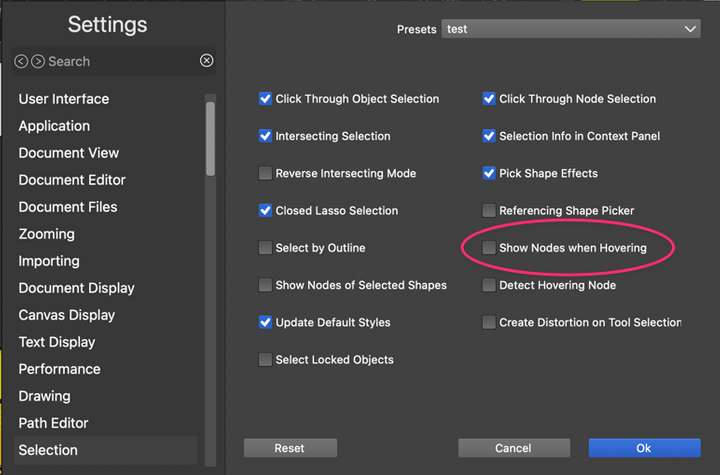
      0_1706333142154_8b71218d-5ddc-4796-95e2-b13fb7260051-CleanShot 2024-01-27 at 00.25.13.png

      Is there an option to also have the node editor tool not automatically show nodes on hover?

      🍎 macOS Tahoe 26.2, Mac mini (M1, 2020), Chip Apple M1, Memory 16 GB
      Cintiq 27QHD Display and LG Ultra HD Display

      VectorStylerV 1 Reply Last reply Reply Quote 2
      • VectorStylerV Offline
        VectorStyler @Boldline
        last edited by

        @Boldline That option is for not showing nodes when in transform mode.
        I will make this work for the node editing mode also.

        1 Reply Last reply Reply Quote 2
        • First post
          Last post
