New document setup - the landscape option is misplaced
-
What a development in VS while I have been busy with career and life
 Happy New Year.
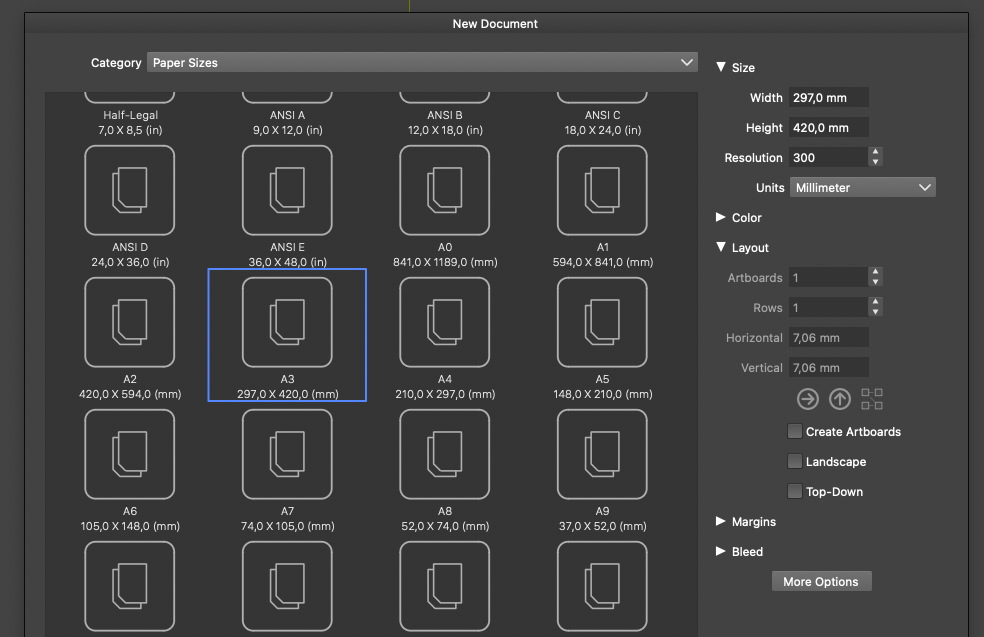
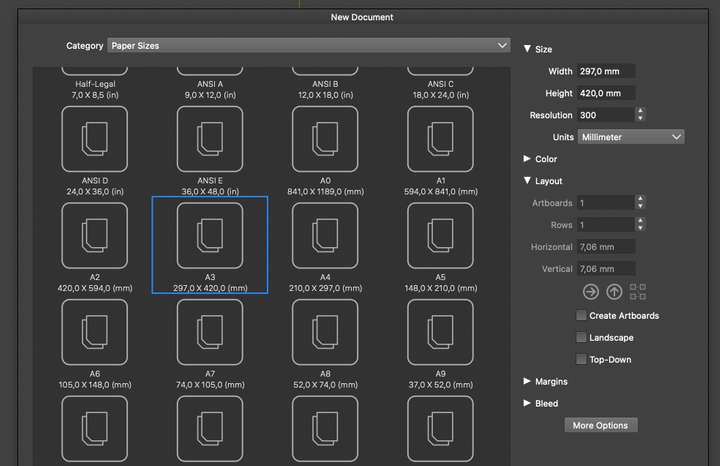
The landscape option is not well placed under the layout section. The option is probably one of the most commonly used settings for a page, portrait or landscape, and when you change the option, the values change place up in size, which landscape logically belongs to. If you change it on or off, it is precisely the size values that change.
Therefore, let's put landscape in a size where it's easily accessible and where you can notice it.
If, for some reason I don't understand, it must be down in the layout as well, then a discreet portrait/landscape toggle icon would be very welcome in the size section.
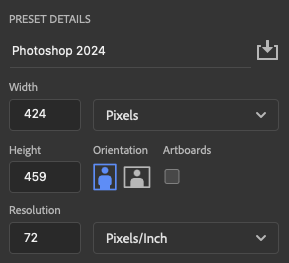
The very simple similar document setup in Photoshop - icons are a nobrainer to use:
🍏 macOS Sequoia Apple Silicon
-
@Ingolf said in New document setup - the landscape option is misplaced:
Let's put landscape in a size where it's easily accessible and where you can notice it.
This can be done.
-
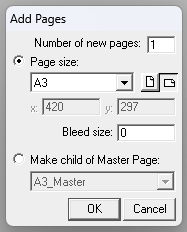
@Ingolf Agree. Another reference using icons is the Macromedia FreeHand "Add pages.." dialog box.
Albeit extremely simple and lo-res by today's standards, I have always thought the "Portrait/Landscape" icons in FreeHand were easier to tell apart, than the Adobe icons that have very little difference in aspect ratio - and the Adobe icons both picture a portrait.. hmmMacromedia FreeHand:
BR/ Lars Herold
-
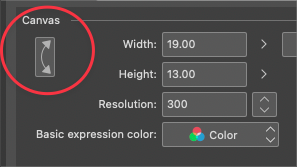
I had mentioned a while back about the addition of a double arrow flip button that would swap the height and width, much like this example from Clip Studio Paint. (Although the UI design in my example is less than ideal)
I'm also not opposed to the option like what Freehand offered