VectorStyler
    • Categories
    • Unread
    • Recent
    • Tags
    • Popular
    • Register
    • Login

    Creating a document: 'template folders' versus 'select folders'

    Scheduled Pinned Locked Moved VectorStyler 1.2 beta
    4 Posts 2 Posters 7.0k Views 2 Watching
    Loading More Posts
    • Oldest to Newest
    • Newest to Oldest
    • Most Votes
    Reply
    • Reply as topic
    Log in to reply
    This topic has been deleted. Only users with topic management privileges can see it.
    • B Offline
      B-Vs-V
      last edited by

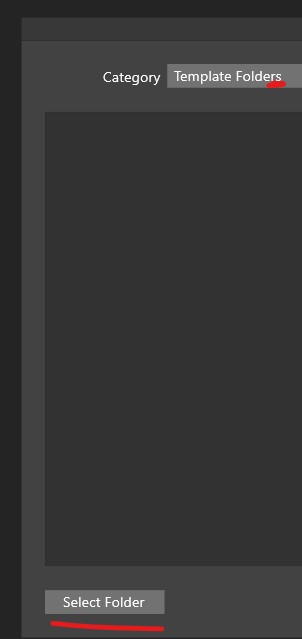
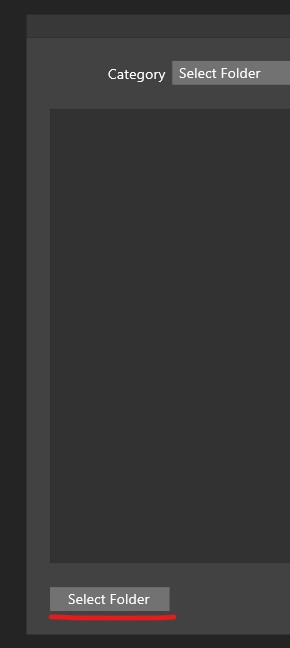
      I don't quite understand the purpose of these two options when creating a document, as we can already select several folders in the folders template...? Thanks ☺

      0_1706950676449_q1.jpg

      0_1706950682058_q2.jpg

      W11 Pro 25H2 - 12th Gen Intel(R) i7-12700K 3.61 GHz - RAM 64 Go - NVIDIA GF GTX 4070 Ti - Intuos - Dell UP3216Q / Eizo ColorEdge
      W11 Pro 25H2 - 12th Gen Intel(R) i7-12700KF 3.60 GHz -RAM 64 Go - NVIDIA GF GTX 3080 - IntuosPro- ProArt PA329C

      VectorStylerV 1 Reply Last reply Reply Quote 0
      • VectorStylerV Offline
        VectorStyler @B-Vs-V
        last edited by

        @Pat "Template Folders" are folders set up in the application settings.

        The "Select Folder" button, selects a single user folder and then also changes the drop down mode at the top to "Select Folder"

        • "Template Folders" - a set of folders defined in Settings (preferences).
        • "Select Folder" - a single folder selected by the user.
        B 1 Reply Last reply Reply Quote 1
        • B Offline
          B-Vs-V @VectorStyler
          last edited by

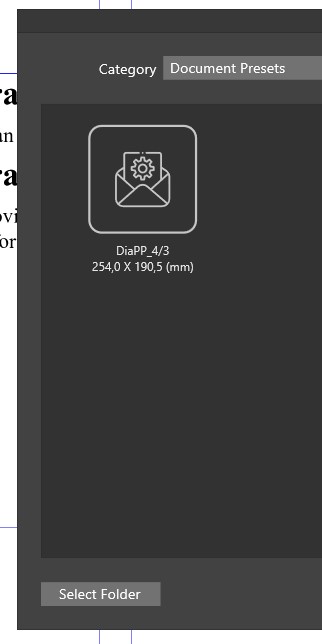
          @VectorStyler Thanks for your reply ☺ but I'm still a bit lost in all these possibilities, especially as we can also create templates that we find in 'Doc presets' like here :
          0_1706953366727_q1.jpg

          --> and again, I can't remember how I created this preset (did a long time ago)??? and where is the folder containing those presets ??

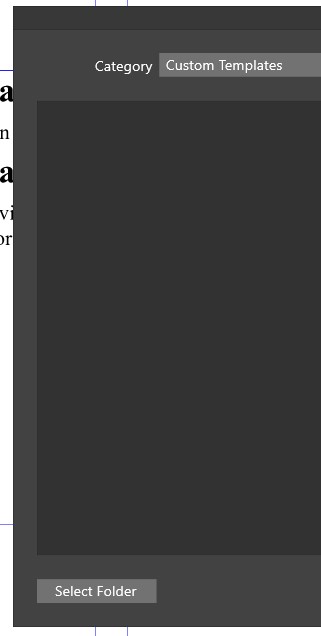
          and perhaps in 'Custom templates':
          0_1706953397545_q2.jpg

          W11 Pro 25H2 - 12th Gen Intel(R) i7-12700K 3.61 GHz - RAM 64 Go - NVIDIA GF GTX 4070 Ti - Intuos - Dell UP3216Q / Eizo ColorEdge
          W11 Pro 25H2 - 12th Gen Intel(R) i7-12700KF 3.60 GHz -RAM 64 Go - NVIDIA GF GTX 3080 - IntuosPro- ProArt PA329C

          VectorStylerV 1 Reply Last reply Reply Quote 0
          • VectorStylerV Offline
            VectorStyler @B-Vs-V
            last edited by

            @Pat said in Creating a document: 'template folders' versus 'select folders':

            create templates that we find in 'Doc presets

            The "New Document" template list contains not just templates but all sorts of other presets. A template is actually a vstyler file that may contain any other content.

            But when creating new documents we also need document presets (contains document settings), and various page profiles (size, resolution), and these are not actually templates.

            1 Reply Last reply Reply Quote 0
            • First post
              Last post