Add "Duplicate" function to Right-Click menu options in New Document Setup"
-
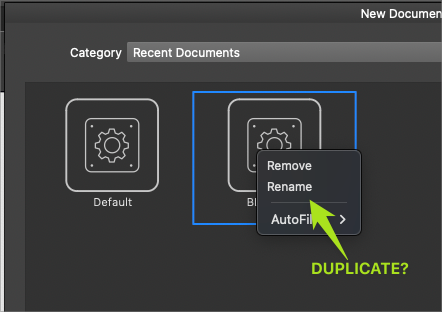
Should there be an option to duplicate a current document preset added to the right-click menu in the New Document Panel? If I want to create a similar preset to one I currently have?
-
@Boldline But these (in the Recent Documents) are not editable presets. Maybe a "save as a preset" option, and then it would end up in a preset (a different Category).
-
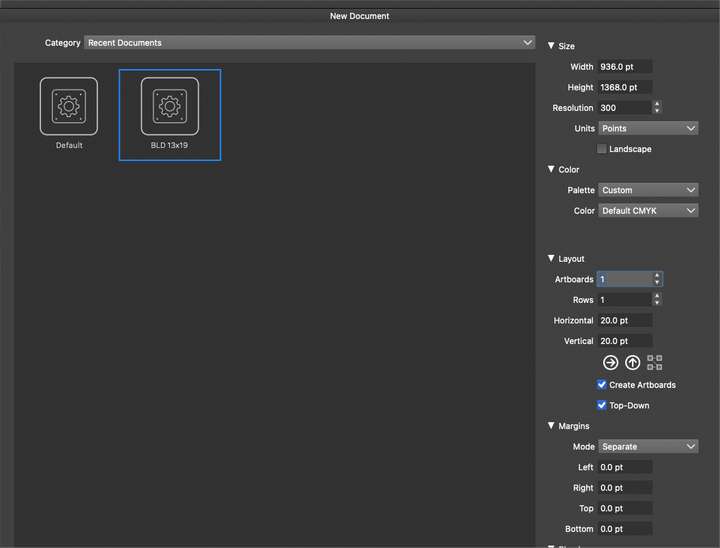
@VectorStyler I'm confused, because when I created a new preset, it added it in the "Recent Documents", but I do not see it listed in any other category folder option.
Do i have to go to the "custom documents" section, for example, to create a new one there? I just tried doing this and I was unable to create one there
-
@Boldline said in Add "Duplicate" function to Right-Click menu options in New Document Setup":
when I created a new preset, it added it in the "Recent Documents"
yes, this is a "temporary" list of (recent) document presets. This list is maintained and limited automatically, and it not possible to edit it as a preset list (by the preset manager).
Do i have to go to the "custom documents" section, for example, to create a new one there
Yes, but for now these are created in the document setup view. I will need to add this to this view also.
-
@VectorStyler said in Add "Duplicate" function to Right-Click menu options in New Document Setup":
Yes, but for now these are created in the document setup view. I will need to add this to this view also.
I apologize but I might need more elaboration on this topic. It might just be me, but the "New Document Setup" panel does not feel intuitive yet for the average user. I am sure you adding the ability to create new document templates from the "custom" section will help in part to alleviate this issue.
I understand about the "recent documents" being an automated recent list of the newest files created.
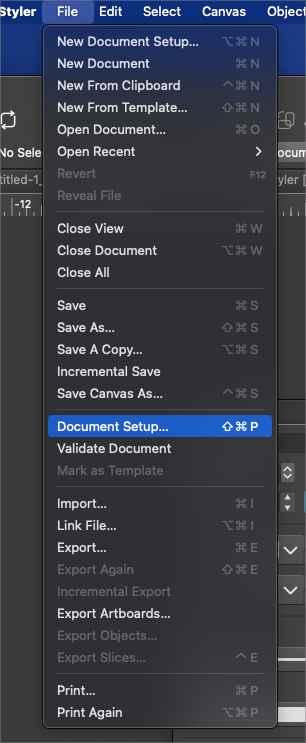
You mentioned new documents are created in the "document setup view". Are you meaning the File>Document Setup?
Because that did not automatically add a new template to the Custom section for me. I can't figure out a way to create a new file template.Also, the template I do currently have in the "Recent" section, I cannot find anywhere else. I assumed based on your explanation that the recent folder was an automated list of recent templates made, it's an alisa to the real file listed elsehwre.
-
@Boldline I will add the preset saving option to the New Document Setup view also.

