VectorStyler
    • Categories
    • Unread
    • Recent
    • Tags
    • Popular
    • Register
    • Login

    How do I hade the outline around the clipped composite shape?
    Scheduled Pinned Locked Moved VectorStyler 1.2 beta
    2 Posts 2 Posters 3.3k Views 1 Watching
    Loading More Posts
    • Oldest to Newest
    • Newest to Oldest
    • Most Votes
    Reply
    • Reply as topic
    Log in to reply
    This topic has been deleted. Only users with topic management privileges can see it.
    • BoldlineB Online
      Boldline
      last edited by

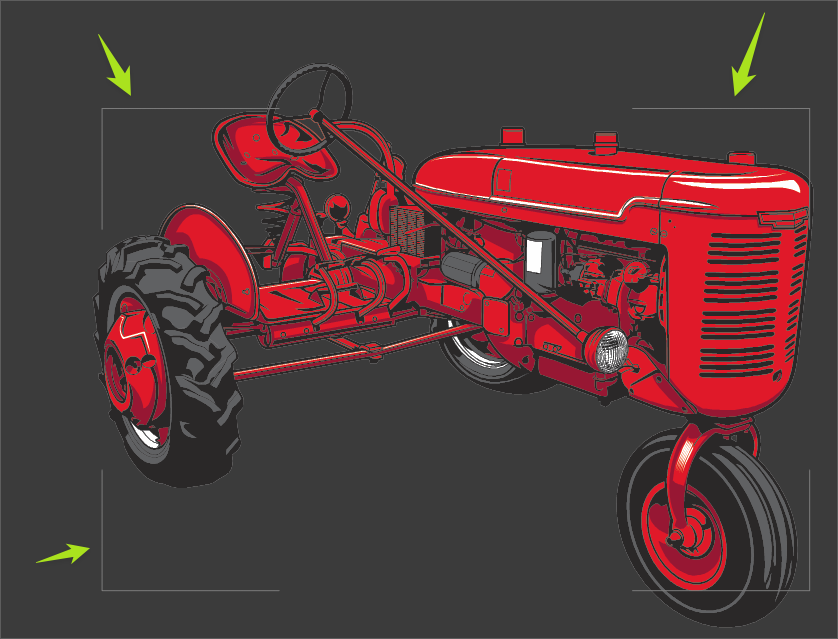
      How do I hade the outline around the clipped composite shape? The red in the tractor is a composite shape but for some reason I can't get the outline showing me its a clipped path to go away from view
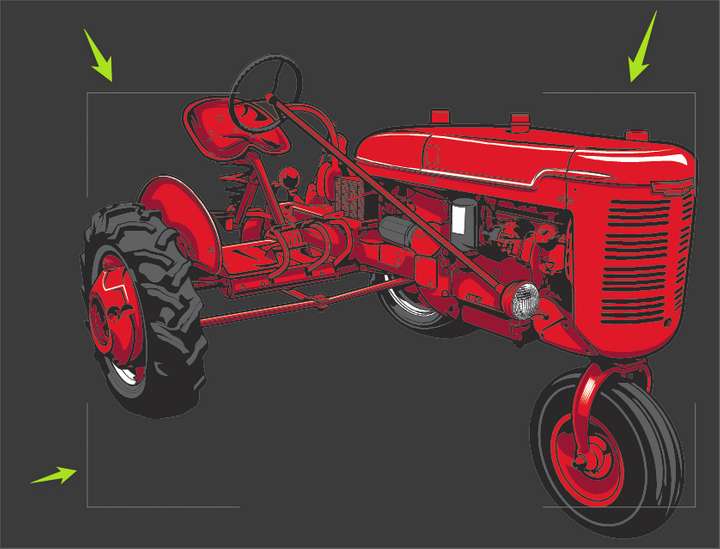
      0_1708182074388_1e7581fa-cabe-4073-a0a9-300a6aa0c025-BLD 2024-02-17 at 09.59.27.png

      🍎 macOS Tahoe 26.2, Mac mini (M1, 2020), Chip Apple M1, Memory 16 GB
      Cintiq 27QHD Display and LG Ultra HD Display

      VectorStylerV 1 Reply Last reply Reply Quote 0
      • VectorStylerV Offline
        VectorStyler @Boldline
        last edited by

        @Boldline I don't get this outline in the example file emailed earlier.
        What is the active tool when this outline is shown?

        1 Reply Last reply Reply Quote 0
        • First post
          Last post
