VectorStyler
    • Categories
    • Unread
    • Recent
    • Tags
    • Popular
    • Register
    • Login

    Shape effects

    Scheduled Pinned Locked Moved Questions and Support
    4 Posts 3 Posters 3.7k Views 3 Watching
    Loading More Posts
    • Oldest to Newest
    • Newest to Oldest
    • Most Votes
    Reply
    • Reply as topic
    Log in to reply
    This topic has been deleted. Only users with topic management privileges can see it.
    • K Offline
      Kumr
      last edited by

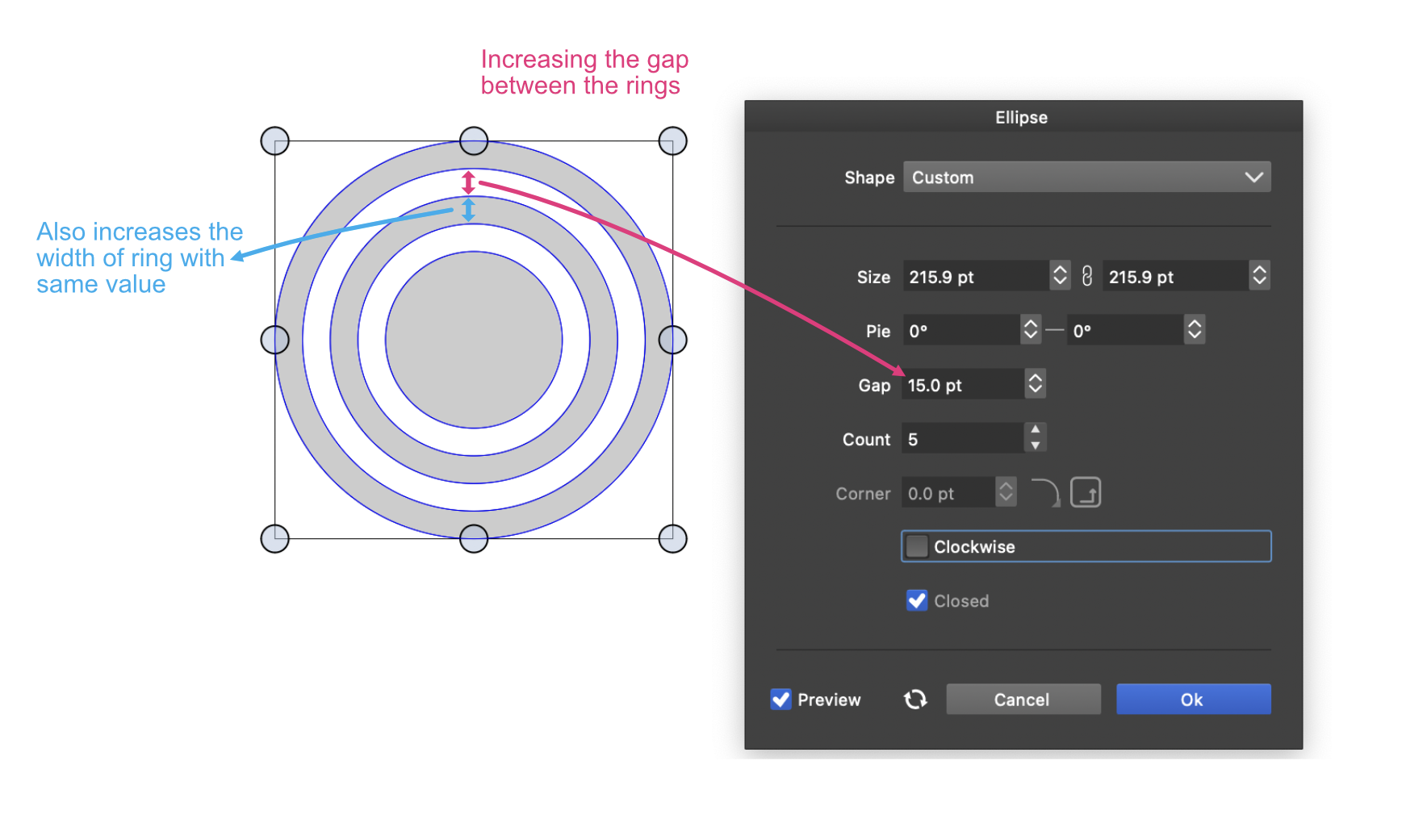
      Currently, changing the space between the rings affects the width of the ring. Is it possible to alter the distance without affecting the rings width? Picture below...
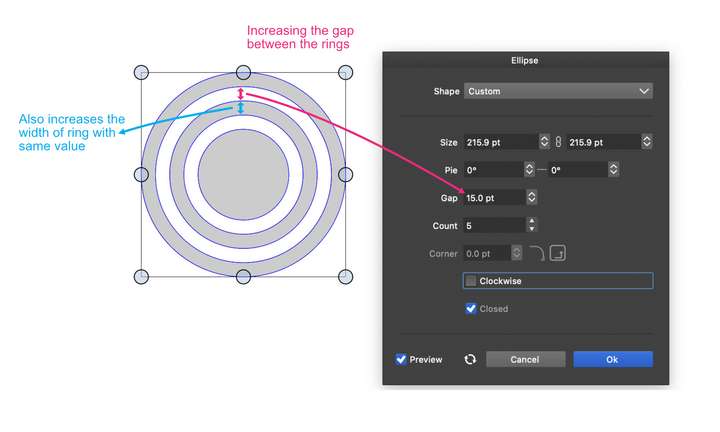
      0_1712768360492_Screenshot 2024-04-10 at 10.10.59 PM.png

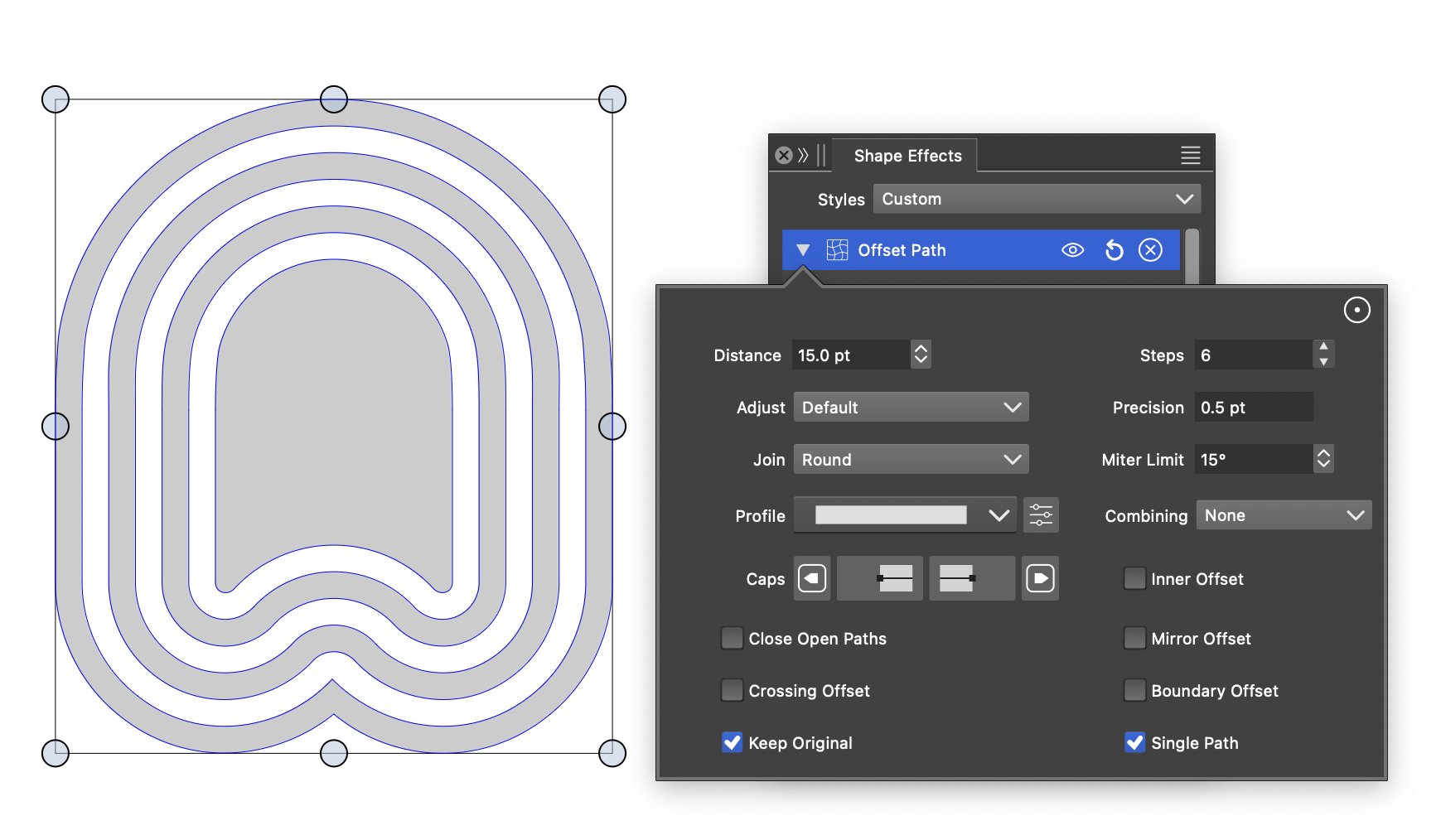
      I'm trying to generate a similar effect with custom shapes using the offsetpath feature. It's the same thing. May be there are some other methods or options to achieve this?
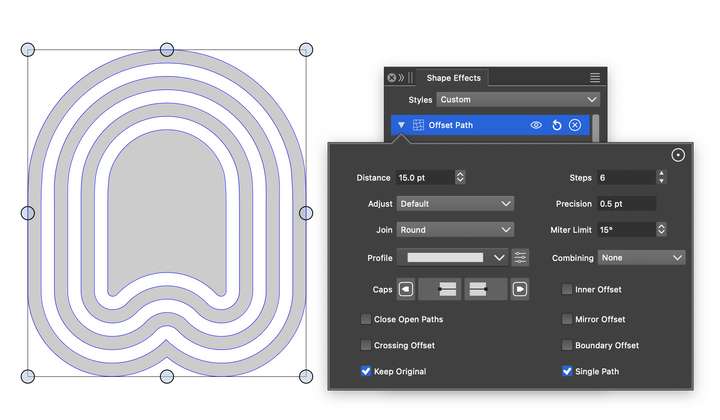
      0_1712768399956_Screenshot 2024-04-10 at 10.02.11 PM.png

      Thanks

      M1 MacBook Air, 16GB, macOS Sonoma 14.4.1

      S VectorStylerV 2 Replies Last reply Reply Quote 0
      • S Offline
        Subpath @Kumr
        last edited by Subpath

        @Kumr

        how about using a contour/stroke thickness ?
        to control both

        forgot i used the "Offset Path" Shape Effect for the circle distance
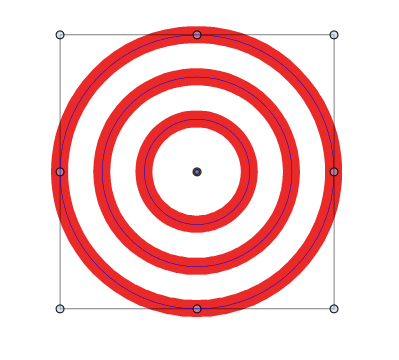
        0_1712771519252_kontur-1.png

        Win 11
        CPU: AMD Ryzen 5 9600X, 6-core.
        GPU: Nvidia Geforce RTX 5070.

        1 Reply Last reply Reply Quote 0
        • VectorStylerV Offline
          VectorStyler @Kumr
          last edited by

          @Kumr said in Shape effects:

          Is it possible to alter the distance without affecting the rings width

          Not possible with the ellipse tool. The only way to achieve this is to adjust all three properties, the gap, count and width to get the desired result.

          similar effect with custom shapes using the offsetpath feature

          Here the gaps and fills will be the same width.

          As @Subpath showed, contour can work. Also using multiple strokes with different alignment values (set alignment to absolute value).

          1 Reply Last reply Reply Quote 0
          • K Offline
            Kumr
            last edited by Kumr

            @VectorStyler @Subpath

            As @Subpath showed, contour can work. Also using multiple strokes with different alignment values (set alignment to absolute value).

            This should work. Thanks

            Concentric shape tool is another option for circles.

            M1 MacBook Air, 16GB, macOS Sonoma 14.4.1

            1 Reply Last reply Reply Quote 0
            • First post
              Last post