VectorStyler
    • Categories
    • Unread
    • Recent
    • Tags
    • Popular
    • Register
    • Login

    Quick Adjustment of Swatches
    Scheduled Pinned Locked Moved Features and Ideas
    2 Posts 2 Posters 2.5k Views 2 Watching
    Loading More Posts
    • Oldest to Newest
    • Newest to Oldest
    • Most Votes
    Reply
    • Reply as topic
    Log in to reply
    This topic has been deleted. Only users with topic management privileges can see it.
    • debraspicherD Offline
      debraspicher
      last edited by debraspicher

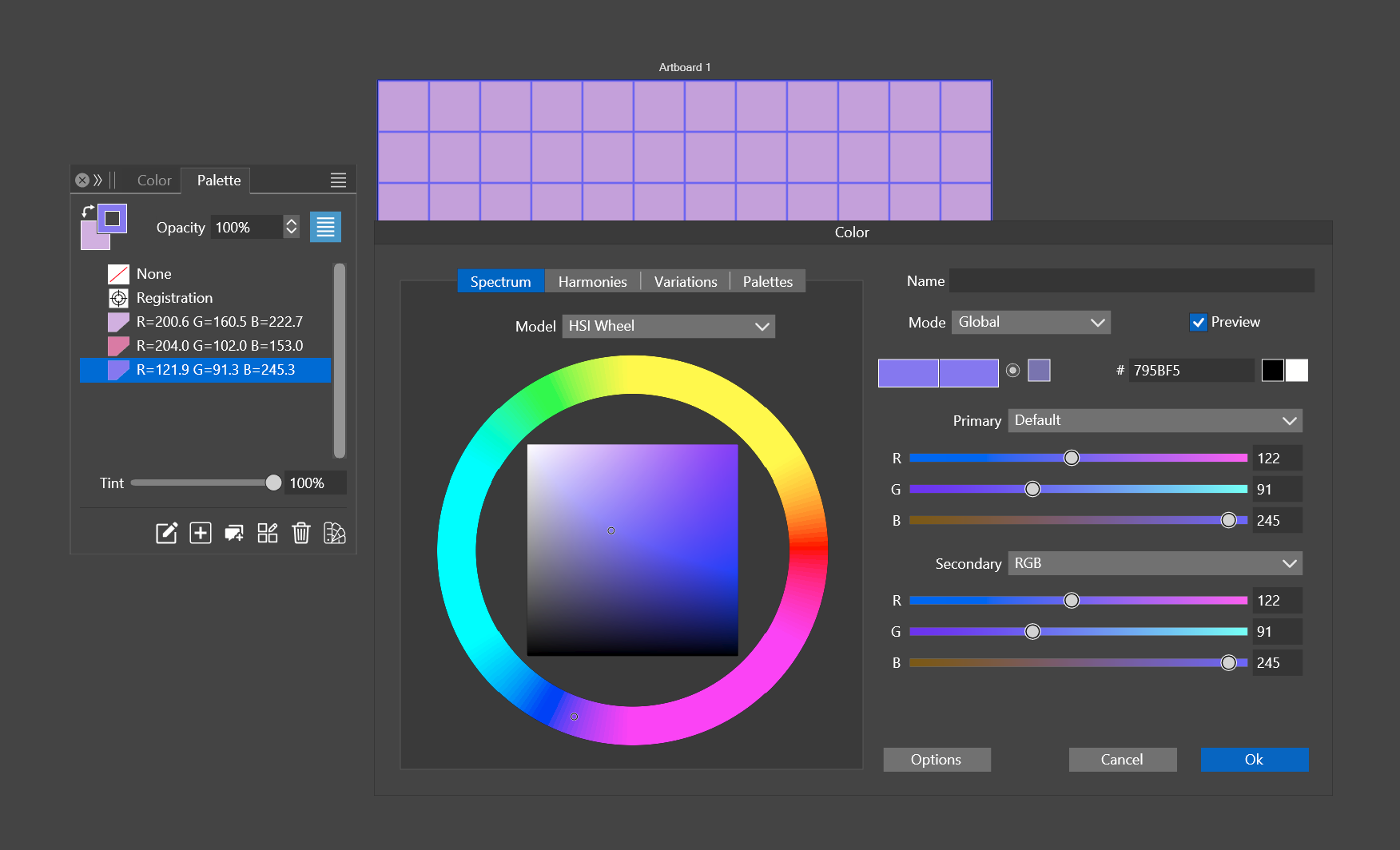
      Would it be possible in the future to combine these panels somehow so that we can edit each swatch individually and work iteratively through colors much more easily?

      Ideally, a list of swatches to the left of the "Color" Panel (the right panel in the screenshot) where we can move around the palette and make adjustments...

      To be clear, I'm not asking that the [Palette] panel be expanded as keeping it in its simplest form seems ideal. Rather, when we double click to edit a swatch that we can in some way access the other swatches in the list to edit them one by one without leaving this panel. Perhaps a way to expand the panel on left side to show the other swatches available for edit?

      Very minor side consideration: Also may I suggest to rename "Color" to "Edit Swatch" (or whatever scope is applicable) since it is easy enough to confuse it with the actual Color panel, at least in passing conversation...
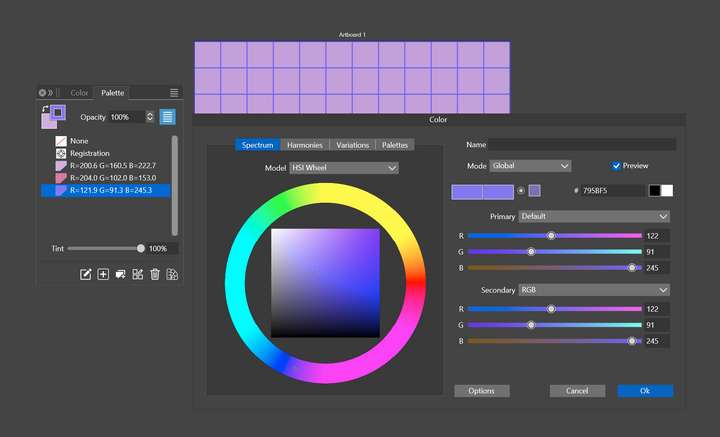
      0_1714705095514_688b3cef-a47e-4c11-8ad3-cc50c7e8c15e-image.png

      Thanks in advance

      Windows 11 Build 26200.7171 (25H2)
      AMD Ryzen 7 9700X with Gigabyte X870E Aorus Pro Ice
      32GB RAM @ 6000MHz
      PNY NVIDIA RTX 5070 Ti 16GB; Display 1: 4K @150%; Display 2: 4K @200%
      Wacom Intuos Pro L (2025); Wacom Intuos Pro M; Epson ET-8550; Siser Romeo

      VectorStylerV 1 Reply Last reply Reply Quote 2
      • VectorStylerV Offline
        VectorStyler @debraspicher
        last edited by

        @debraspicher So this would be some sort of ""Palette Editor" view. Yes I think it is possible.

        1 Reply Last reply Reply Quote 1
        • First post
          Last post
