Smart ways of image replacing
-
Working with multiple instances of a linked image, I cannot replace a single instance with a different image when using the Links panel? I am only able to do this when I have Interactive Import Place disabled, but then I love this setting…
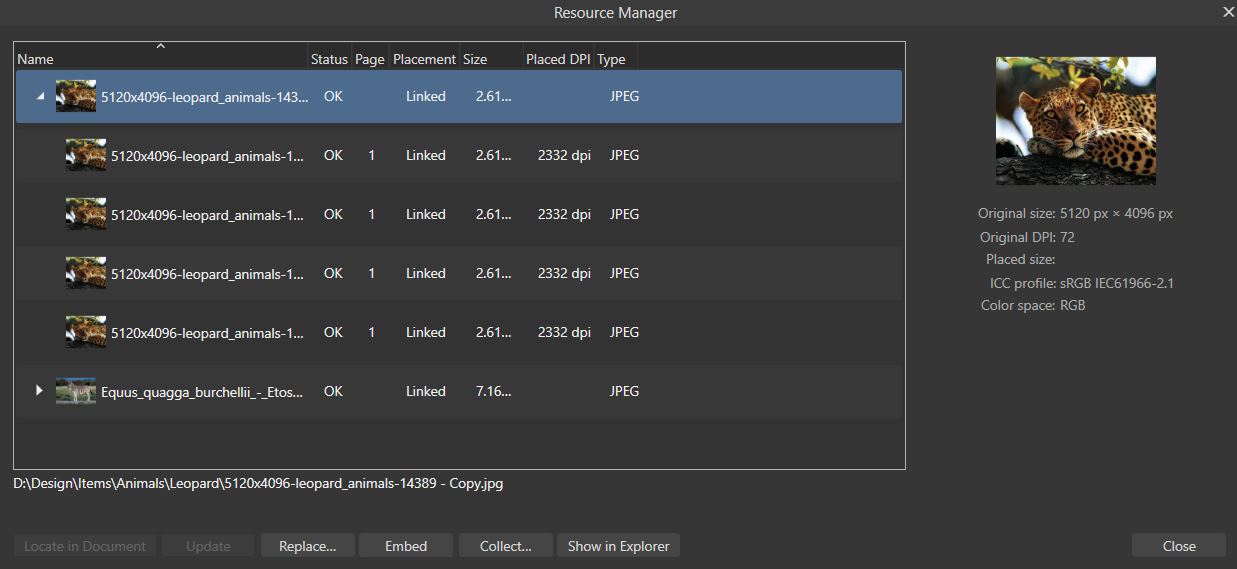
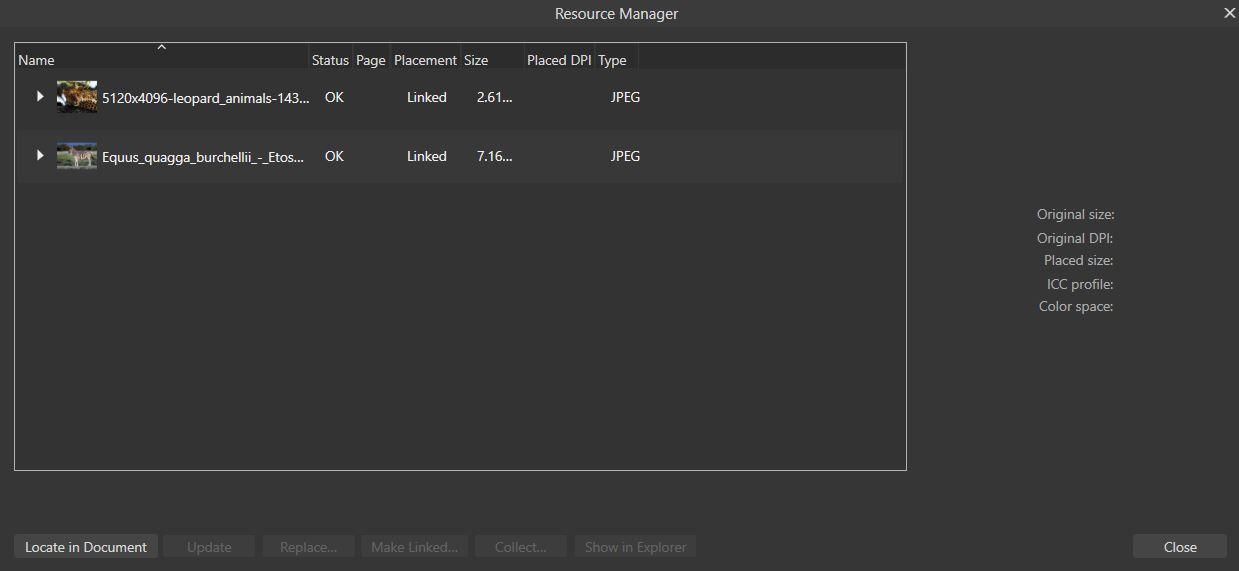
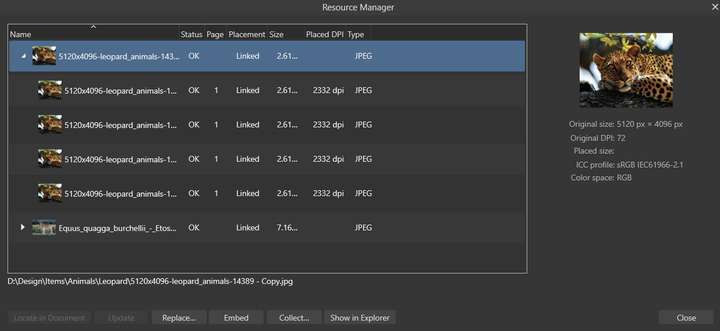
Affinity’s Resource Manager is remarkable in how it handles this dilemma. Note how it populates all similar instances of an image under one container? Adobe InDesign also has a similar solution. With this solution one can effortlessly replace single or multiple image instances using the Links panel/Resource Manager.
Also note how the Replace image function has been incorporated in InDesign (in the Place dialog box and Relink button on the Links panel).
Can’t we also have the Interactive Import Place check box on the dialog box in VS?
-
@William-Kansepa said in Smart ways of image replacing:
Can’t we also have the Interactive Import Place check box on the dialog box in VS?
I think this might be difficult to do (at least in the case of Mac App store version of the app).
But I will try to find some other solution.What if in case of a single file import, and if a single image object is selected, the Place tool is not activated, but the image is replaced?
-
@VectorStyler said in Smart ways of image replacing:
What if in case of a single file import, and if a single image object is selected, the Place tool is not activated, but the image is replaced?
I used to prefer this earlier behaviour in VS, but it has since been changed...

