Just a Pattern
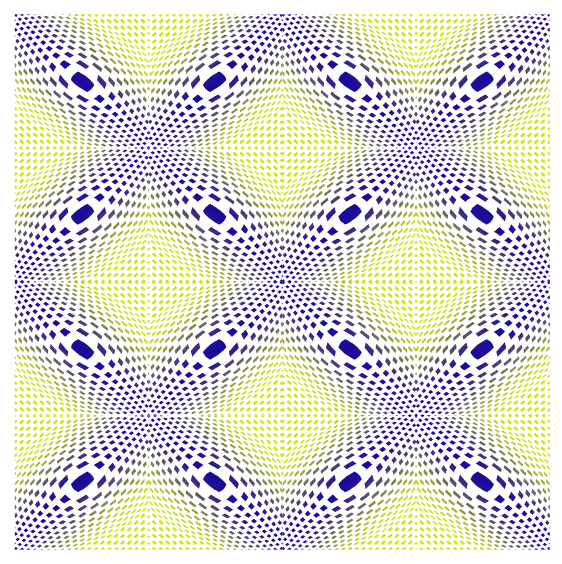
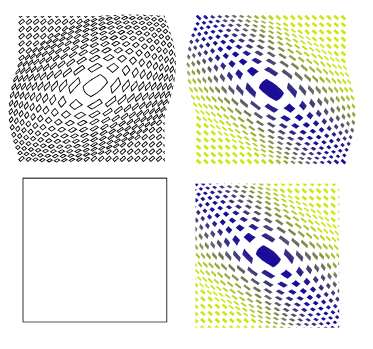
-
@Subpath said in Just a Pattern:
I tried to copy and scale it within VectorStyler, but I couldn't find
a way that produced a good result.VectorStyler can actually create this. I'll take some time to record a video
-
No problem, just take your time.
I’m very interested to see how you solve this—
and I imagine other users are, too.In my own attempts, VectorStyler always distorts the shapes being duplicated;
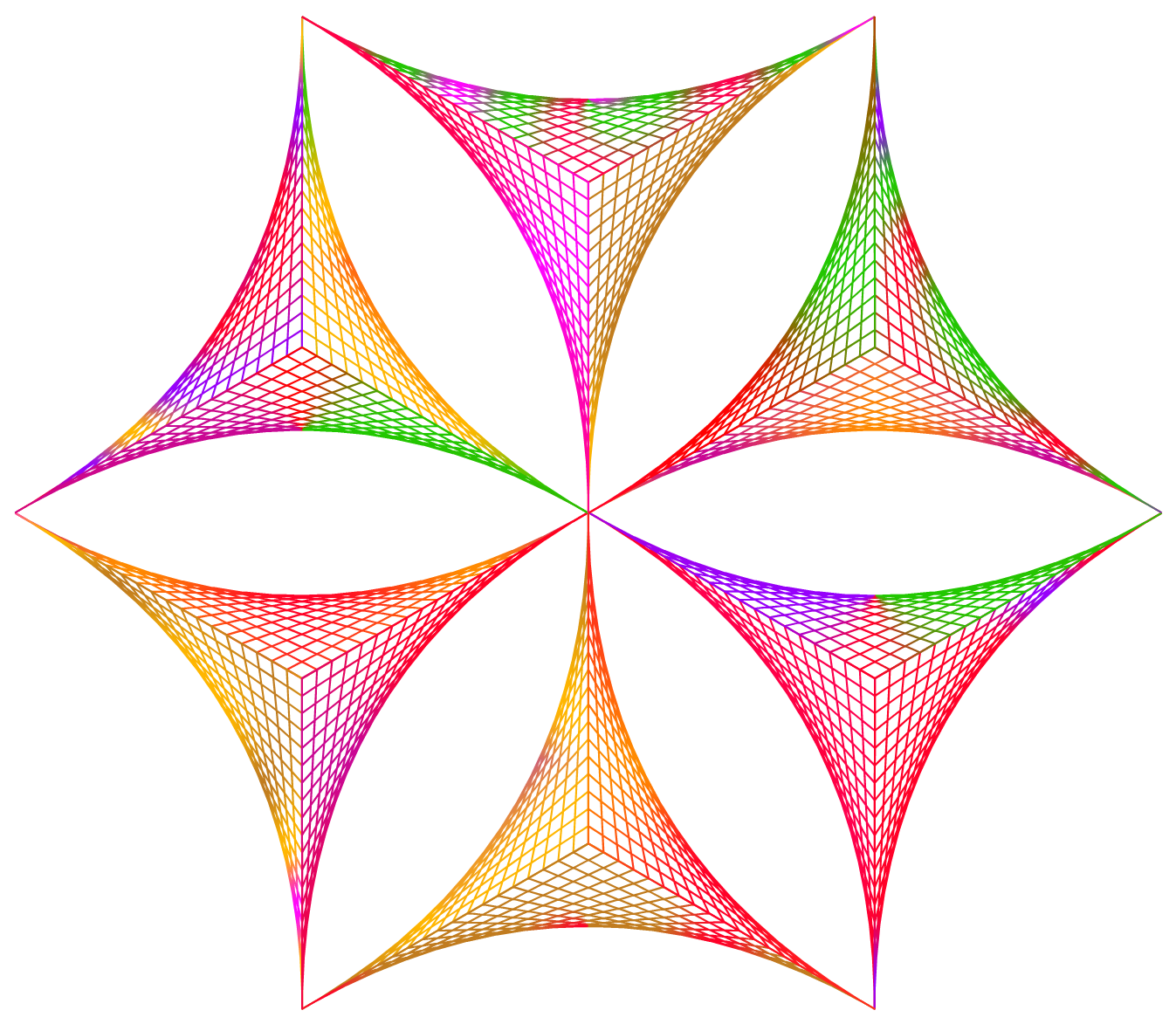
maintaining consistent spacing between them also proves to be an issue.Here how the Result looks in Nodebox

-
@Subpath said in Just a Pattern:
This is quite easy, just use the Blend Tool
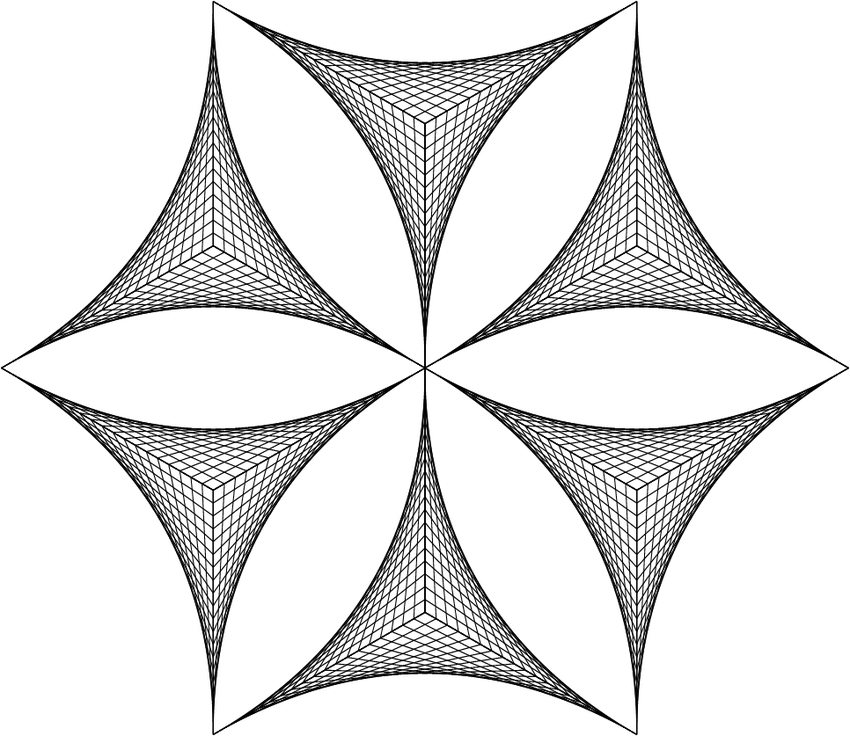
This is the specific example I was referring to for the video I plan to record.
-

I wouldnt recommend to take the Blend Tool for the first one.Made a little Tutorial how i made this one which i made in Vectorstyler now
Here the Link:
https://www.vectorstyler.com/forum/topic/5951/a-little-tutorial-how-i-made-and-colored-the-curved-polygon-in-vectorstyler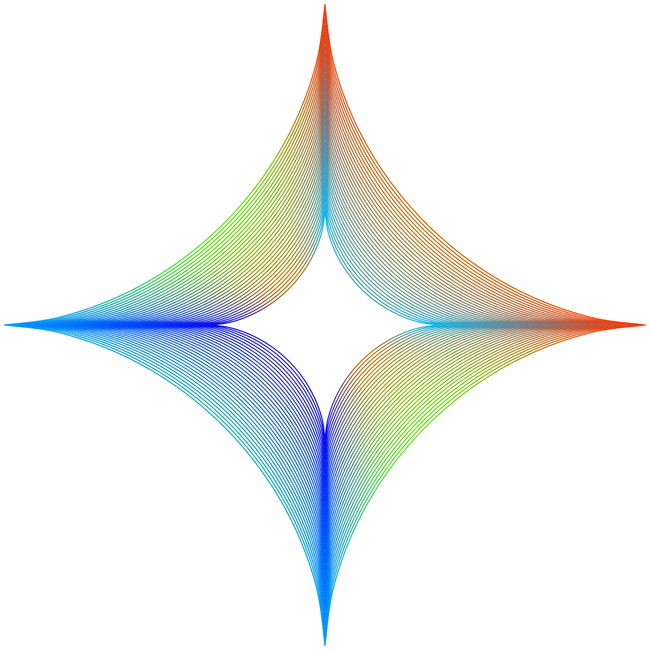
-
I first tried duplicating a line along a path with the Repeater it was close, but not quite right. In the end, I used a Grid shape with an Envelope effect. Attached are a brief video demo and the source file for reference.
https://drive.google.com/file/d/1PXxuUuBCzqWX3qU6mv5T4FR148ZrN8Wa/view?usp=drive_link
-
That’s a really clever solution!

I never would have thought of that myself.
I love and admire your ideas and your inventiveness.
.
.It’s clear that this structure could also be replicated in VectorStyler
in one way or another.However, I chose NodeBox for this because it allows me to stay as close as possible
to the concept of "string art." String art requires nails and a piece of string.In VectorStyler, a piece of string can simply be represented by a straight line. Nails, on
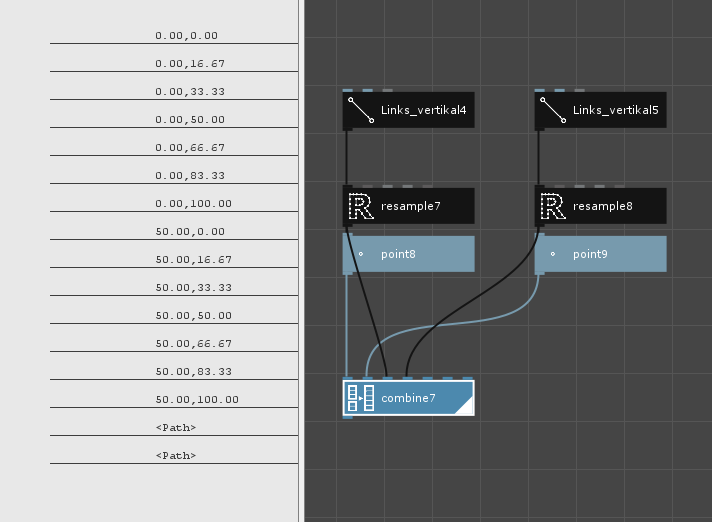
the other hand, cannot be implemented there in the same way they can in NodeBox.In NodeBox, there is a "Point" Node for this purpose. This "Point" Node converts vector graphic
nodes into coordinates. These coordinates can then be passed to a "Line" Node, creating a string
that runs between two nails/Points.All in all, this results in an extremely flexible basic structure that can be used to create a wide variety
of string art designs. More or less just like in real life.Incidentally, the number of Nails can be controlled very easily via the Resample node.
Nodebox and VectorStyler work together wonderfully. Vector graphics can be easily exchanged
via the .SVG format—though Nodebox can also export vector graphics as .PDF files.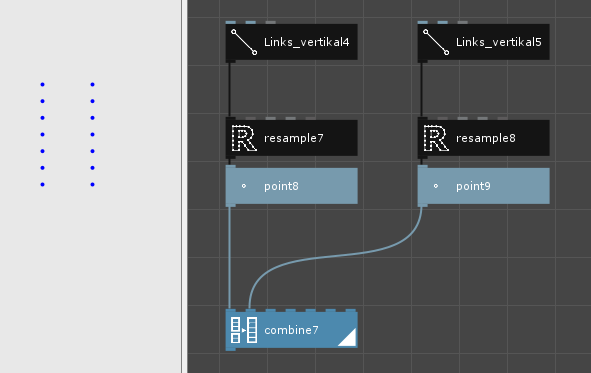
-
For anyone who is interested here the Nodebox Nodetree
for the Base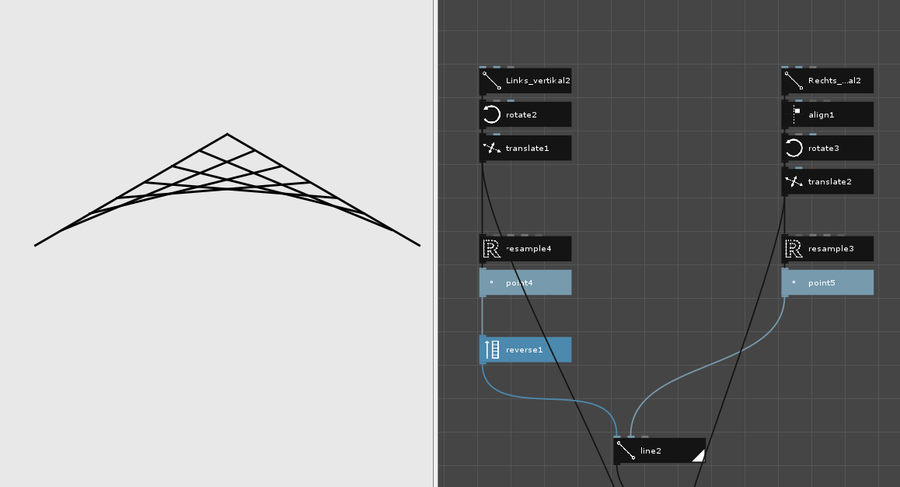
.
.
.
and the first structure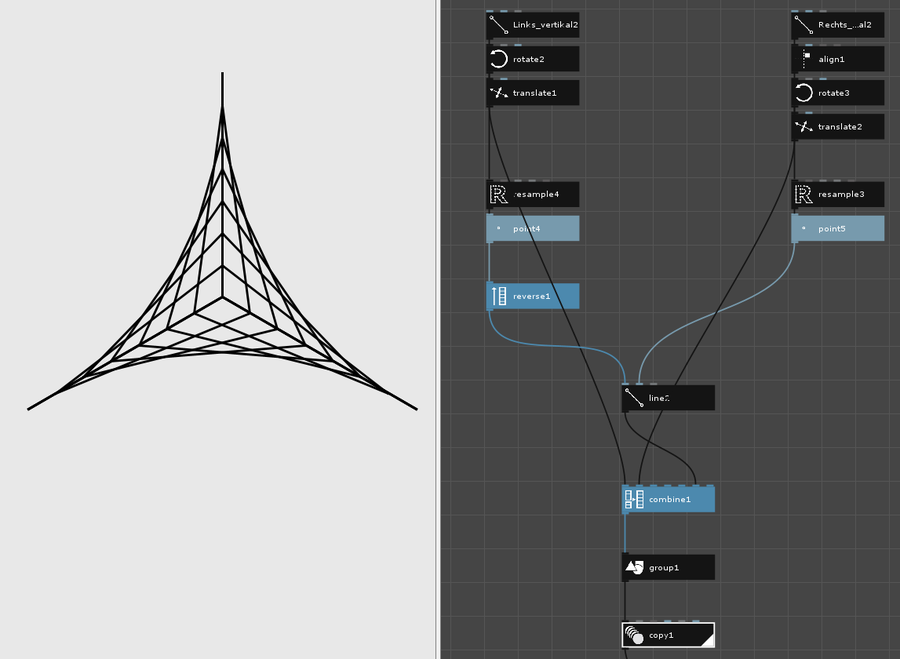
-
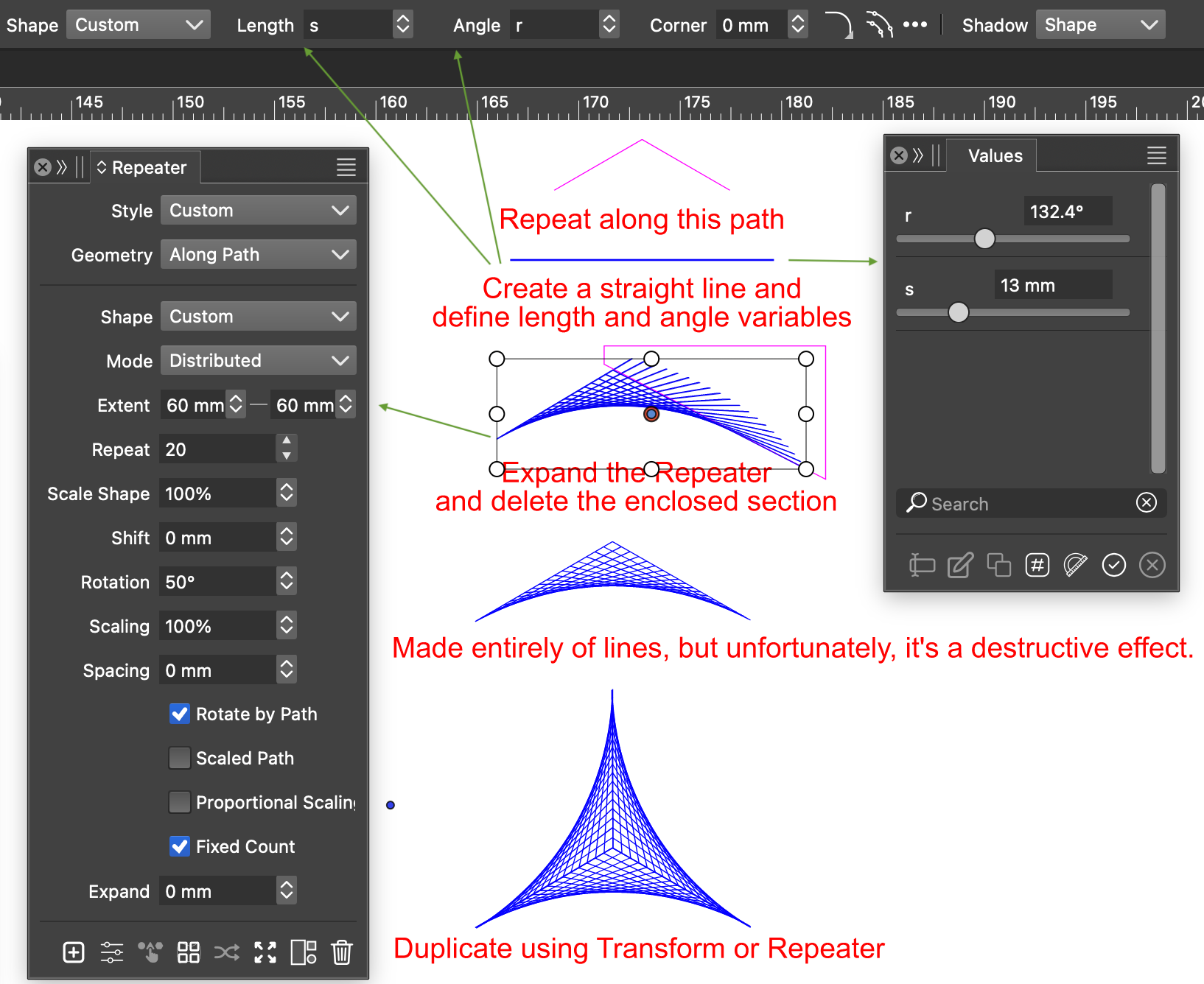
@Subpath Node-based apps can indeed create some very unique patterns through different node combinations, but combining different tools in VectorStyler is also super versatile! It is possible to build this with lines using the Transform tool or the Repeater, but the drawback is that it cannot remain non-destructive. As a result, making tweaks and adjustments isn't quite as convenient as in node-based workflows. Attached is a screenshot demonstrating the Repeater approach.
-
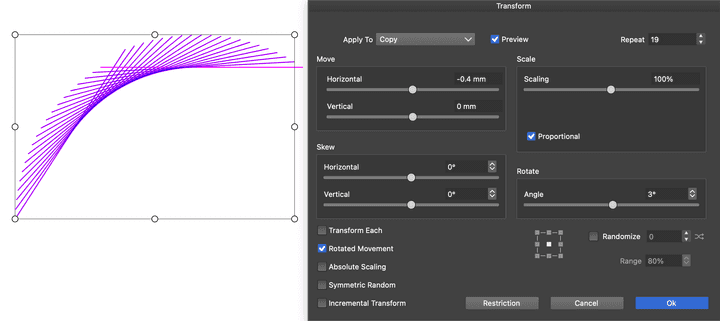
It can also be done very quickly using Transform, though it's still a destructive effect.
-
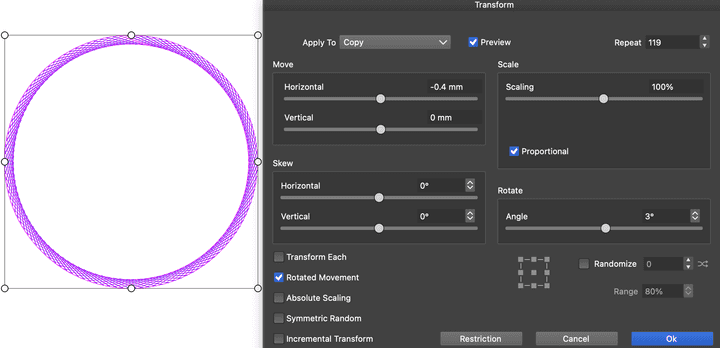
Generating a circular pattern using the Transform tool is quite straightforward.
-
Yes, there are many ways to achieve something like this—or something similar—in VectorStyler.
I would never dispute that.However, when it comes to the flexibility of node-based vector graphics software,
VectorStyler cannot (yet) keep up.In NodeBox, every single node—and therefore every parameter—is editable and modifiable
at any time. Furthermore, you can even create your own nodes. All you need is some knowledge
of Python programming—though nowadays, you could likely even use AI to help you build
custom nodes as needed.John, the administrator of the NodeBox forum, has created a vast library of custom-programmed
nodes that anyone is free to download and use.Of course, most people probably know that I love VectorStyler, but some things in it can occasionally
be overly cumbersome—and, to make matters worse, only achievable through destructive editing.
This, in turn, somewhat hinders the process of playing around and experimenting.Just because something is possible doesn’t mean it always makes sense; when in doubt, I choose
the option that I believe offers me the greatest amount of creative freedom. -
@Subpath NodeBox is indeed great, but VectorStyler is a comprehensive, full-featured vector application something NodeBox can't quite match. For patterns like the one above, with just a slight improvement to the Repeater, it could be done using a single line without needing to expand and trim. This would keep the effect completely non-destructive, making future tweaks and adjustments extremely convenient.
-
Well, each of us has different reasons for using one tool or another. Personally, I quite
enjoy using a wide variety of programs, as each one can spark different ideas.VectorStyler doesn’t always make it easy to dive into its more complex features—and I’ll
likely never reach your level of proficiency. That’s not even an ambition of mine.From my experience with software features that seem confusing or overwhelming at first,
I know that the fog can lift over time. So, let’s just wait and see what the future brings. -
@Subpath
I also enjoy exploring different apps, comparing features, and learning varied workflows. Over the years, I've supported many open-source projects with donations so they can keep evolving and improving. By exploring different tools, I truly believe we can learn from different software ecosystems and advance together.