Can the Bucket Fill Tool be improved by allowing it to create shapes based on negative space between paths?
-
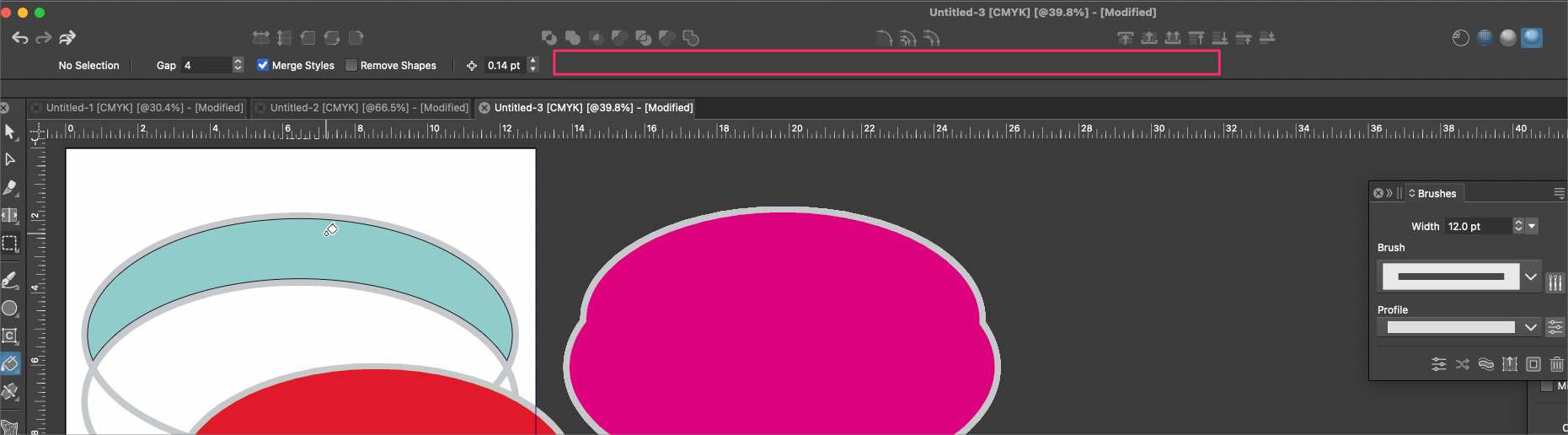
I was trying to use the Bucket Fill tool to fill a negative space in between two paths that overlapped. The bucket fill tool recognized the empty space, but did not fill it with the current fill color and instead left it empty. when I selected a color from the pallet, it worked in the negative space but it filled in the entire space not just the part. I was clicking in and also made a copy of the stroke itself.
Ideally, I'd like to be able to select two overlapping paths and click on the bucket fail, tool and easily fill that negative space.
As an experiment, I expanded the two overlapping paths and then apply the bucket fill tool to that negative space of two overlapping expanded paths and it worked correctly.As a side note, could we allow the contextual menu bar to reveal the stroke and fill boxes when the Bucket Fill tool is activated? Right now there's plenty of space in that bar for that. This would allow the user to quickly choose a color or see what color is active that will fill the space when they click.
-
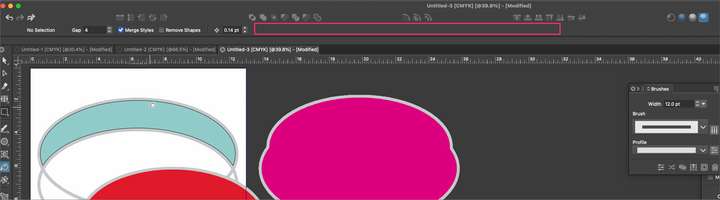
@Boldline Uncheck the "Merge Styles" option in the context panel. This causes the shapes with similar styles to be merged.
I will add the fill/stroke in the next build.
-
@VectorStyler said in Can the Bucket Fill Tool be improved by allowing it to create shapes based on negative space between paths?:
I will add the fill/stroke in the next build.
This will be a very helpful added function! thank you

