Alternative method to save recovery files?

-
I had a situation occur today that made me revisit the way we can access and handle recovery files in VS.
I was working on a project last night and left that project open and revisited it today.
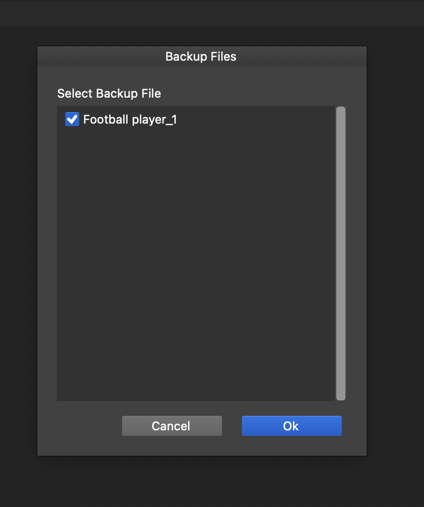
I pasted a vector into the open file and VS immediately crashed. I reopened VS and got the expected recovery file prompt. When I clicked on the file to recover, VS crashed again immediately. I tried this a few more times and had the same unwanted result each time.
I don't want to close out the recovery panel because then my recovered file will be gone for good - but I also can't find any way to access it aside from the way panel that crashes.
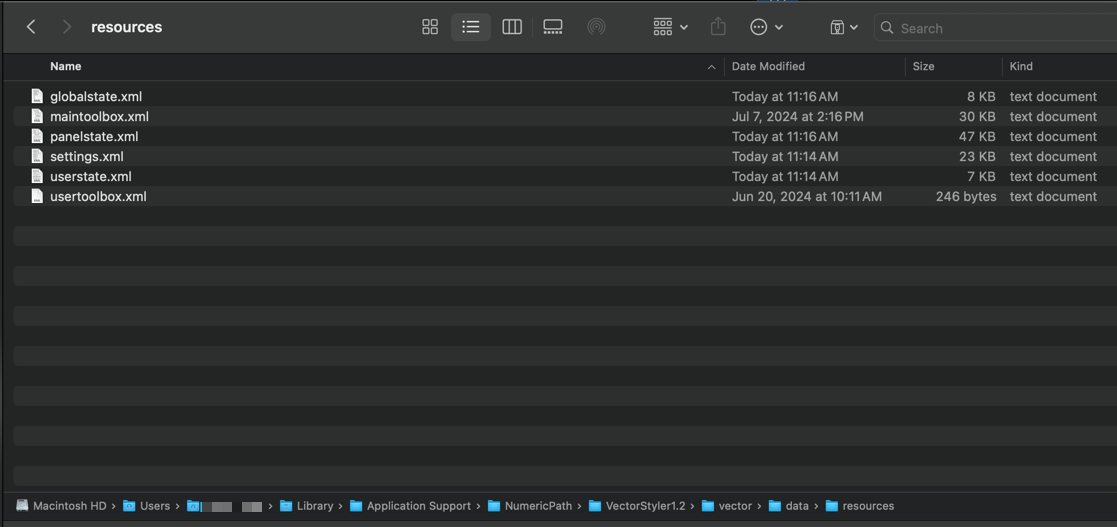
Using VS on another computer to guide me, I found the location where the recovery files are supposed to be saved, but when I went there, I saw no obvious place to get access to that file.
I was wondering if a backup solution for saving a recovered file could be added for situations like this. Maybe an option to go right to that recovered file, or an option to save the recovered file to the hard drive? This way, I'd be able to send the file in for testing but also be able to access that file when the regular method fails?