Option to Show all Currently used Colors in Document
-
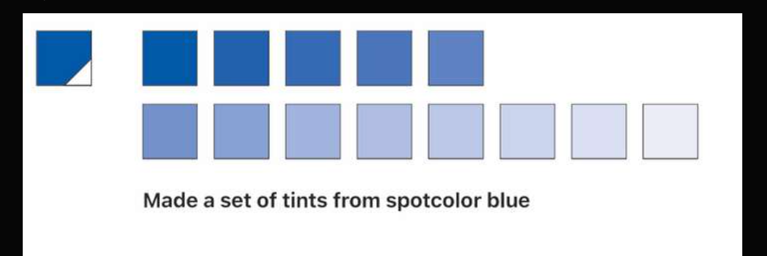
@Ayo had posted about a bug with the tinting of spot colors and it made me think again about adding the feature currently in the printing panel to "show all current colors" in the document. I think we discussed this a long while back but I wanted to bring it up again while on top of mind. I would love to be able to press a button or open a panel and see all active colors used in the open file. This matters even more when dealing with tints of a color. With what I do in creating screen print designs, making sure all blues are the same spot color whether they are tints or not is vital.
Right now the options to select by fill and stroke, etc are good, but it still requires going color by color as opposed to one click and seeing a list of all colors in the document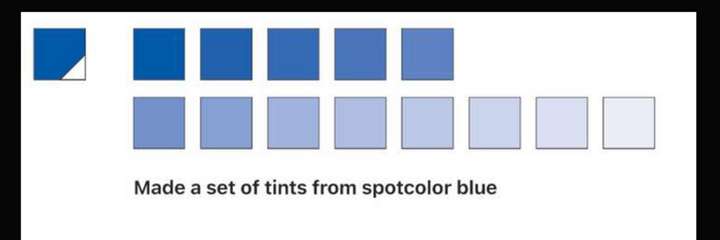
-
@Boldline said in Option to Show all Currently used Colors in Document:
a bug with the tinting of spot color
This is fixed now, and the fix will be in the next build.
"show all current colors" in the document
Would these be spot colors only, or any color?
There is a feature that can create a color palette (or color group) from colors in the selection.
-
@VectorStyler said in Option to Show all Currently used Colors in Document:
Would these be spot colors only, or any color?
The document should display all colors, not just spot colors, with each color labeled by its name and whether it is a spot color. This feature is particularly useful for identifying non-spot colors and converting them to spot colors. My main goal is to ensure that every instance of a specific color in the document is consistent, rather than using similar colors that might appear identical to the eye.
It would also be helpful to have an option to select all occurrences of a particular color within the document directly from that panel.
@VectorStyler said in Option to Show all Currently used Colors in Document:
There is a feature that can create a color palette (or color group) from colors in the selection.
This is good but it doesn't let you interact with the document. The more I think about it, the things I am asking for seem to fit best in the "Replace color" panel.
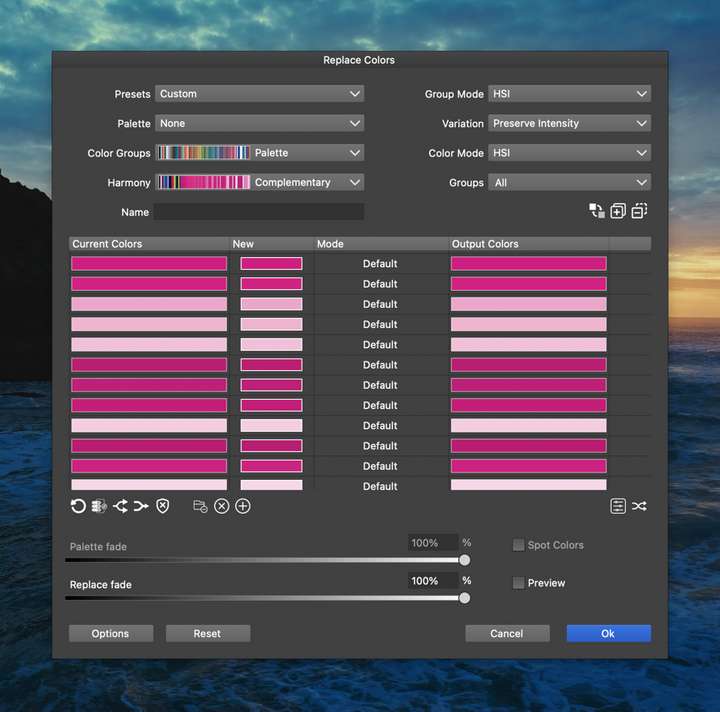
I have not experimented with this panel as of yet so if the things I am asking for are already there, I apologize. I will study it more because I can see it is already valuable.Essentially I would love an option in here to select like it does now, the canvas, the document itself or an active selection and list the colors and provide their name and status - and then allow them to be selected and merged within the panel to be the same color.
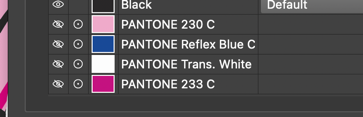
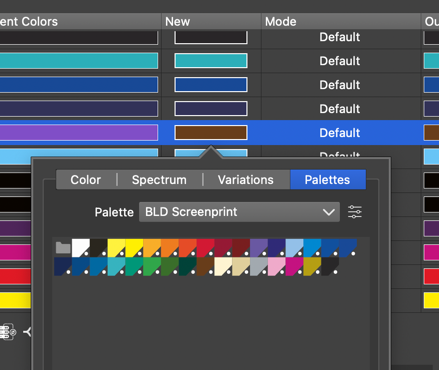
You can see in the example screenshot I included, there are a LOT of random pinks in this job. I can see I am be able to select all applicable ones and make them one pink, but its not easy to tell what the specific color names are.For ease of understanding and consistency, I'd love the long rectangle color blocks to have the black corner with white circle to represent a spot color
-
I would love the ability to select multiple colors and then choose the replacement color and have it apply to all selected at the same time. (This would be most applicable in examples like the first image in the original post with all the variables of pink)
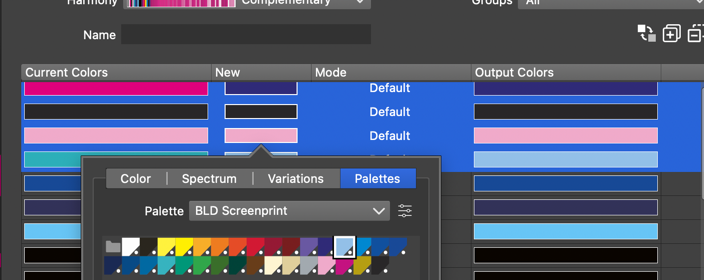
Maybe add an option at the bottom to merge same existing? I was originally thinking an immediate merge of colors converted to be the same color, but perhaps the user wants to switch one back before committing? if it merged immediately, they could not do so...
-
@Boldline said in Option to Show all Currently used Colors in Document:
Maybe add an option at the bottom to merge same existing?
Yes, the colors can be merged, but not possible to switch back afterwards.
-
@VectorStyler said in Option to Show all Currently used Colors in Document:
@Boldline said in Option to Show all Currently used Colors in Document:
Maybe add an option at the bottom to merge same existing?
Yes, the colors can be merged, but not possible to switch back afterwards.
Yes that is fine by me

