VectorStyler
    • Categories
    • Unread
    • Recent
    • Tags
    • Popular
    • Register
    • Login

    Path Length option in Contextual Menu hard to control
    Scheduled Pinned Locked Moved Features and Ideas
    2 Posts 2 Posters 3.2k Views 1 Watching
    Loading More Posts
    • Oldest to Newest
    • Newest to Oldest
    • Most Votes
    Reply
    • Reply as topic
    Log in to reply
    This topic has been deleted. Only users with topic management privileges can see it.
    • BoldlineB Online
      Boldline
      last edited by Boldline

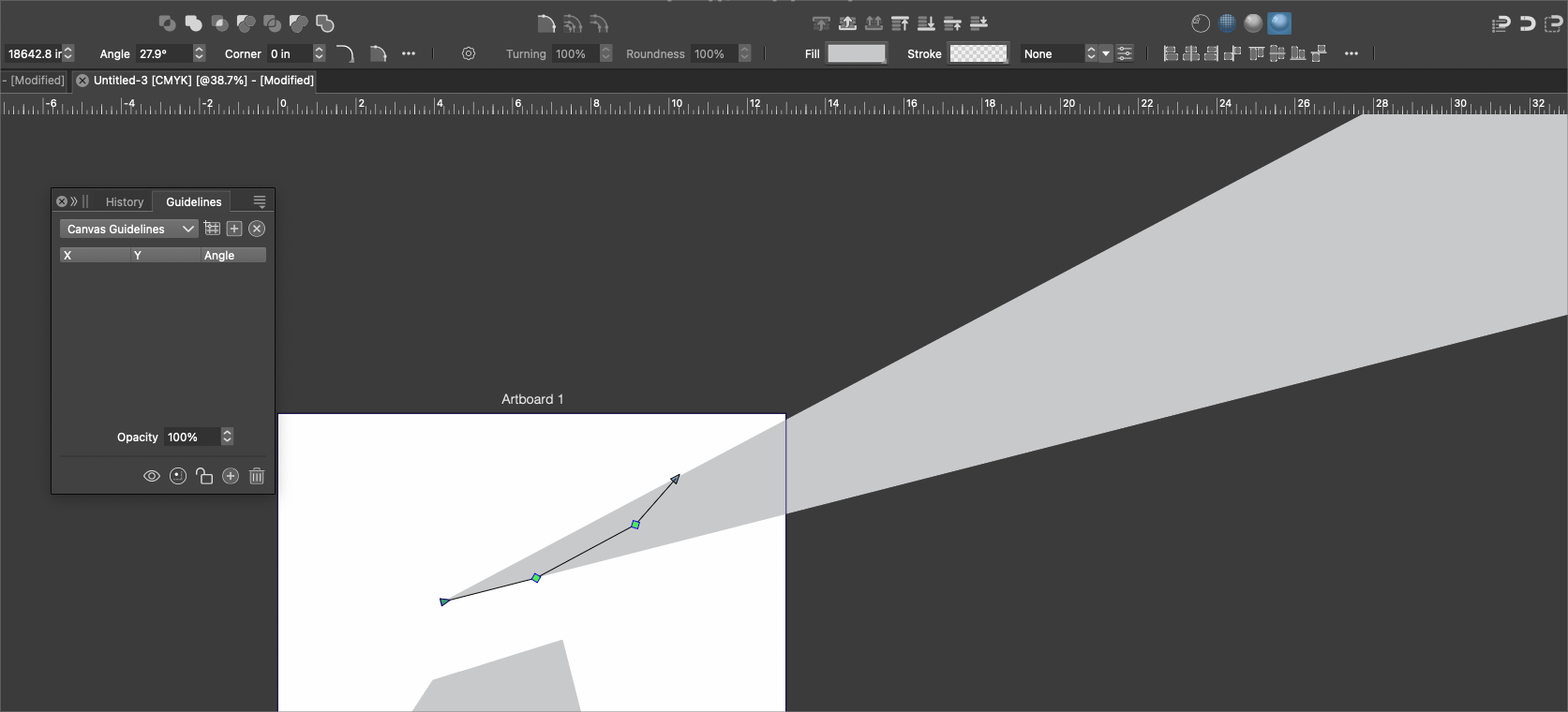
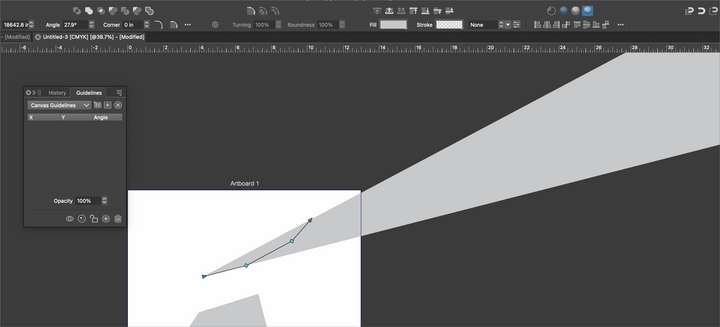
      When using the pen tool, the slider option to set the length of the path in the contextual menu jumps to a high number quickly sending the path far off the screen. Could it favor a lower range of sizes?
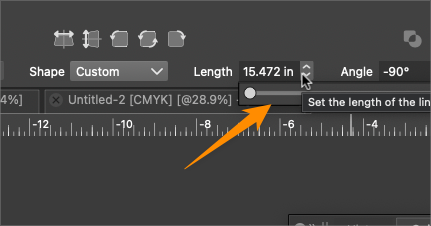
      0_1731838654242_1878cfb9-bac0-4d84-8bcd-d809ced2388d-BLD 2024-11-17 at 05.16.33.png

      0_1731838779396_a3da03eb-cf47-4f3e-8d19-55dc071ce371-BLD 2024-11-17 at 05.19.30.png

      🍎 macOS Tahoe 26.2, Mac mini (M1, 2020), Chip Apple M1, Memory 16 GB
      Cintiq 27QHD Display and LG Ultra HD Display

      VectorStylerV 1 Reply Last reply Reply Quote 1
      • VectorStylerV Offline
        VectorStyler @Boldline
        last edited by

        @Boldline said in Path Length option in Contextual Menu hard to control:

        Could it favor a lower range of sizes?
        I will change this.

        1 Reply Last reply Reply Quote 0
        • First post
          Last post
