Shapebuilder observations (Windows)
-
Hi,
The Shapebuilder Tool works quite well when the number of objects is low. However, when the number of objects is increased, so that you you have quite a lot of small intersections, the shapebuilder tool is getting quite confused.
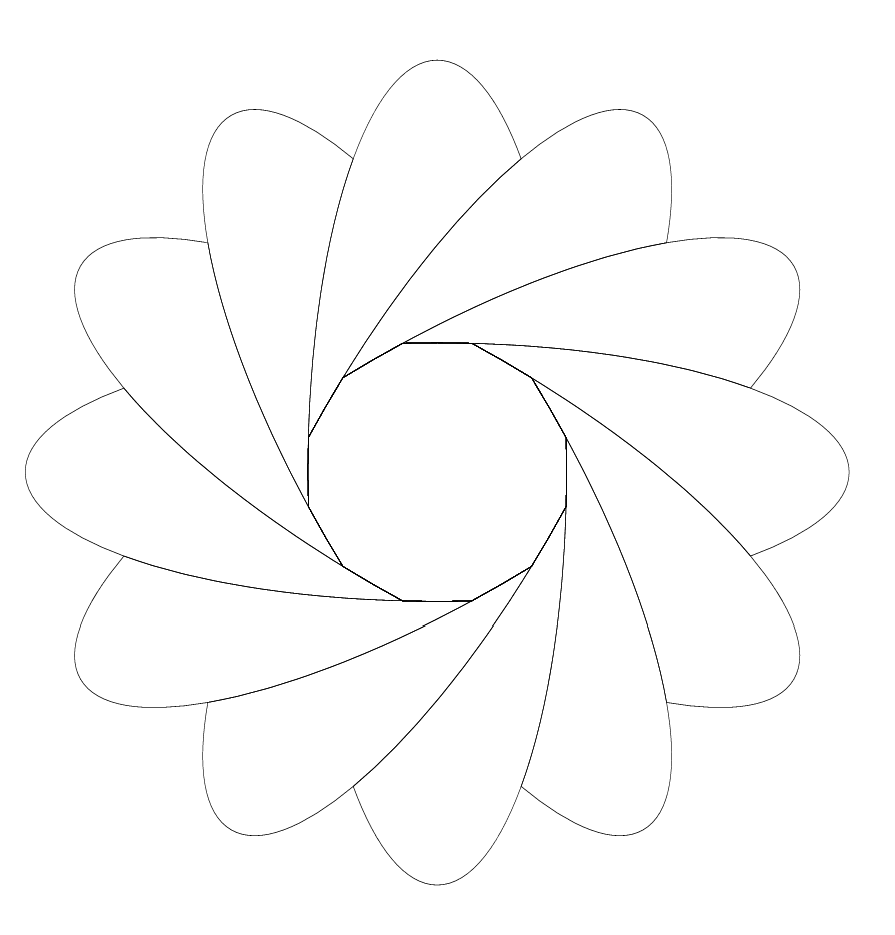
For example, draw an ellipse, and make copies at 15 degree intervals, and then connect the 'arms'. This produces the expected result:
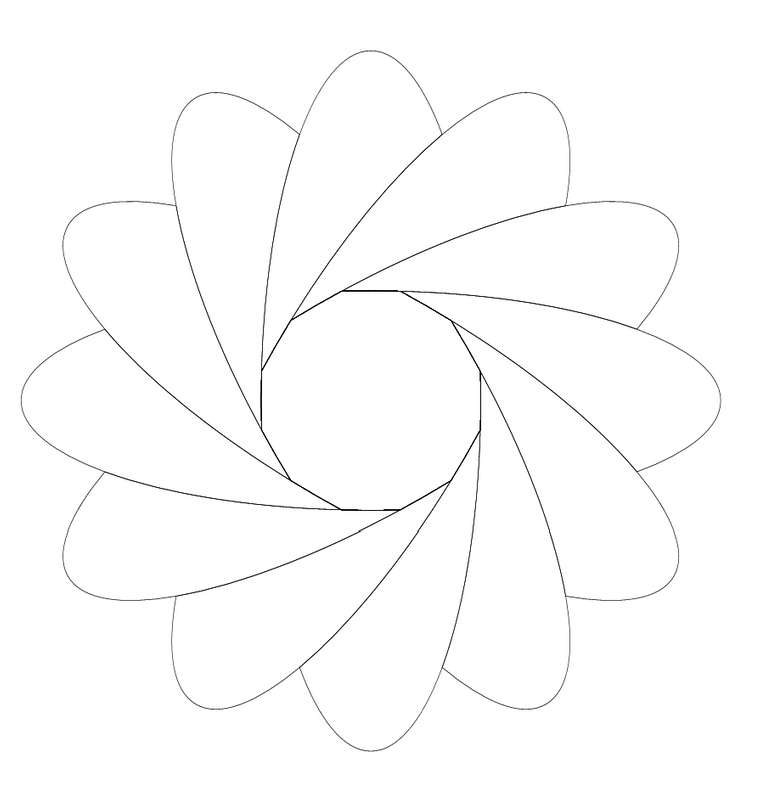
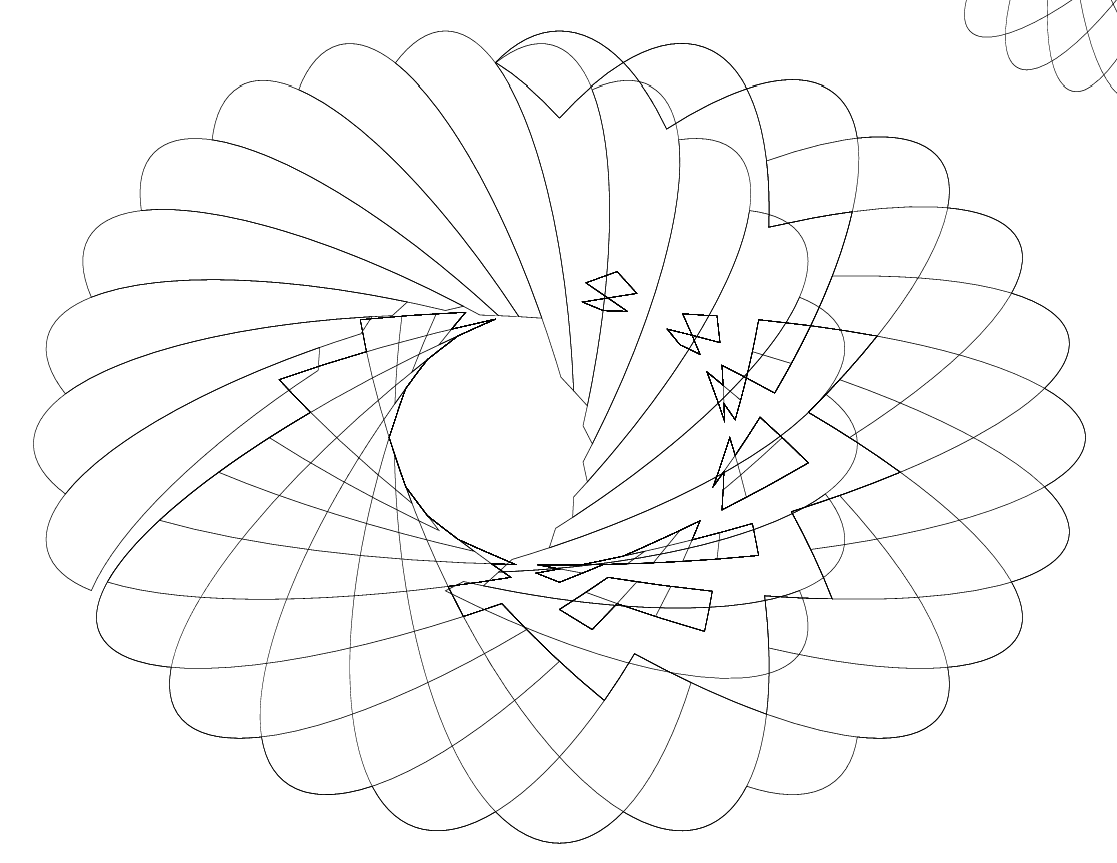
Now do the same, but at 15 degree intervals, so you end up with 12 ellipses and quite a few small intersections. It's a bit harder to connect all the little shapes near the center, and you'll notice that the Shapebuilder Tool has difficulties with deciding what shape it will select (making it blue). After a few more operations, and you make a mistake, undo at first will work, but there comes a point where it gets confused as well, and you'll end up with something like this:
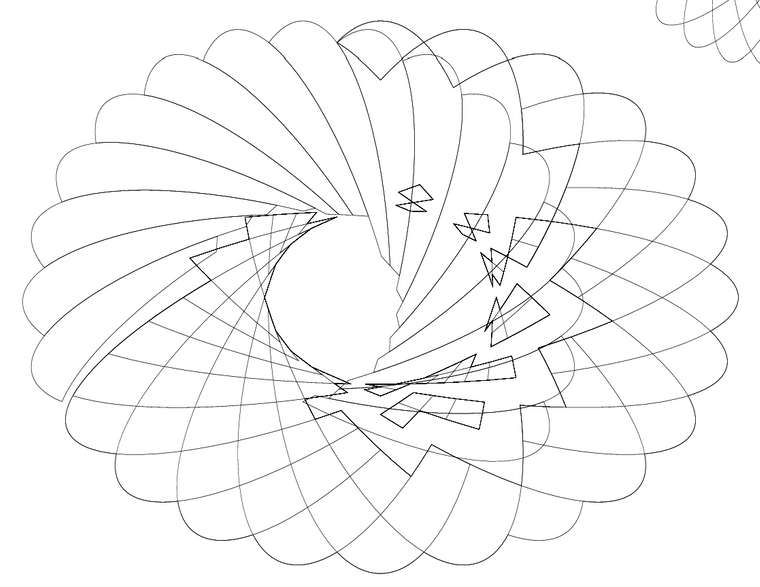
Video:
Shapebuilder undoIt's probably an optimization issue, but I thought I'd mention it anyway.
-
@Gremriel I will try to replicate this issue. It is probably not an optimization problem. Did you try the 15 degree case in a new document?
-
Hi,
Yes, it's in a new document, or it is in an existing document. Converting to curves before doing the shapebuilder operations doesn't have an effect either.
WIndows 11
-
@Gremriel I tried to replicate this one, but could not so far. If there is a vstyler file you could send me, it would help.
-
@Gremriel
@vectoradmin
Sorry to your topic but had problems with the same tool today. I wanted to create a template without any particularly difficult elements. In total, it consists of 40 rectangular elements. While drawing, I included all possible snaps so that there would be no problems with precision. I spent more than 3 hours and was not sure if it would be completed.
Shape builder caused elements to disappear, parts could not be put together at all. Diagonals began to appear. The merged elements turned out to be separated. In addition, I don't know how, I was able to select and edit hidden items. Sometimes using the undo gave different results than the starting state.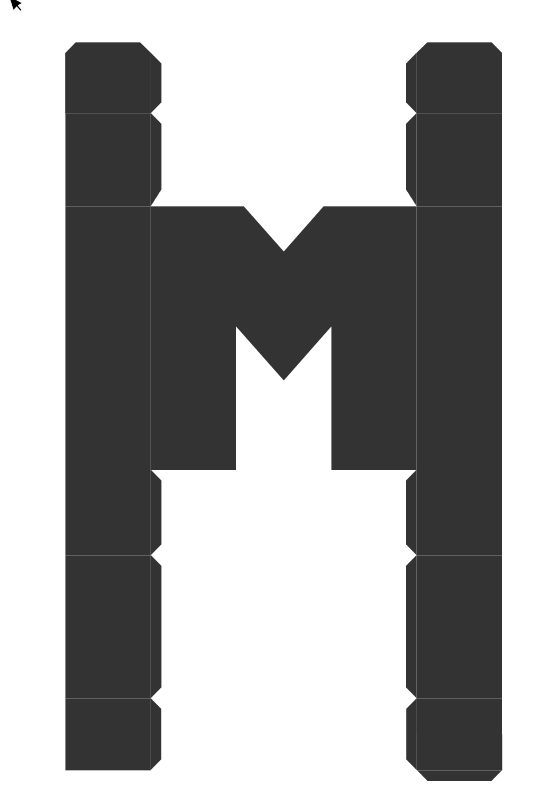
M template Shape builder
Something's definitely wrong here. -
@encart @Gremriel I got the files. In the first case the ellipses rotated with 15 degree worked fine with the shape builder but the other example in the file was already broken.
In the second case, I did manage to replicate the issue. I will work on this one to try to find a fix.One observation about the shape builder: it tries to remember the original shapes before the first changes. This is unless the shapes are also modified by some other tool after the shape builder.
This remembering has the result that you can get to and restore regions that were merged before. This is intentional, and this is not the cause of the above (diagonal lines) bugs.I will get back with more info later, meanwhile if there are other cases where things are broken, please let me know.

