Support for Industry Standard Color Profiles
-
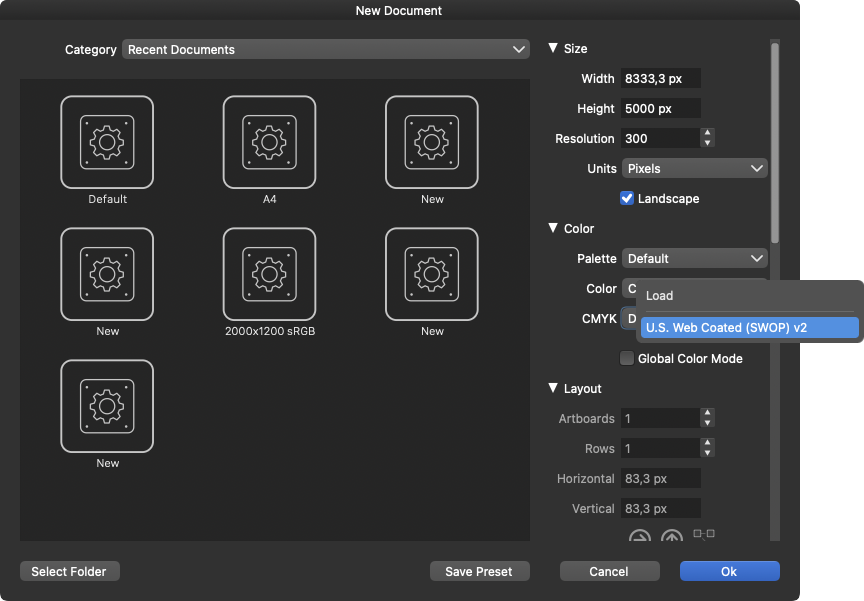
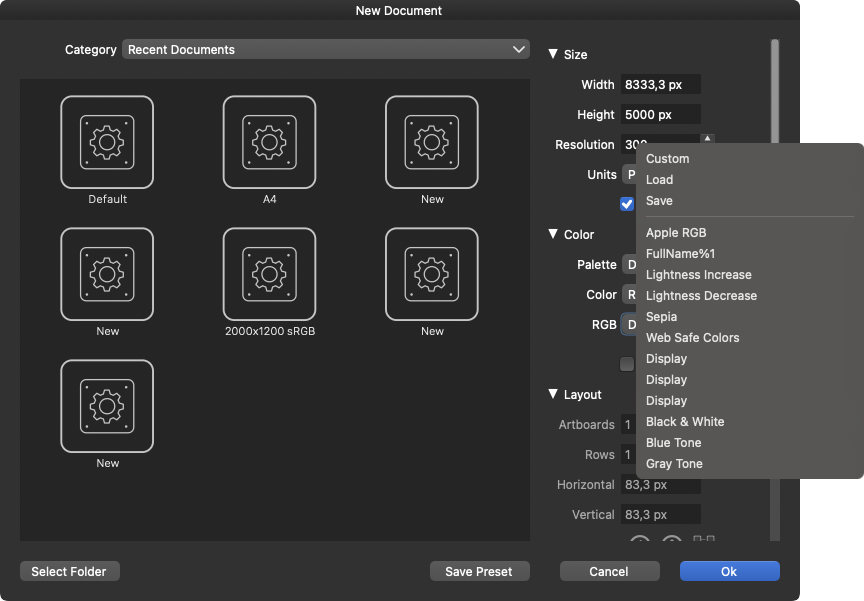
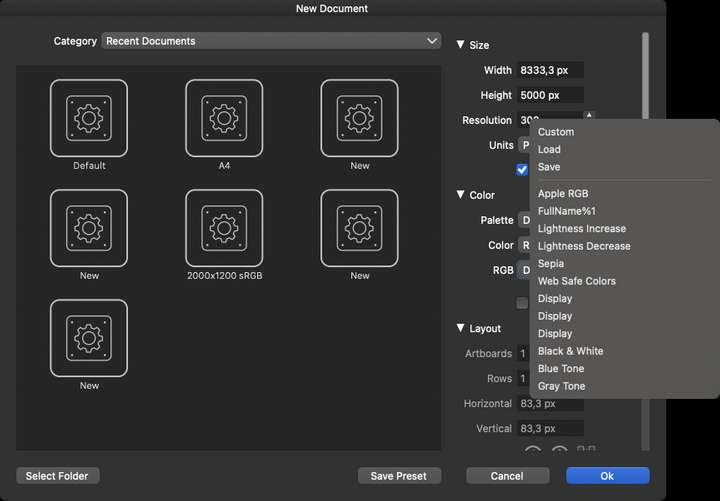
At the moment VectorStyler seems to feature quite odd list of baked in RGB color profiles in the New Document dialog box, and the most common ones — like sRGB and Adobe RGB — are completely missing from this list.
On the CMYK side there is only one option available, U.S. Web Coated, but missing are all of the CMYK profiles used in Europe, like FOGRA, Euroscale and ISO Coated V2 profiles.
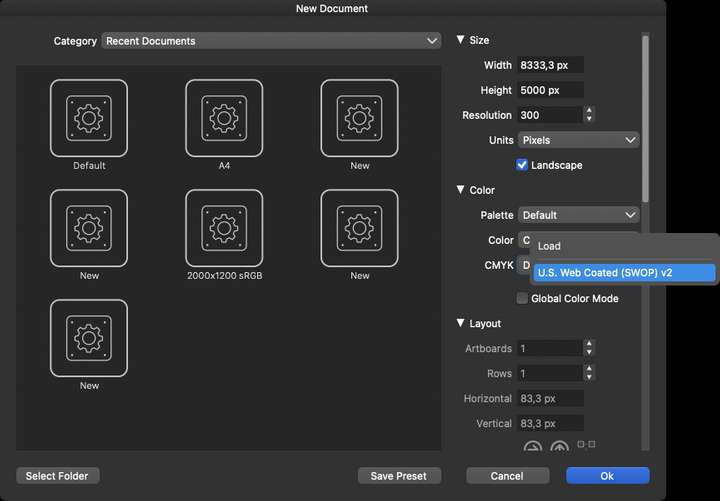
Could you please add the most commonly used industry standard color profiles to this selection in the New Document dialog box?
Also, what are the use cases for all those other RGB profiles currently listed in there?
Why is the "Display" profile duplicated for 3 times? -
@JuurGroove The color profiles are taken from what is available in the system. Additional color profiles can be added of course.
I will try to improve the default list. (but sRGB should be in MacOS by default).
-
@VectorStyler Right, I do recall now that I used to have more in there when I first experimented with the program, but I just uninstalled Adobe completely from my system, so perhaps some of the ICC profiles went along with that. I will add Photoshop back in the coming days, but it would still be nice if I didn't have to rely on Adobe to access the most widely used ICC profiles in VS.
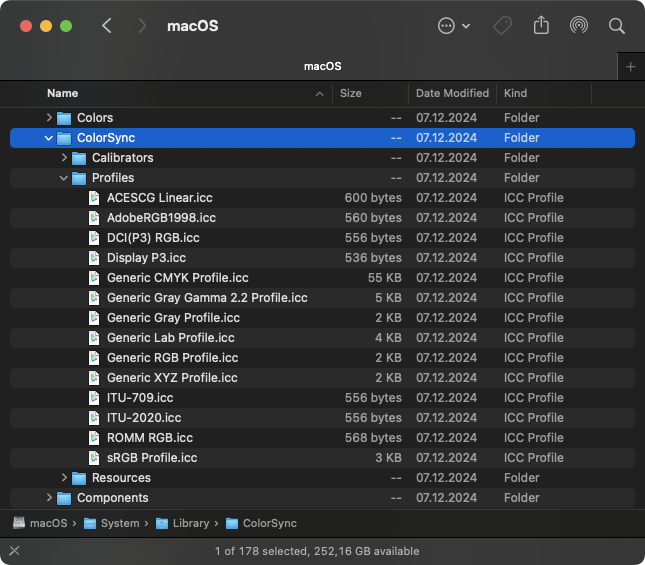
Also, I do have both sRGB and Adobe RGB in the system as seen below, however for some reason VectorStyler does not seem to be scanning this system level folder for profiles.
-
@JuurGroove said in Support for Industry Standard Color Profiles:
Also, I do have both sRGB and Adobe RGB in the system as seen below, however for some reason VectorStyler does not seem to be scanning this system level folder for profiles.
I will try to replicate this issue and find a fix.
-
Ok, I added the /System/Library/ColorSync/Profiles folder to the Settings:Folders:Color Profile Folders window and now I can see all those system level profiles also in VectorStyler

But the CMYK profiles are still all missing. I guess those are not part of macOS by default and has to be installed manually, unless one has Adobe installed, which I do not at the moment. (I do have the full Affinity suite installed but that also does not seem to provide any profiles.)
-
@JuurGroove said in Support for Industry Standard Color Profiles:
But the CMYK profiles are still all missing
These profiles could be reinstalled for VectorStyler, by adding folders in Settings -> Folders -> Color Profile Folders.
But you need the profile.There could be some copyright issues with adding these profiles into the default VS install.
-
@VectorStyler said in Support for Industry Standard Color Profiles:
These profiles could be reinstalled for VectorStyler, by adding folders in Settings -> Folders -> Color Profile Folders.
Yes I did exactly that, and I did get access to the new profiles, but there might be some issue with the permissions. I added both
/System/Library/ColorSync/Profiles
~/Library/ColorSync/Profilesto the Settings -> Folders -> Color Profile Folders window, but this morning after having restarted the system, these folder paths were all gone from there and so were the ICC profiles.
-
@JuurGroove said in Support for Industry Standard Color Profiles:
/System/Library/ColorSync/Profiles
~/Library/ColorSync/ProfilesThe content of these folders might be managed by MacOS.
In this case, it is better to have these profiles in some user folder, and point VS to that.
