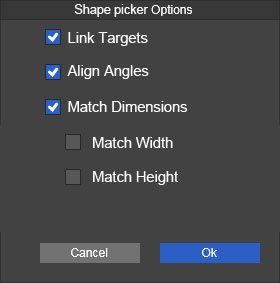
Shape picker options
-
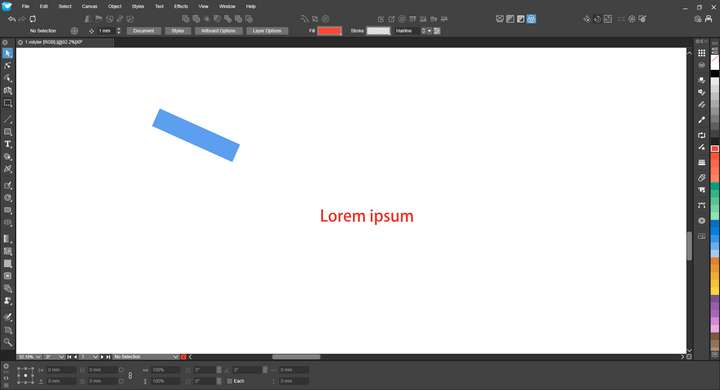
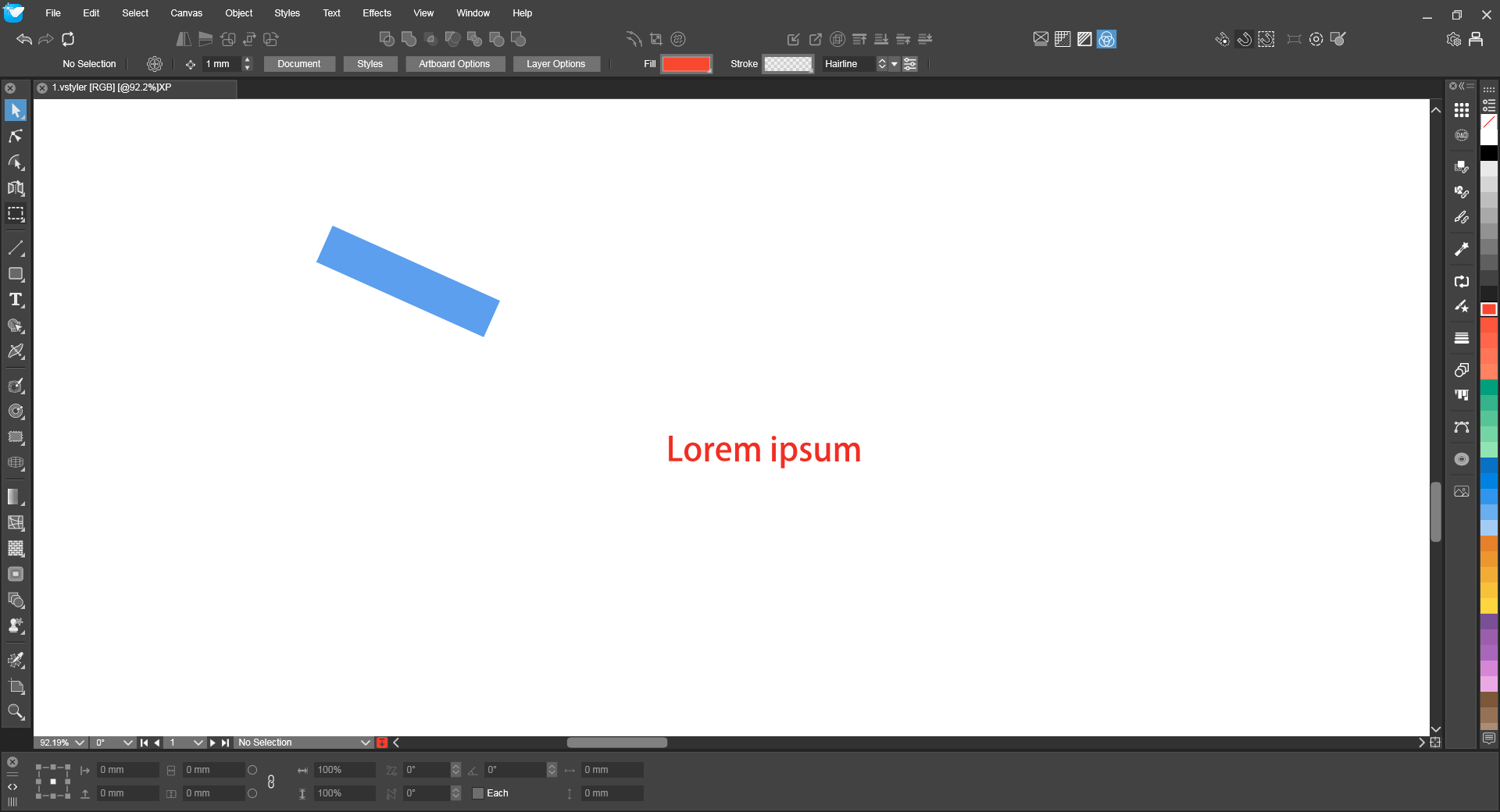
Example in the image:** The red text is the sample, and the blue square has been rotated by a certain angle. In VS , the rotation angle can be viewed in the Transform panel. This leads to some ideas for tool options:
- **Link Targets – Always active, but there's no option to disable it.
- Align Angle – Replaces the target with the sample while retaining its own rotation angle. (Applies as long as the target has not been Converted to Curve.)
- Match Dimensions – Replaces the target with the sample while retaining its original width and height.
- Match Width – Replaces the target with the sample, scaling the sample to match the target's width.
- Match Height – Replaces the target with the sample, scaling the sample to match the target's height.
(For options 4 and 5, the width/height matching is achieved by uniformly scaling the entire sample. Only one of options 3, 4, or 5 can be selected at a time.)*
-
@monsterfox I added this to the backlog
