VectorStyler
    • Categories
    • Unread
    • Recent
    • Tags
    • Popular
    • Register
    • Login

    Why does alignment horizontally also alter placement vertically?
    Scheduled Pinned Locked Moved Questions and Support
    2 Posts 2 Posters 2.0k Views 1 Watching
    Loading More Posts
    • Oldest to Newest
    • Newest to Oldest
    • Most Votes
    Reply
    • Reply as topic
    Log in to reply
    This topic has been deleted. Only users with topic management privileges can see it.
    • BoldlineB Online
      Boldline
      last edited by

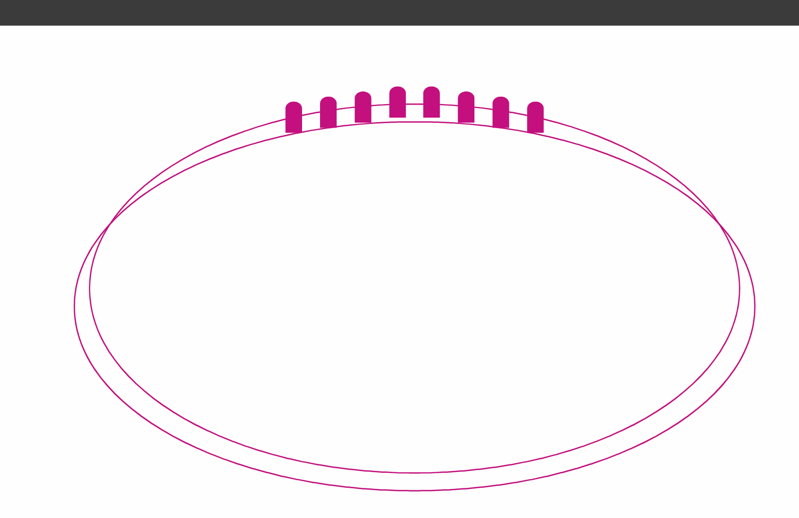
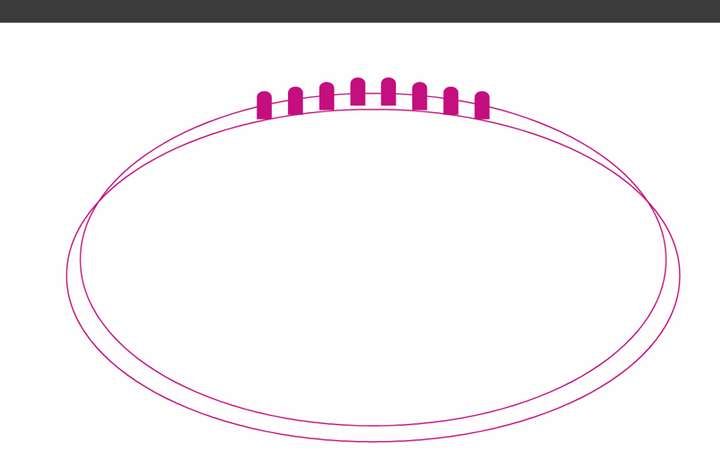
      I am trying to align the two circles and the grouping of shapes at the top so they are equal distant from left to right and centered from left to right. Using the alignment panel, it seems to alter their position horizontally as well. I don't want the shapes to move up and down at all, just left and right to be centered with one another, Am I missing something? Here is a link to what I am doing
      0_1750439963427_b3ec8fad-6027-46ef-8504-5652e082c012-CleanShot 2025-06-20 at 13.19.16.png

      🍎 macOS Sequoia 15.3, Mac mini (M1, 2020), Chip Apple M1, Memory 16 GB
      Cintiq 27QHD Display and LG Ultra HD Display

      VectorStylerV 1 Reply Last reply Reply Quote 1
      • VectorStylerV Offline
        VectorStyler @Boldline
        last edited by

        @Boldline The alignment Angle seems to be set to -90 degrees. With this, all alignment is considered at a -90 degree rotation.


        1 Reply Last reply Reply Quote 0
        • First post
          Last post