VectorStyler
    • Categories
    • Unread
    • Recent
    • Tags
    • Popular
    • Register
    • Login

    New Document Setup

    Scheduled Pinned Locked Moved Questions and Support
    2 Posts 2 Posters 1.6k Views 2 Watching
    Loading More Posts
    • Oldest to Newest
    • Newest to Oldest
    • Most Votes
    Reply
    • Reply as topic
    Log in to reply
    This topic has been deleted. Only users with topic management privileges can see it.
    • B Offline
      B-Vs-V
      last edited by

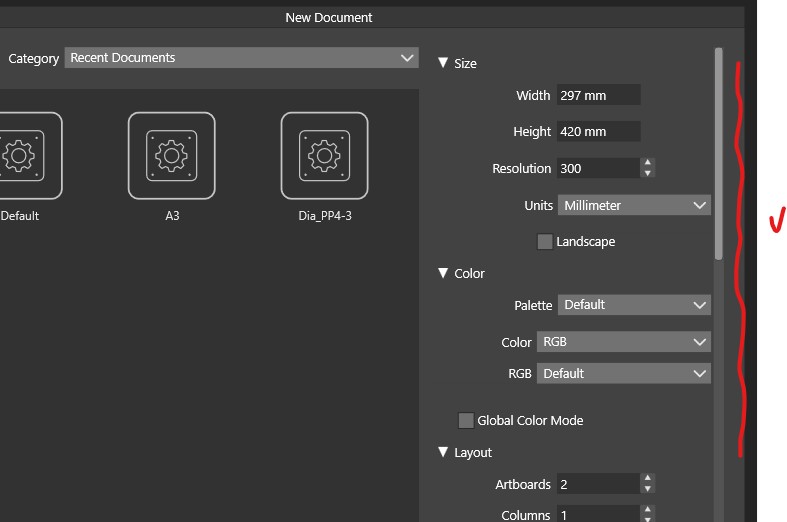
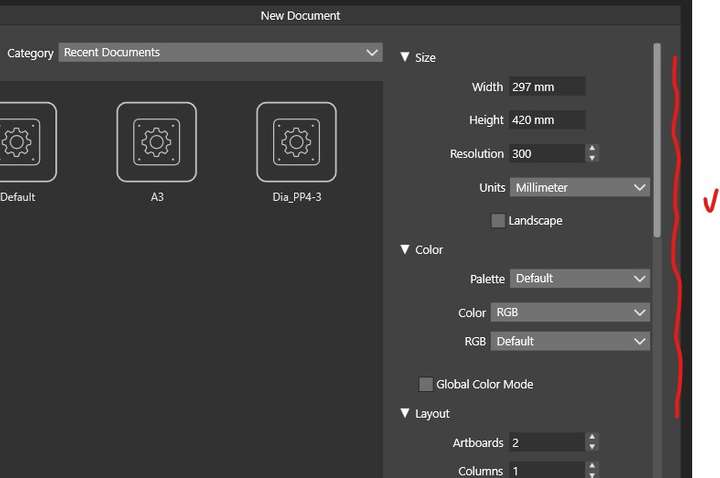
      It's been a long time since I defined a file template and I can't remember if when you select a template, its characteristics don't appear:
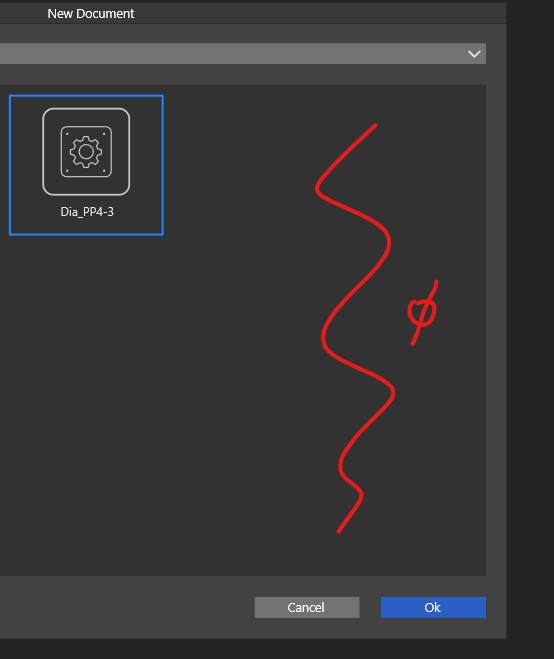
      0_1751632998301_f1.jpg

      0_1751633008418_f2.jpg

      Would it be possible to maintain these options in order to make any changes if necessary?

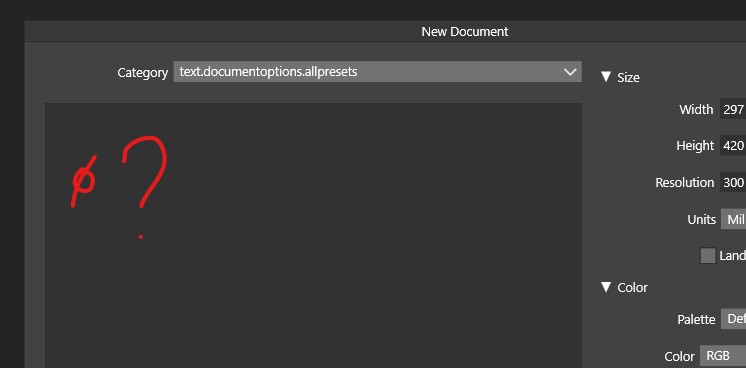
      I think this question has already been asked, but what is this?
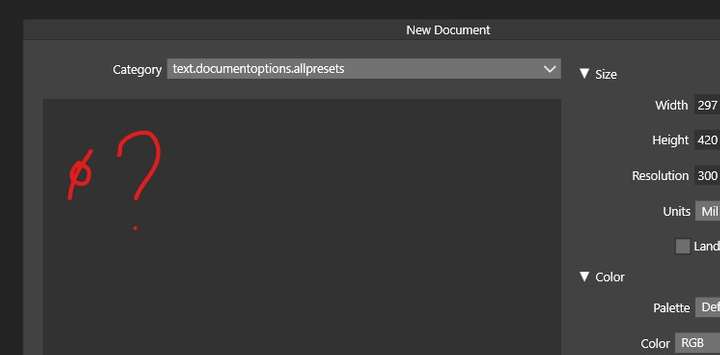
      0_1751633049183_f3.jpg

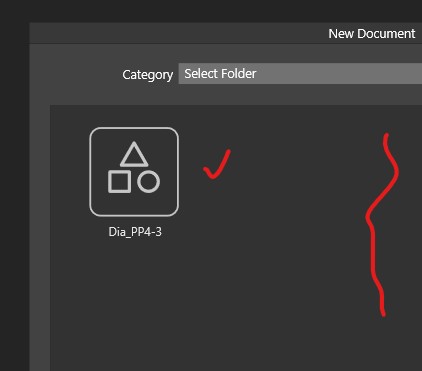
      Nothing appears and when I select a folder, I have my template but in ‘Select folder’ ??
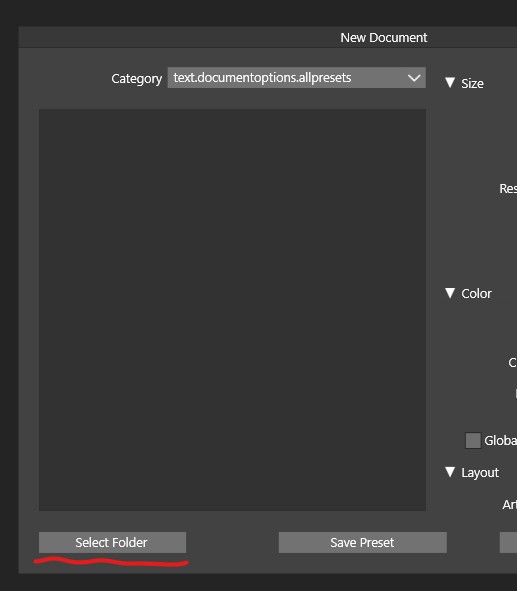
      0_1751633063501_f4.jpg

      0_1751633069045_f5.jpg

      W11 Pro 25H2 - 12th Gen Intel(R) i7-12700K 3.61 GHz - RAM 64 Go - NVIDIA GF GTX 4070 Ti - Intuos - Dell UP3216Q / Eizo ColorEdge
      W11 Pro 25H2 - 12th Gen Intel(R) i7-12700KF 3.60 GHz -RAM 64 Go - NVIDIA GF GTX 3080 - IntuosPro- ProArt PA329C

      VectorStylerV 1 Reply Last reply Reply Quote 1
      • VectorStylerV Offline
        VectorStyler @B-Vs-V
        last edited by

        @B-Vs-V When using the select folder, the options are hidden by design.
        There is an error here with the name for the "preset" list.

        1 Reply Last reply Reply Quote 0
        • First post
          Last post