VectorStyler
    • Categories
    • Unread
    • Recent
    • Tags
    • Popular
    • Register
    • Login

    Bug List for Version 1.3

    Scheduled Pinned Locked Moved Bugs in VectorStyler
    119 Posts 4 Posters 18.5k Views 4 Watching
    Loading More Posts
    • Oldest to Newest
    • Newest to Oldest
    • Most Votes
    Reply
    • Reply as topic
    Log in to reply
    This topic has been deleted. Only users with topic management privileges can see it.
    • VectorStylerV Offline
      VectorStyler @monsterfox
      last edited by

      @monsterfox said in Bug List for Version 1.3:

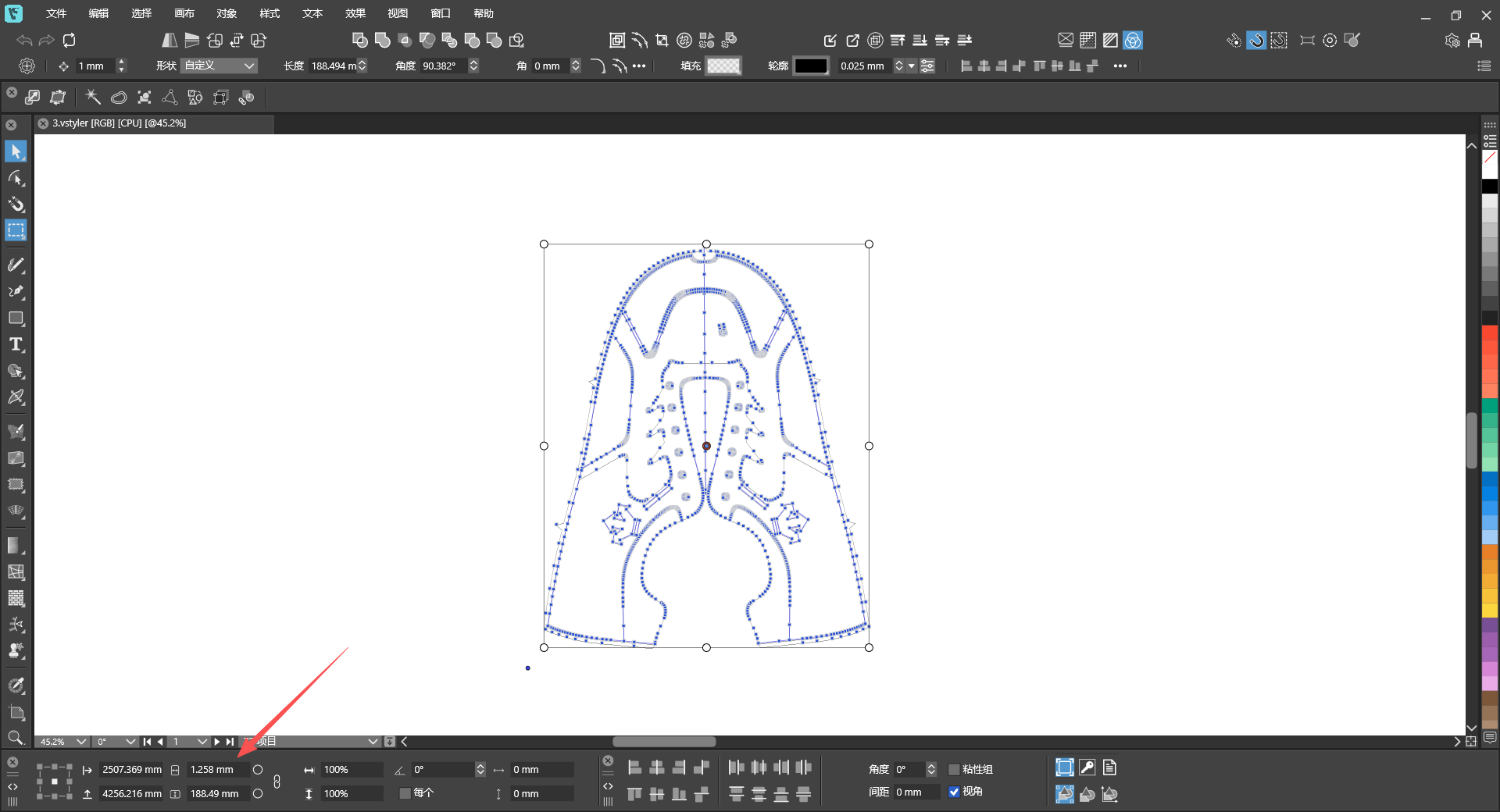
      The dimensions obtained by clicking to select the shape are different from those by marquee‑selecting the entire graphic.

      I opened a bug on this.

      1 Reply Last reply Reply Quote 0
      • VectorStylerV Offline
        VectorStyler @monsterfox
        last edited by

        @monsterfox said in Bug List for Version 1.3:

        @VectorStyler https://youtu.be/TWGHJhvrEtw
        23.vstyler
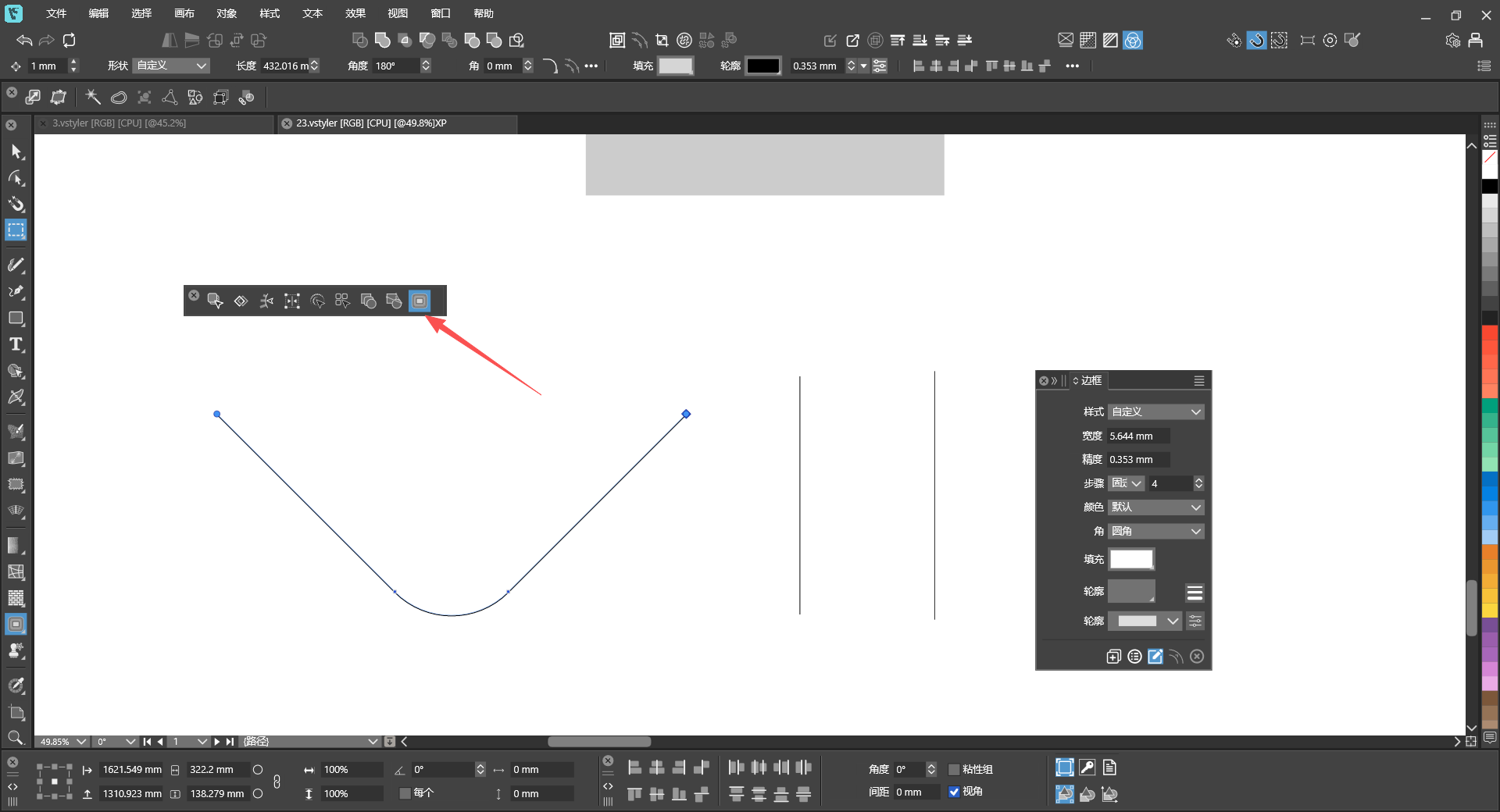
        I’m not sure if it’s a file issue. I’ve tried other new files, and this tool and panel still don’t work.

        What tool is used in this case? I cannot see this from the video.
        M 1 Reply Last reply Reply Quote 0
        • VectorStylerV Offline
          VectorStyler @monsterfox
          last edited by

          @monsterfox said in Bug List for Version 1.3:

          @VectorStyler https://youtu.be/wDyIBAdpCI8
          3.vstyler

          The dimensions obtained by clicking to select the shape are different from those by marquee‑selecting the entire graphic.

          I cannot replicate this.

          What is shown in the transform panel if selecting all with Control+A ?

          M 2 Replies Last reply Reply Quote 0
          • M Online
            monsterfox @VectorStyler
            last edited by

            @VectorStyler 34bafec6-7e91-4614-9f34-7ece7edd6f2d-image.png
            Control+ASelect all obtained dimensions

            1 Reply Last reply Reply Quote 0
            • M Online
              monsterfox @VectorStyler
              last edited by

              @VectorStyler

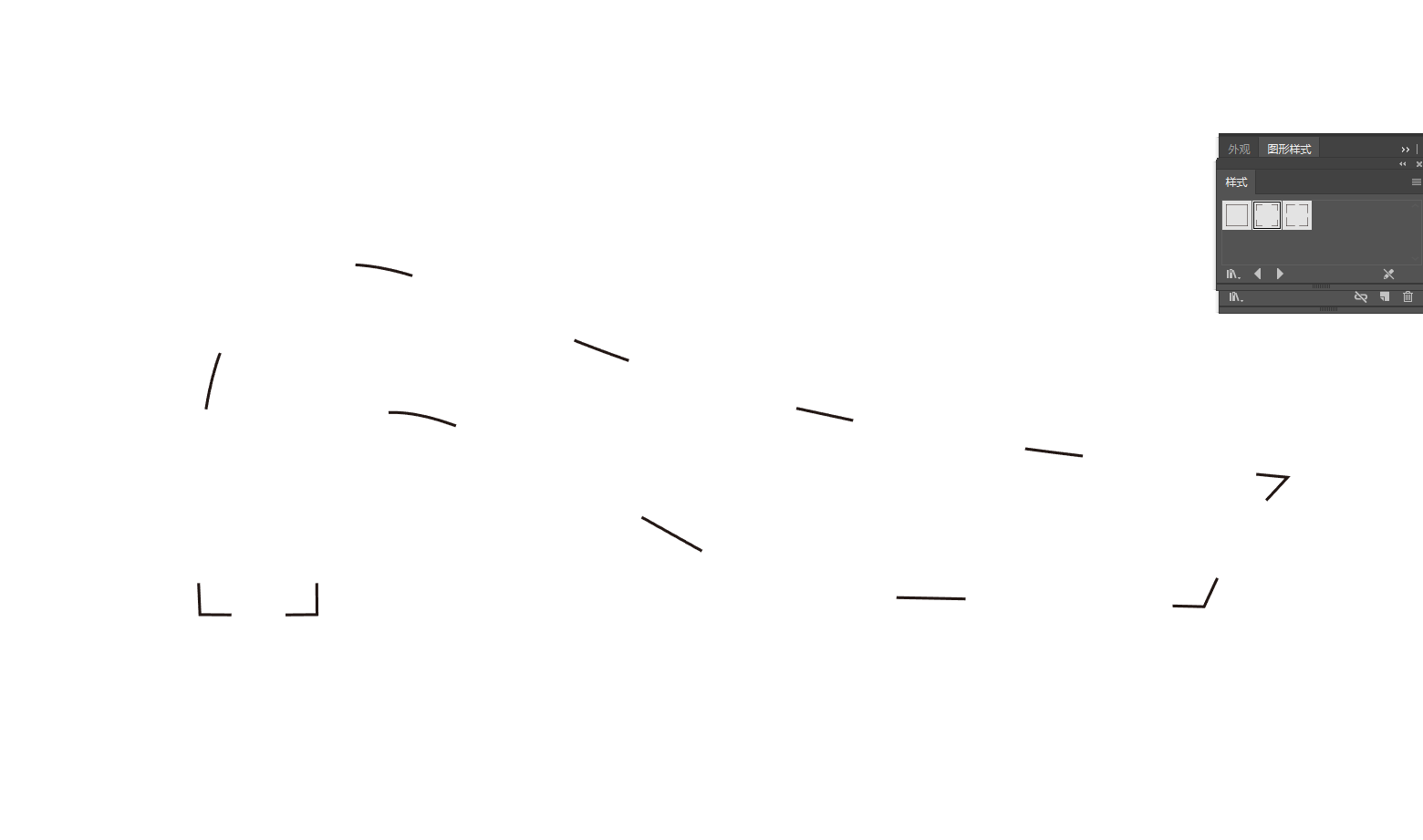
              What tool is used in this case? I cannot see this from the video.
              a99a47aa-badb-47fd-99b3-d111fa570b91-image.png

              1 Reply Last reply Reply Quote 1
              • M Online
                monsterfox @VectorStyler
                last edited by

                @VectorStyler https://youtu.be/T1P7AtA457c
                混合.vstyler

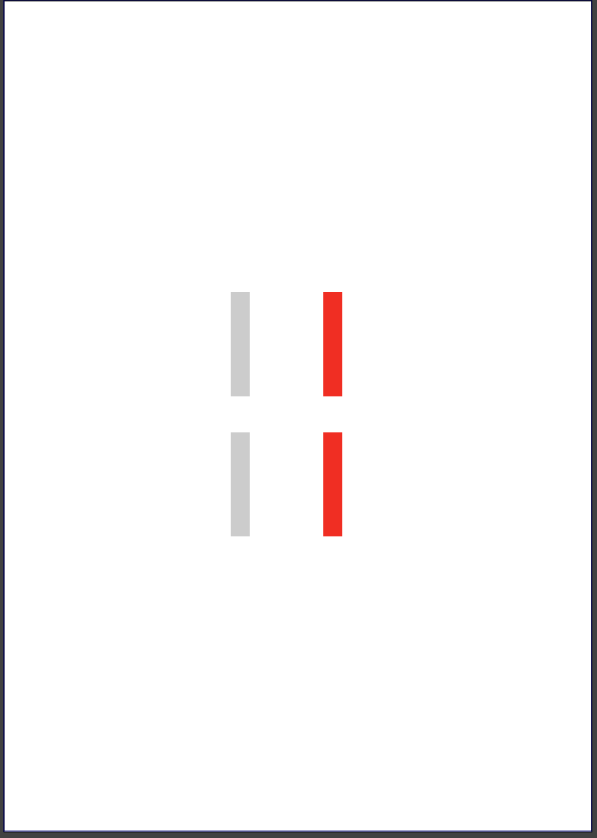
                1. Copy these two shapes to a new page, and the gray color will disappear.
                2. Scale down two identical shapes; one has Outline checked and the other does not, resulting in different final shapes.
                3. Hold Ctrl and left-click the shape, and two identical tools will appear on the top toolbar.
                4. This shape’s outline has a gradient fill, and with Rotate Outline enabled, the gradient colors do not rotate along with the shape.
                VectorStylerV 1 Reply Last reply Reply Quote 1
                • VectorStylerV Offline
                  VectorStyler @monsterfox
                  last edited by

                  @monsterfox The last attached file seems to be corrupted. Can you please send it again. Thanks!

                  M 2 Replies Last reply Reply Quote 0
                  • M Online
                    monsterfox @VectorStyler
                    last edited by

                    @VectorStyler I’ve tried many times and cannot save this file. I can only copy it, and all saved files get corrupted. Please fix the second bug first — this issue is reproducible on your side. As for the first bug: the blend shows no effect immediately after blending, but it turns out the blend is applied when I reopen the file. Let’s leave this bug for now. The third and fourth bugs are two different issues with the same shape; I will try to send you the file later.

                    VectorStylerV 1 Reply Last reply Reply Quote 1
                    • M Online
                      monsterfox @VectorStyler
                      last edited by

                      @VectorStyler 未命名-2.vstyler
                      This is the file for bugs 3 and 4.

                      1 Reply Last reply Reply Quote 0
                      • VectorStylerV Offline
                        VectorStyler @monsterfox
                        last edited by

                        @monsterfox said in Bug List for Version 1.3:

                        @VectorStyler I’ve tried many times and cannot save this file. I can only copy it, and all saved files get corrupted. Please fix the second bug first — this issue is reproducible on your side. As for the first bug: the blend shows no effect immediately after blending, but it turns out the blend is applied when I reopen the file. Let’s leave this bug for now. The third and fourth bugs are two different issues with the same shape; I will try to send you the file later.

                        Before saving the file, set the file format to JSON in Document Setup -> File -> File Format. In this way you can send it in JSON format that I can inspect manually to find what causes the saving issue.

                        M 1 Reply Last reply Reply Quote 0
                        • M Online
                          monsterfox @VectorStyler
                          last edited by

                          @VectorStyler f71ae7a3-2a93-4bc2-9e68-aa9eefce729b-image.png
                          d757ea2a-c4ad-4e79-bdfe-7f6f77edb596-image.png
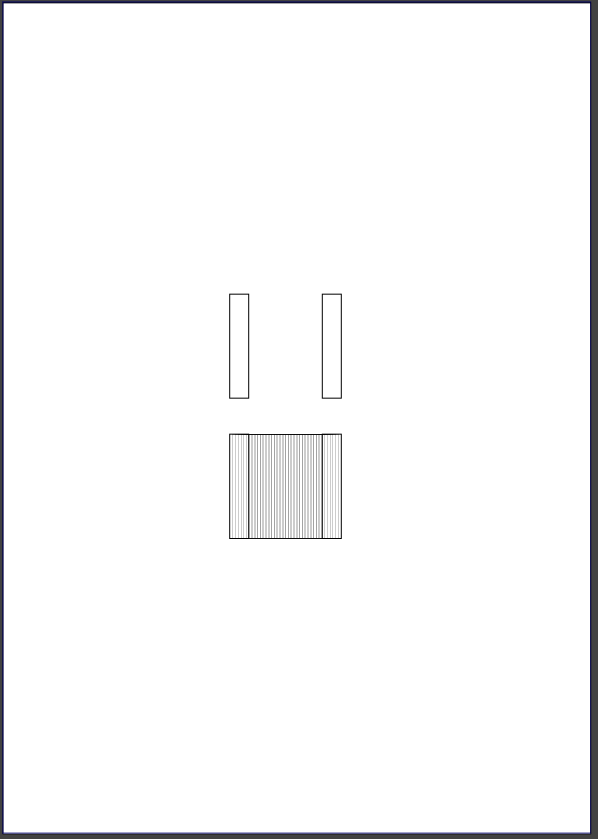
                          This is bug #1: the blended shapes inside the blend effect are not visible.
                          未命名-5.vstyler

                          1 Reply Last reply Reply Quote 1
                          • First post
                            Last post