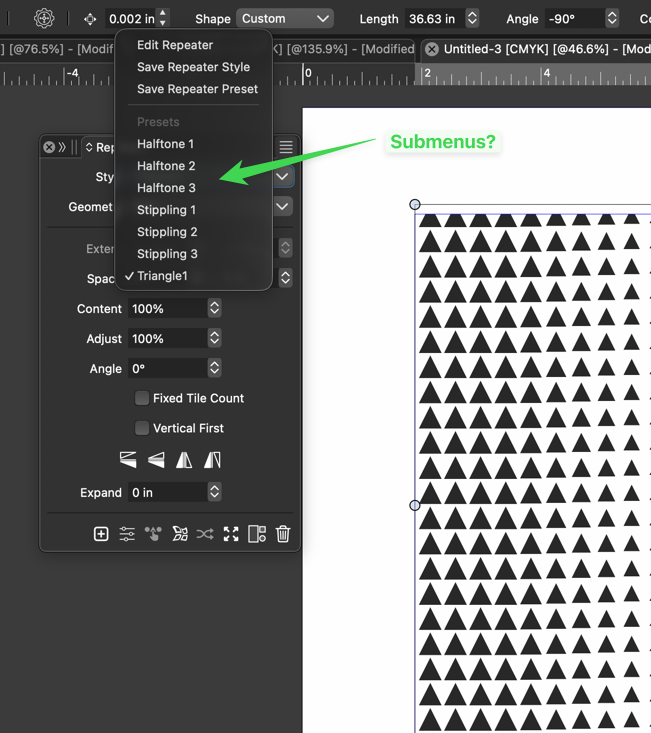
Add sub-categories to the repeater presets menu area?
-
@VectorStyler said in Add sub-categories to the repeater presets menu area?:
@Boldline In the Preset Manager it should be possible to organize presets into folders.
I understand that there is a universal presets panel with access to all the presets available on a program level.
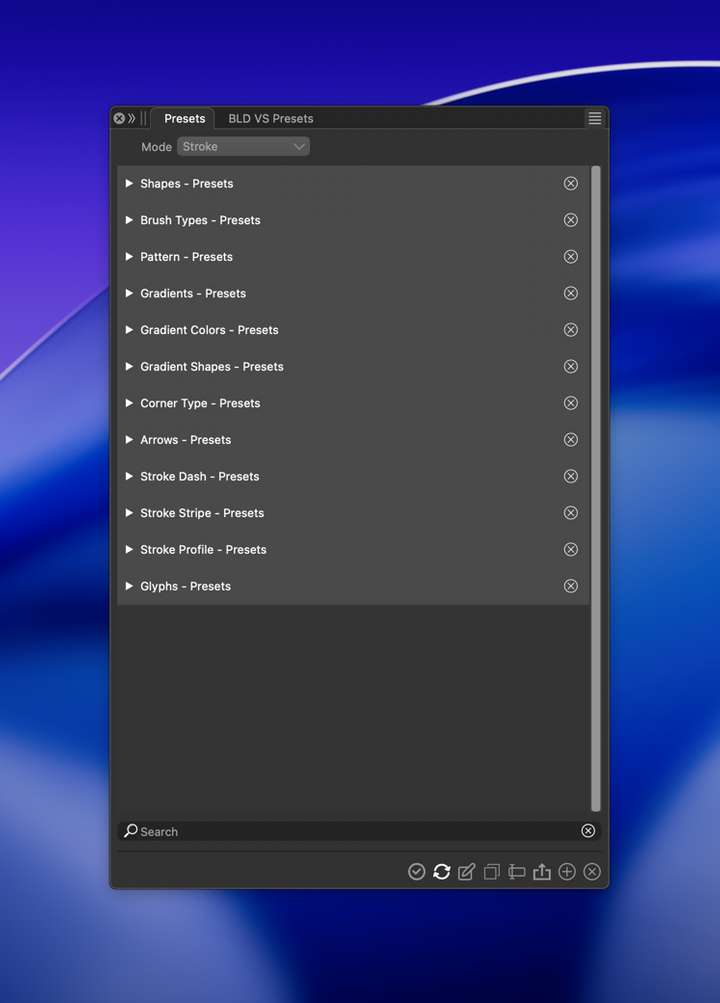
I'm not seeing where the repeater presets are being saved, neither the default halftone and stippling options or the new one I called "triangle and had saved into the preset folder earlier today.
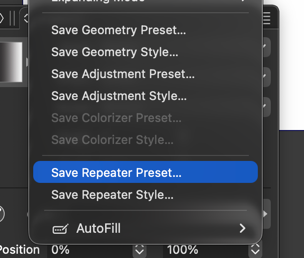
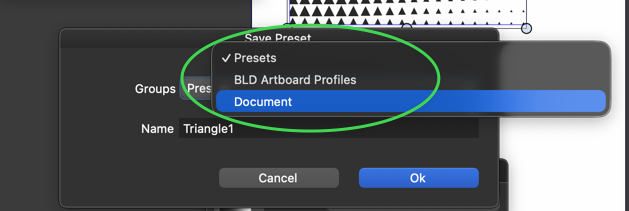
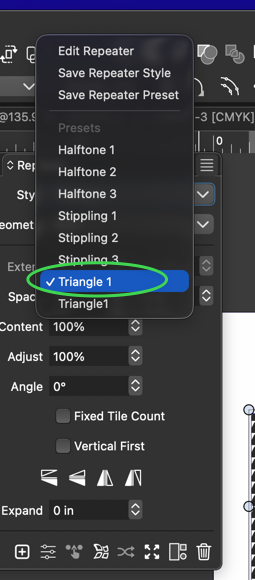
I saved my custom preset to the "Presets" folder and it shows up when I go to use a repeater preset:
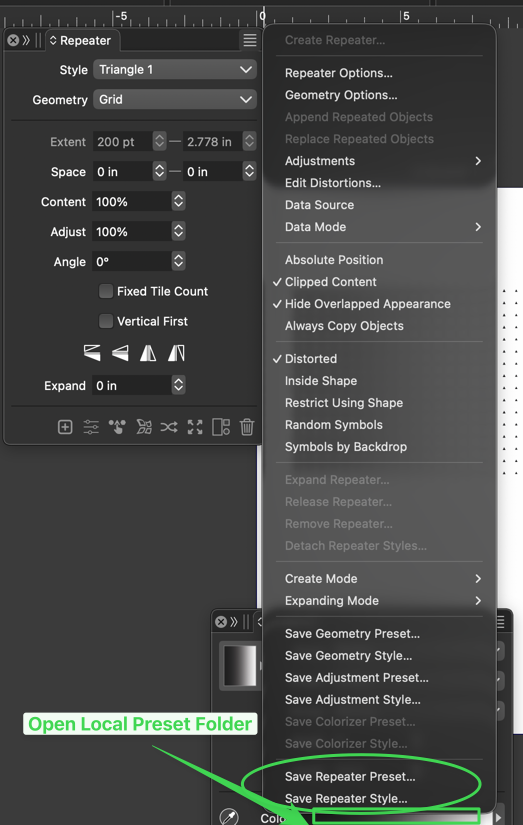
The problem is, I cannot find the them anywhere (they are not visible in the main preset panel), I don't have a way to delete one and there is no link option from the repeater extended menu to open a custom preset folder much less an option to save custom presets to that custom folder.
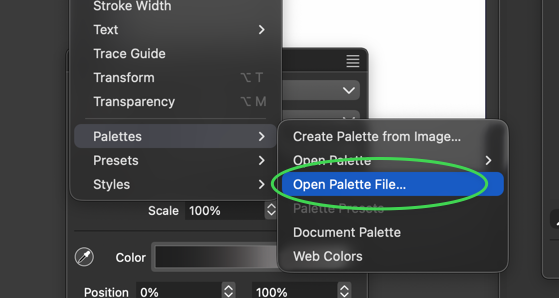
I'm thinking of it much like how we can open a custom color palette
Hopefully I am making sense as to where the issues I am having are.
-
@Boldline This might be a bug (not listing all preset types). I will solve this.
-
@VectorStyler ok sounds good. Does it make sense to have a an option to save presets to a custom folder? And then have access to that folder from inside the repeater panel menu?
I may need to read up more about the presets but I was also thinking of ways to be able to share a repeater preset batch easily between user computers and others. -
@Boldline said in Add sub-categories to the repeater presets menu area?:
Does it make sense to have a an option to save presets to a custom folder?
This would require a bit more selection options in the preset saving UI. For now, I the Preset Manager will be the place to organize things into folders.
-
@VectorStyler ok. if I want to move saved presets to a different computer - could we add an option to do that? Either an option to go to the preset folder to select and copy and paste or an option to export a preset?
-
@Boldline said in Add sub-categories to the repeater presets menu area?:
@VectorStyler ok. if I want to move saved presets to a different computer - could we add an option to do that? Either an option to go to the preset folder to select and copy and paste or an option to export a preset?
The Preset Manager should be able to export presets, and to create preset groups saved into a user selected folder.
-
@VectorStyler If I want to save out a preset from the preset manager, would that mean using "save as" or "save selected" and then choose a new location to collect the presets to copy to another computer? I was not seeing a dedicated export option like "export selected", etc.
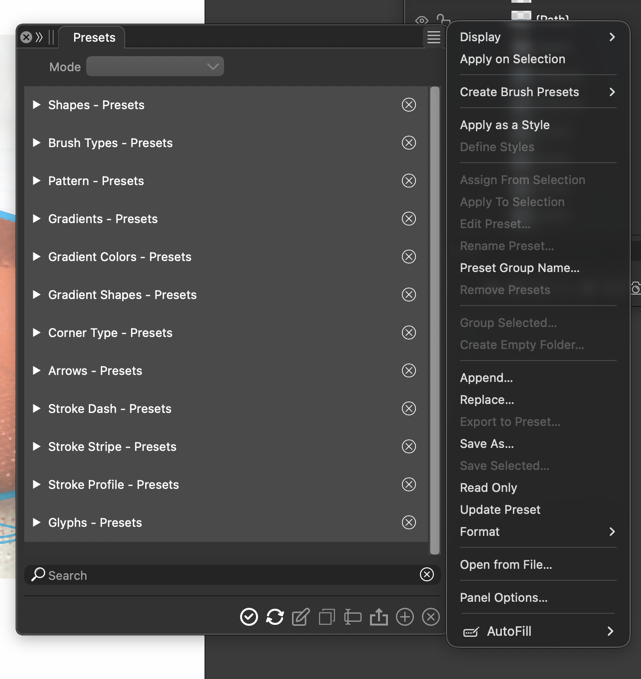
I was also thinking about digging in to the presets folder itself to find the presets to copy and paste, but from what I found, it does not seem to show all of them. Maybe I'm not looking in the right place?
-
@Boldline "Save Selected", but first select the presets.
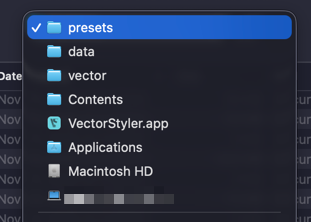
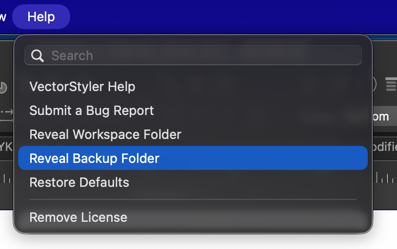
Use the "Reveal Workspace Folder", go up one level and you will find a presets folder
-
@VectorStyler said in Add sub-categories to the repeater presets menu area?:
@Boldline "Save Selected", but first select the presets.
Use the "Reveal Workspace Folder", go up one level and you will find a presets folder
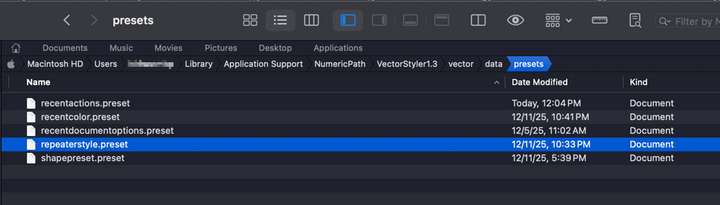
When I go up a level and into the presets folder, I see one repeater preset listed. I don't see the default repeater presets that come with VS or the several custom presets I already created.
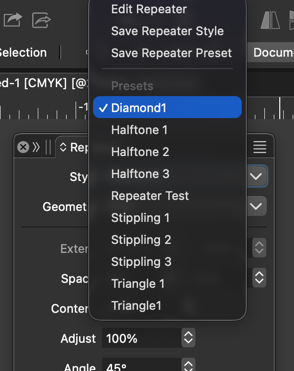
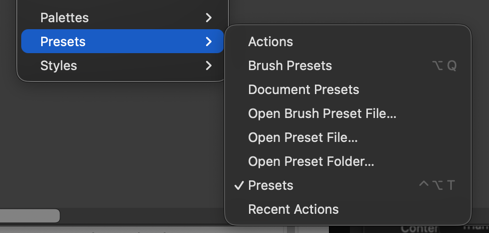
When I look in the Window>Presets Flyout menu, I see dedicated options for brush presets, document presets, an option to open a brush preset file. I was confused why the brush presets options are listed but not the other presets, but I assume that's because users are most commonly importing brush presets?
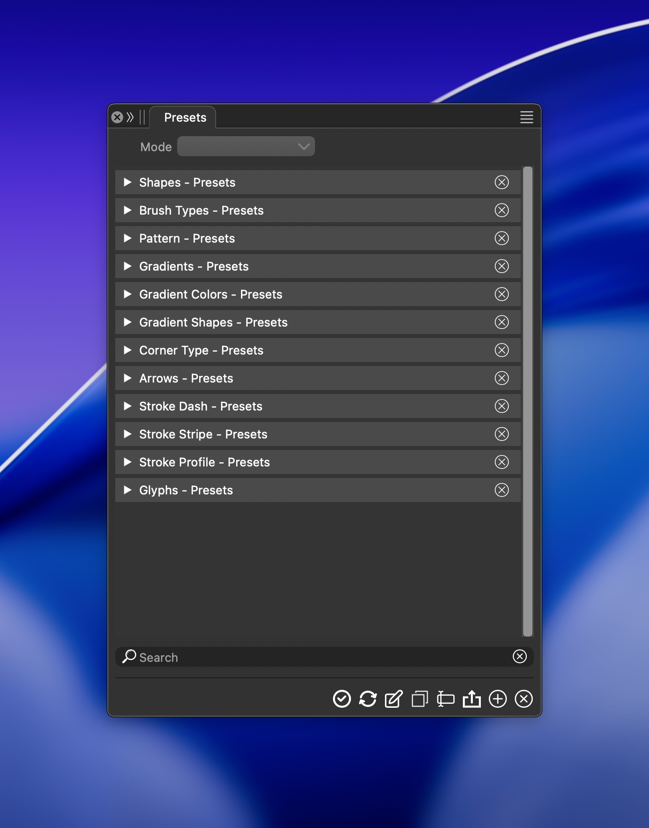
When I go to the presets panel, repeater brushes are not listed at all. You mentioned it might be a bug, but I have an old windows laptop I had yet to upgrade to VS1.3, so it was still using VS1.2. On that laptop, the same presets panel also lacks a repeater preset folder
-
@Boldline said in Add sub-categories to the repeater presets menu area?:
When I go up a level and into the presets folder, I see one repeater preset listed. I don't see the default repeater presets that come with VS or the several custom presets I already created.
That file contains all the current repeater presets. The default presets file is in the VectorStyler bundle (similar location), but it was copied to this file.
When I look in the Window>Presets Flyout menu, I see dedicated options for brush presets, document presets, an option to open a brush preset file. I was confused why the brush presets options are listed but not the other presets, but I assume that's because users are most commonly importing brush presets?
Brush presets have a separate menu command because it is quite common to use these and there are typically many of them.
Other presets could have a separate panel, but then it gets too crowded with menu commands.
You can drag out a section from the Presets panel into a separate panel.When I go to the presets panel, repeater brushes are not listed at all. You mentioned it might be a bug, but I have an old windows laptop I had yet to upgrade to VS1.3, so it was still using VS1.2. On that laptop, the same presets panel also lacks a repeater preset folder
I will fix this

