VectorStyler
    • Categories
    • Unread
    • Recent
    • Tags
    • Popular
    • Register
    • Login

    Dedicated line halftone option for the new halftone tool and repeater
    Scheduled Pinned Locked Moved Features and Ideas
    11 Posts 3 Posters 1.1k Views 2 Watching
    Loading More Posts
    • Oldest to Newest
    • Newest to Oldest
    • Most Votes
    Reply
    • Reply as topic
    Log in to reply
    This topic has been deleted. Only users with topic management privileges can see it.
    • L Offline
      Li Xiao @Boldline
      last edited by

      @Boldline The line halftone is already included in the vector halftone.
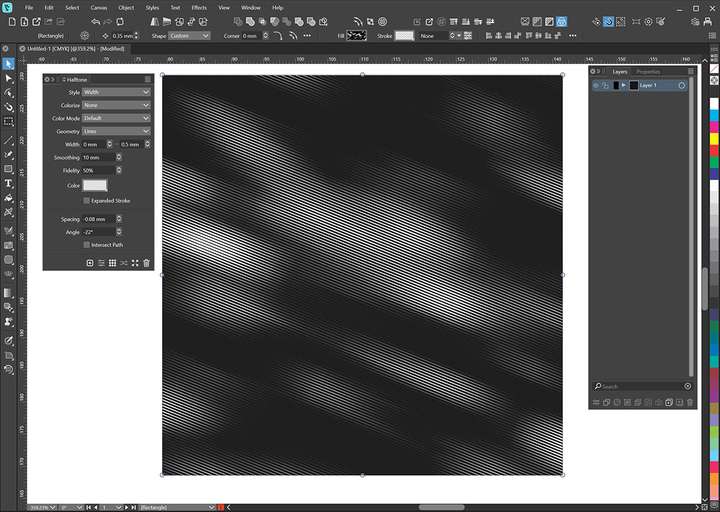
      0_1765856966095_Line.jpg
      0_1765856978433_line halftone.vstyler

      1 Reply Last reply Reply Quote 1
      • BoldlineB Offline
        Boldline
        last edited by

        @Li-Xiao Thanks@ obviously I had no gotten far enough into 1.3 in these areas!

        ๐ŸŽ macOS Tahoe 26.2, Mac mini (M1, 2020), Chip Apple M1, Memory 16 GB
        Cintiq 27QHD Display and LG Ultra HD Display

        L 1 Reply Last reply Reply Quote 1
        • L Offline
          Li Xiao @Boldline
          last edited by Li Xiao

          @Boldline You're welcome! 1.3 has so many surprises regarding vector halftoning.
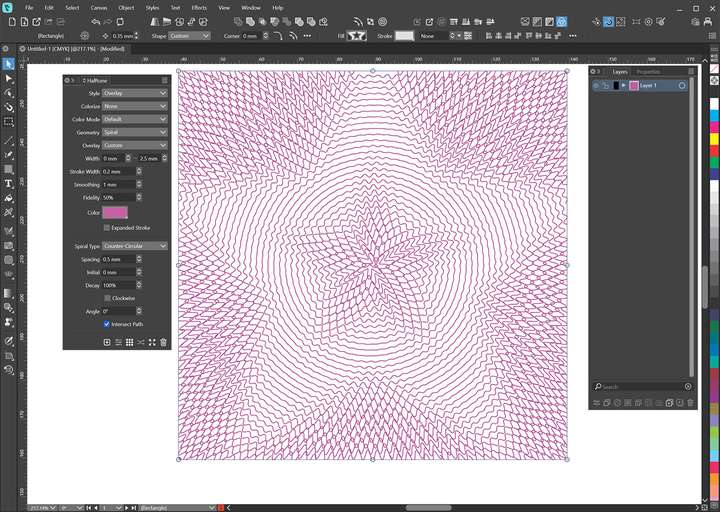
          0_1765861453675_Overlay.jpg
          0_1765863106813_Content.jpg

          1 Reply Last reply Reply Quote 1
          • BoldlineB Offline
            Boldline
            last edited by

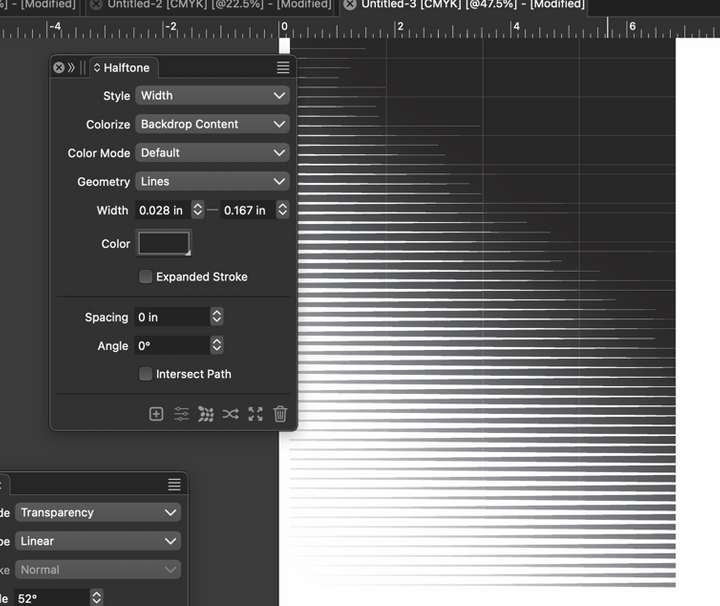
            @Li-Xiao Did you see a way to make the color in the halftone stay a solid black for example? Right now I'm getting a fade from black to grays
            0_1765864352065_f67d066f-8fe5-42dc-8f8f-f9ec9ef4078a-CleanShot 2025-12-16 at 00.50.17.png

            ๐ŸŽ macOS Tahoe 26.2, Mac mini (M1, 2020), Chip Apple M1, Memory 16 GB
            Cintiq 27QHD Display and LG Ultra HD Display

            L 1 Reply Last reply Reply Quote 0
            • L Offline
              Li Xiao @Boldline
              last edited by Li Xiao

              @Boldline said in Dedicated line halftone option for the new halftone tool and repeater:

              solid black

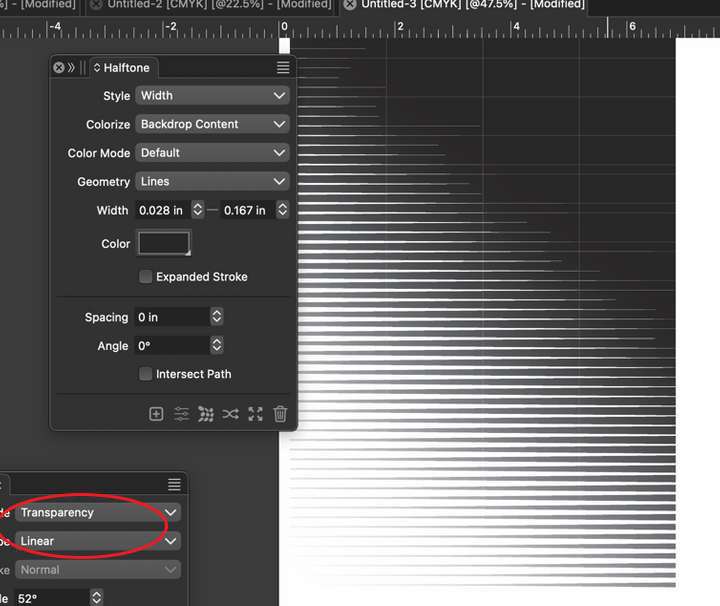
              From your screenshot, itโ€™s because you overlayed a transparent gradient, which is why itโ€™s not solid black.
              0_1765866104227_solid black.vstyler
              0_1765865685126_Transparency.jpg

              BoldlineB 1 Reply Last reply Reply Quote 2
              • BoldlineB Offline
                Boldline @Li Xiao
                last edited by

                @Li-Xiao thank you! it seems the more I learn about VS, the more I realize I need to dig deeper into learning

                ๐ŸŽ macOS Tahoe 26.2, Mac mini (M1, 2020), Chip Apple M1, Memory 16 GB
                Cintiq 27QHD Display and LG Ultra HD Display

                1 Reply Last reply Reply Quote 1
                • E Offline
                  EricP
                  last edited by

                  @Boldline said in Dedicated line halftone option for the new halftone tool and repeater:

                  Did you see a way to make the color in the halftone stay a solid black for example?

                  you may change colorize mode from Backdrop Content to None

                  L 1 Reply Last reply Reply Quote 2
                  • L Offline
                    Li Xiao @EricP
                    last edited by

                    @EricP

                    you may change colorize mode from Backdrop Content to None

                    I also noticed the Clorize option.
                    In the screenshot, you can see a noticeable four column effect due to the Length Limit value.
                    If Clorize is set to Backdrop Content, the gradient will not be smooth.
                    I'll create an example to illustrate this clearly.

                    0_1765899158633_line halftone.jpg
                    0_1765899226155_line halftone.vstyler

                    E 1 Reply Last reply Reply Quote 1
                    • E Offline
                      EricP @Li Xiao
                      last edited by

                      @Li-Xiao thanks for this. I did not investigate all the halftone settings yet.

                      Looking at the file you shared, it seems the vertical banding can be adjusted by changing the length limit parameter.

                      By increasing it to 150mm, the gradient is now smooth. I guess it cuts lines in different segments when the line exceeds the length limit

                      0_1765900685667_4fd4bc89-43ac-4302-bec8-75a5d50c4030-image.png

                      L 1 Reply Last reply Reply Quote 1
                      • L Offline
                        Li Xiao @EricP
                        last edited by

                        @EricP A larger Length Limit value does not improve color sampling accuracy, @VectorStyler Image halftoning is the perfect solution.
                        0_1765902636985_line colorize.jpg

                        1 Reply Last reply Reply Quote 2
                        • First post
                          Last post