Could locking a layer free up VS to only render and focus on active layers?
-
I was wondering if there was more that could be done to improve the responsiveness of the edits made in VS in a file with a lot of existing nodes.
Here is a video showing what I mean:
In this example, I've accumulated a large number of complex vector objects to a layer called "art". I made a new layer above and created text that I want to edit. When I go to add the text, the actions become sluggish and there is a large delay before VS catches up. I thought perhaps if I lock the art layer and work on the top layer, that would return the speed because VS does not have to contend with all those nodes since they are on a locked layer. This did not improve the response time. However, it did improve when I turned off the visual for the art layer.
Is there a way VS could only worry about the nodes on the unlocked layer(s) so that tasks could be completed without getting bogged down by layers that are needed for visual reference and are therefore locked?
-
@Boldline If the layer is visible, it must be displayed.
But there is an option for layers and objects: Image Render, that might help with the performance if the layer does not change (no need to lock it)
-
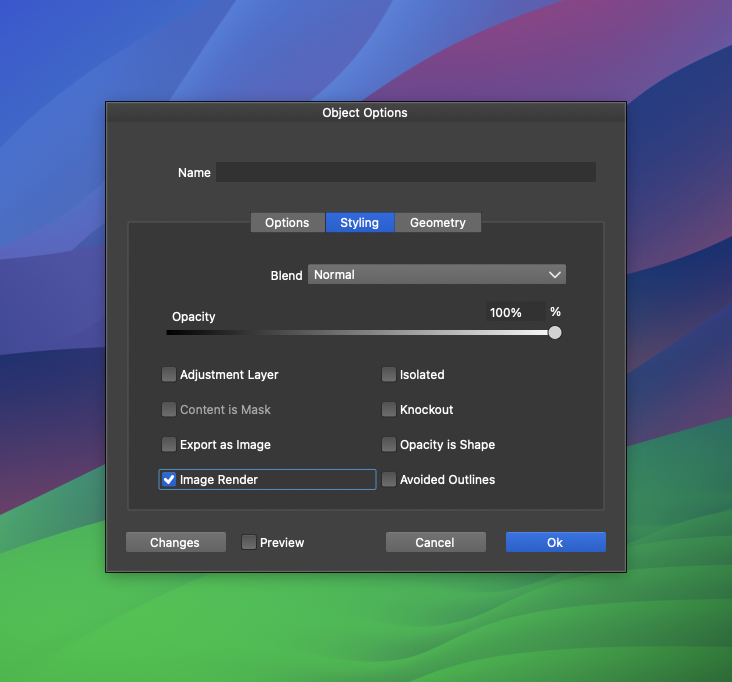
@VectorStyler ok, I see how I can access the image render option by double clicking on the object, group or layer.
So if I have a complex object or grouping or layer, I can checkmark the "image render" and it will essentially tell VS to see that selection as an image and not try to render and re-render the nodes each time I work on other parts of the file?
Is there a time I should leave it off or turn it off at a given point?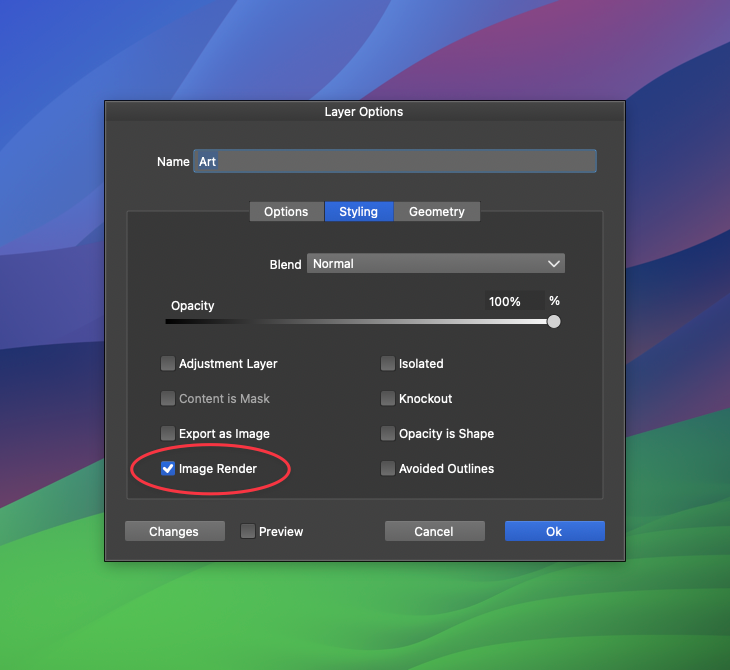
I also see there is an option for "Image render" in the view>display>display options
Should I be adjusting anything with the "rendering thread"?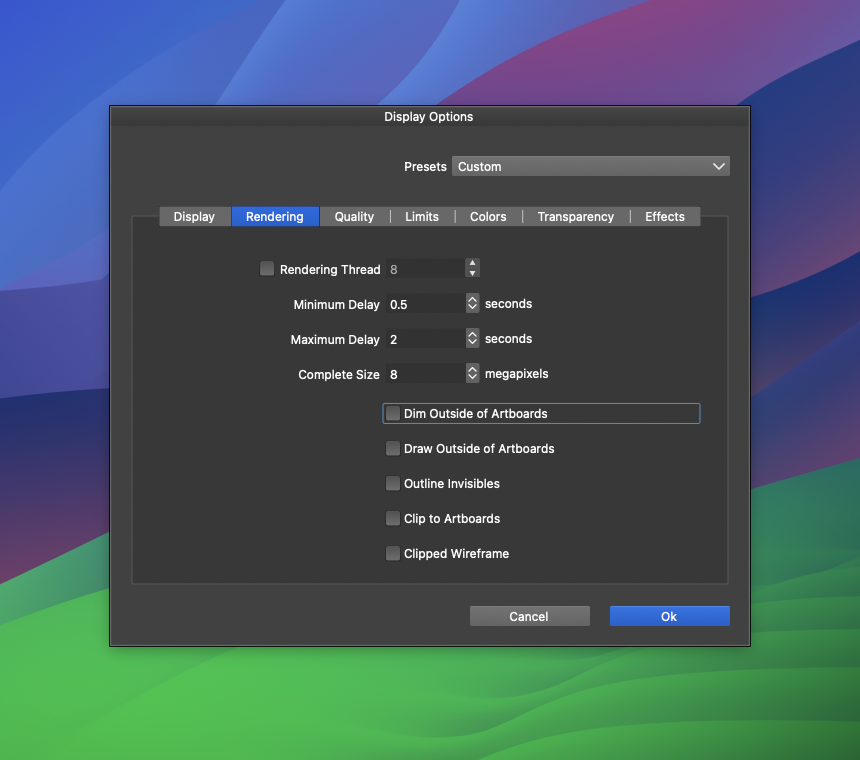
-
@Boldline said in Could locking a layer free up VS to only render and focus on active layers?:
it will essentially tell VS to see that selection as an image and not try to render and re-render the nodes each time I work on other parts of the file?
Yes.
Is there a time I should leave it off or turn it off at a given point?
It can be too slow if there are only a few vectors in the layer.
It works better for large number of (unchanged) vectors, gradients or image effectsShould I be adjusting anything with the "rendering thread"?
Let that unchecked, so it will use the current number of CPU cores on the system

