Is the first option in the arc meant for smaller arcs?
-
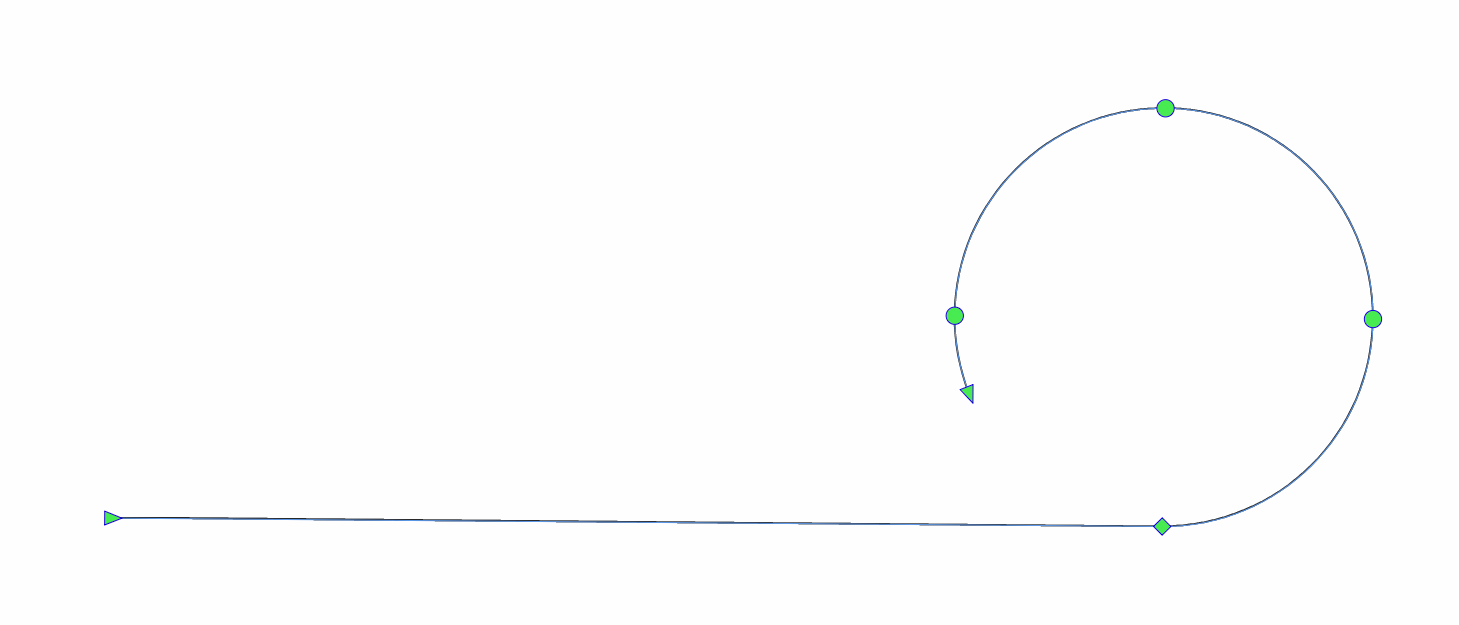
When using the option/alt key to change the modes with the arc tool, line → half arc → arc → direction flip → repeat. the first one option does not seem to make sense to me because I always end up creating a large shape - unless its intention is not to do so but instead create a small arc?
Like this?
🍎 macOS Tahoe 26.2, Mac mini (M1, 2020), Chip Apple M1, Memory 16 GB
Cintiq 27QHD Display and LG Ultra HD Display -
@Boldline The line is used to add line segments to this shape. If you want to close a line with a full circle this will create a very large circle as the curvature here is zero (resulting in infinite radius). So this will be a use case which should not be used.
-
@Boldline Thanks for this post. I just discovered the option key to change modes and that is very useful

