Keyboard shortcut for "Break Shape"-option, how?
-
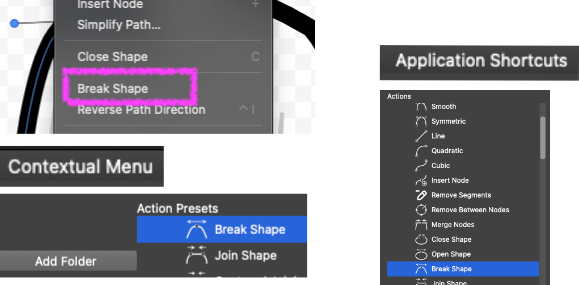
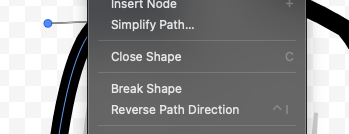
I wan't to make a keyboard shortcut for "Break Shape"-option, but I can't find and apply it in the Contextual Menu list. Can you please help me?
-
For keyboard shortcuts you do not need to work with the "Contextual Menu"
In the "Keyboard Shortcuts" view:
- Leave the "Context" field to "Application Shortcuts" (for simplicity)
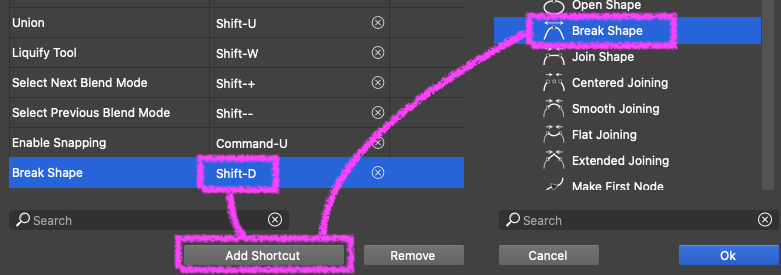
- on the right side "Actions" list navigate to Object -> Shape -> Break Shape and select it
- click on the "Add Shortcut" button (first in the bottom of the "Keyboard Shortcuts" view)
- this will show and highlight the new shortcut item without an assigned key
- click into the second column and press the keyboard shortcut you want to use
- the you can confirm the "Keyboard Shortcuts" view
I tested this here just now and it worked
-
@VectorStyler
Ah, great. Got it.Update with a note: One have to check for conflicting shortkeys already set for other operations. Else it won't work.
-
This post is deleted!

