VectorStyler
    • Categories
    • Unread
    • Recent
    • Tags
    • Popular
    • Register
    • Login

    Hotkeys for increases/decreases handles
    Scheduled Pinned Locked Moved Questions and Support
    4 Posts 3 Posters 13 Views 2 Watching
    Loading More Posts
    • Oldest to Newest
    • Newest to Oldest
    • Most Votes
    Reply
    • Reply as topic
    Log in to reply
    This topic has been deleted. Only users with topic management privileges can see it.
    • ZATOPEKZ Offline
      ZATOPEK
      last edited by

      Hello
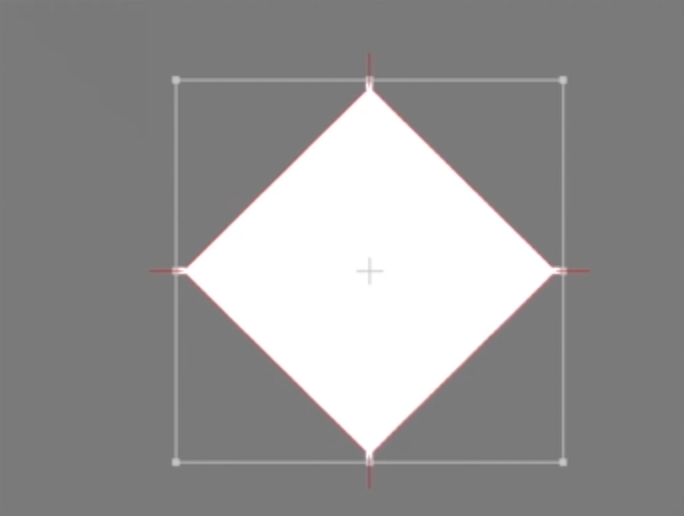
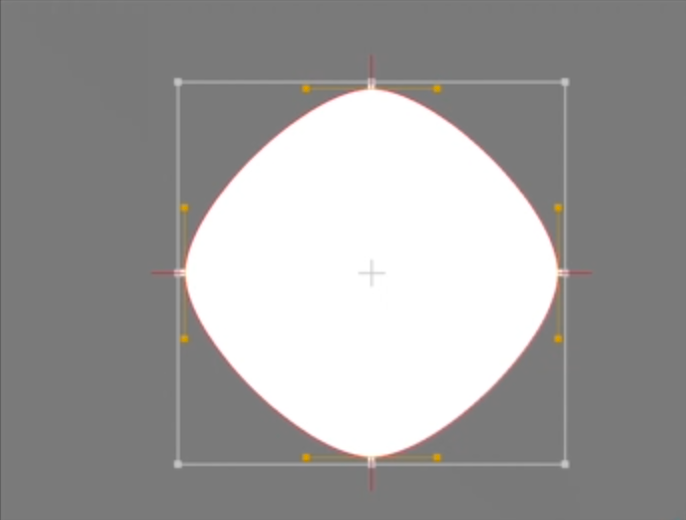
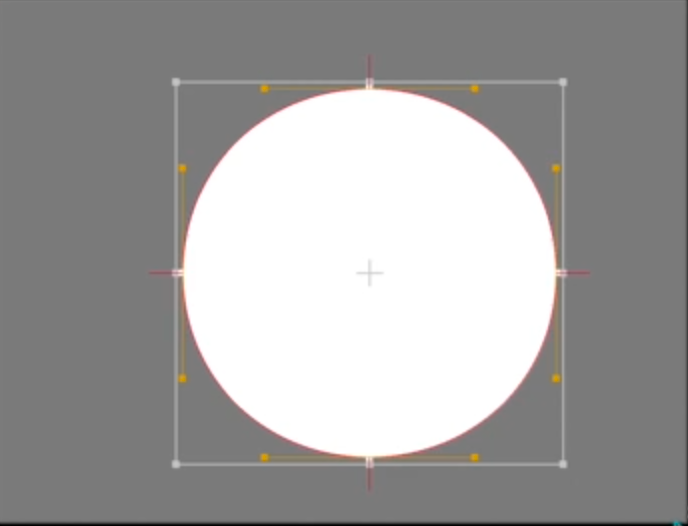
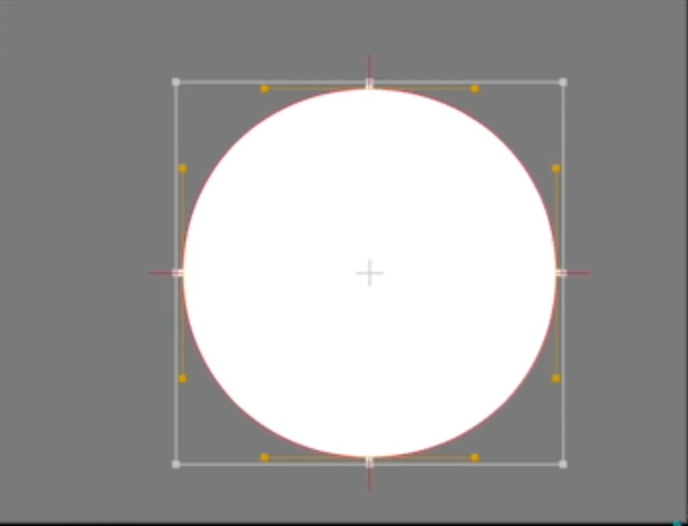
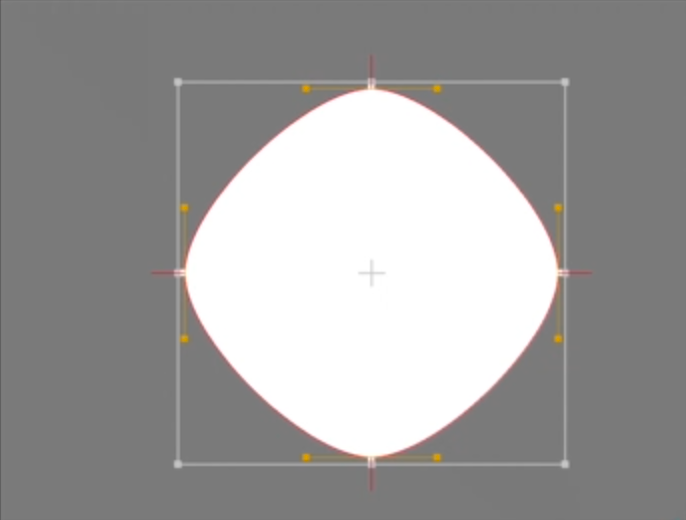
      there is a keyboard shortcut to increase or decrease the length of the handles on vectorstyler?!

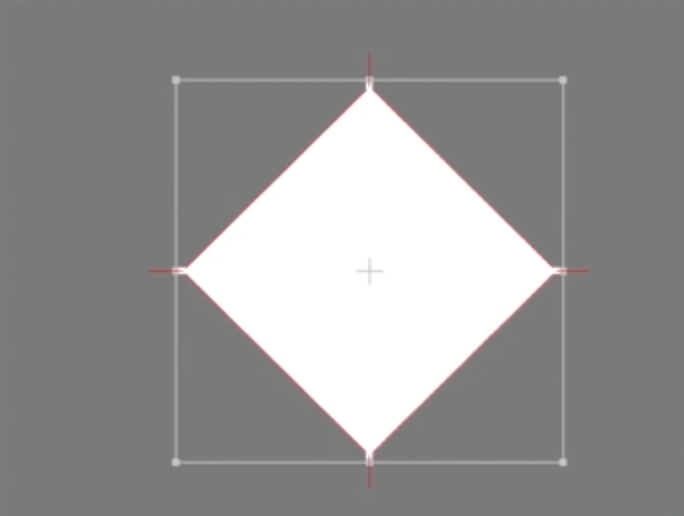
      THINKTANK 2026-05-09 à 21.48.52.png THINKTANK 2026-05-09 à 21.49.09.png THINKTANK 2026-05-09 à 21.49.23.png

      Cordialement Votre

      BoldlineB VectorStylerV 2 Replies Last reply Reply Quote 0
      • BoldlineB Offline
        Boldline @ZATOPEK
        last edited by

        @ZATOPEK select the nodes you want changed with the node tool and then press the number 1 on the keyboard

        🍎 macOS Tahoe 26.2, Mac mini (M1, 2020), Chip Apple M1, Memory 16 GB
        Cintiq 27QHD Display and LG Ultra HD Display

        1 Reply Last reply Reply Quote 0
        • ZATOPEKZ Offline
          ZATOPEK
          last edited by

          I'm doing the test with my MacBook Pro but without success ?!?!

          Cordialement Votre

          1 Reply Last reply Reply Quote 0
          • VectorStylerV Offline
            VectorStyler @ZATOPEK
            last edited by

            @ZATOPEK For making the nodes smooth (or symmetric) there is (shown in the tooltip of the action from the context panel).

            But for just brining out the handles and moving outwards, no shortcut (and no such feature)

            1 Reply Last reply Reply Quote 0
            • First post
              Last post