option for vector halftones to generate dots beyond the object boundary, then clip them to the object shape.
-
Feature request: Add an option for vector halftones to generate dots beyond the object boundary, then clip them to the object shape.
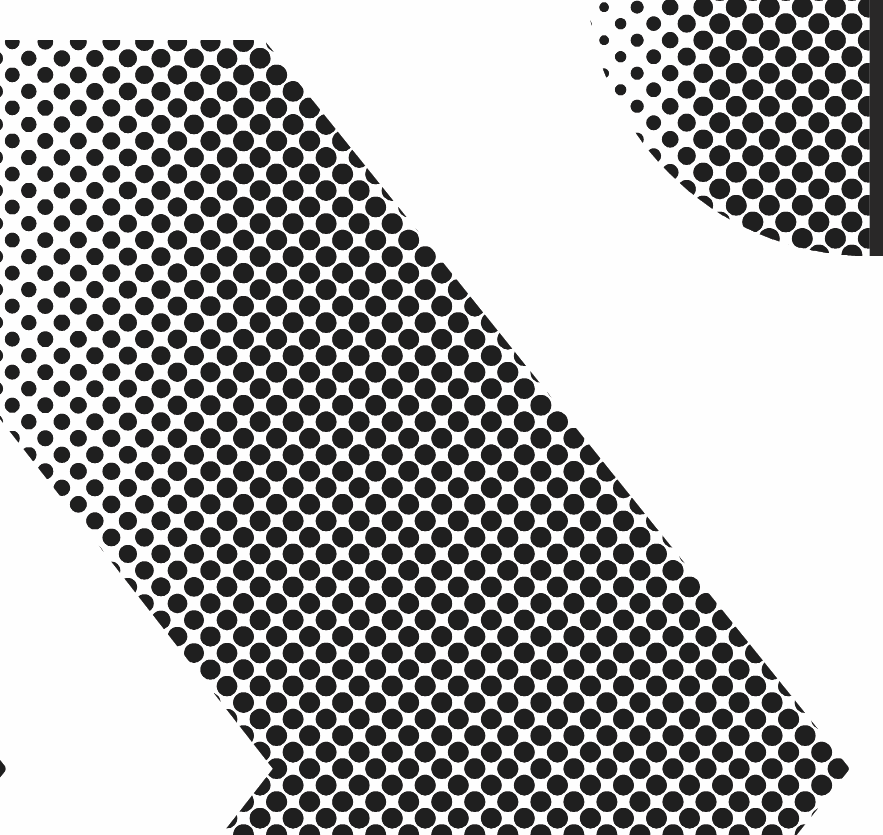
Vector halftones need an overscan/clipping mode so dots are generated outside the shape and clipped at the boundary, allowing partial edge dots while keeping the halftone live.
The current workaround, oversized halftone plus clipping or intersecting, works, but it is extra steps and breaks the clean live-editing workflow.
Current issue:
When a halftone is applied to a shape, dots near the edge can disappear if their center point falls outside the shape. For production artwork, especially screen print style halftones, it would be useful to allow partial dots at the boundary.I have a halftone tool requested option:
Add a setting in the Halftone panel such as “Allow Partial Edge Dots” or “Generate Beyond Shape.”Suggested controls:
- Enable/disable partial edge dots
- Overscan amount
- Clip to object shape
- Expand edge dots as clipped vector shapes
Use case:
This would create clean halftone fills where circles continue to the very edge of a shape and are cut off by the boundary, instead of stopping before the edge.Current situation:
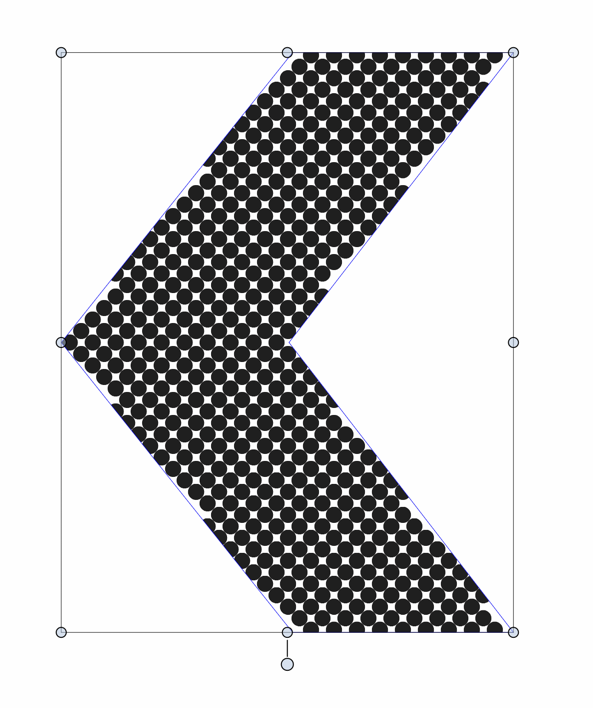
Desired option result in image below:
-
@Boldline I will add this to the features backlog, but there is one issue to clarify:
The halftone approximates the object color / intensity. But what intensity is is beyond the object boundary? This is hard to know, especially for images.
One workaround for this would be to create a larger object with the halftone, and the just clip it into the desired shape.
-
@VectorStyler said in option for vector halftones to generate dots beyond the object boundary, then clip them to the object shape.:
But what intensity is is beyond the object boundary? This is hard to know, especially for images.
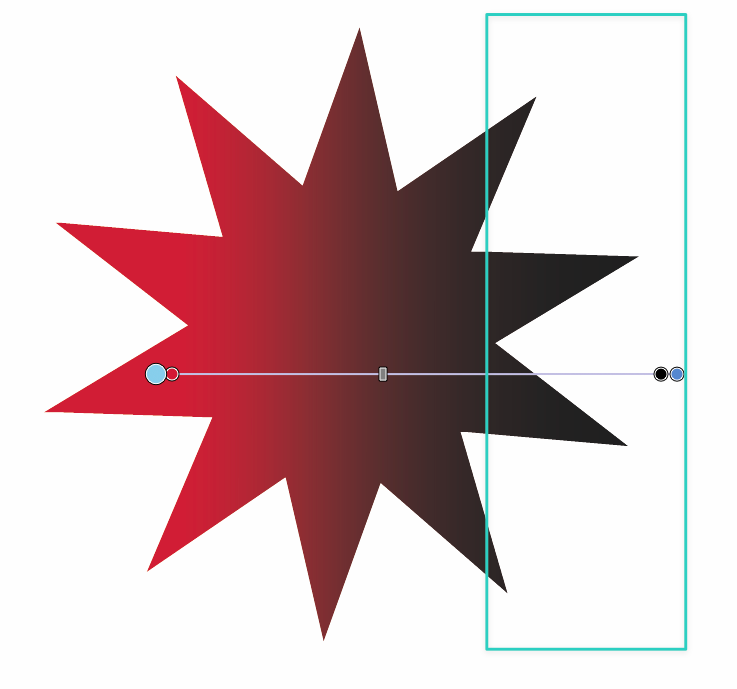
If I understand correctly, I would say to treat it the same way we we use the gradient tool and can pull the gradient color intensity farther out beyond the visible shape.
-
expounding on my earlier answer - you replied, "
@VectorStyler said in option for vector halftones to generate dots beyond the object boundary, then clip them to the object shape.:
The halftone approximates the object color / intensity. But what intensity is is beyond the object boundary? This is hard to know, especially for images.
I was thinking of it similarly to how gradients work.
With a gradient, the control line and color stops can extend outside the visible object boundary. The user can define color/intensity behavior in an unseen area, and the object simply displays the clipped result inside its shape.
Could halftones have a comparable “source area” or “generation area”?
The object shape would remain the visible clipping boundary, but the halftone grid/intensity field could be generated from a larger editable area, similar to how a gradient line extends beyond the object.
So instead of asking VectorStyler to guess intensity outside the object, the user would explicitly define it through the halftone source/generation area.
Possible model:
- Object shape = visible clipping boundary
- Halftone source area = where the dot field/intensity is generated
- Dots are generated across that source area
- Final result is clipped to the object shape
This would allow partial edge dots without requiring VectorStyler to infer unknown image data outside the object.
For flat fills or uniform halftones, the outside intensity could simply continue the same value. For gradients, the existing gradient behavior could define the intensity beyond the visible object. For images, this could either be disabled or require a larger image/source area.
Essentially, adding a halftone generation area separate from the visible clipping shape, similar to how gradient controls can extend outside an object while the final color remains clipped to the object.