Could this be made more user‑friendly?
-
I find the snap function and guide lines in Affinity really comfortable to use, while VectorStyler feels awkward to handle.
For example, when points or lines overlap or align, the guide lines should be thicker, or the colors of alignment guides and snap points should be differentiated. Also, it should display the distance between objects.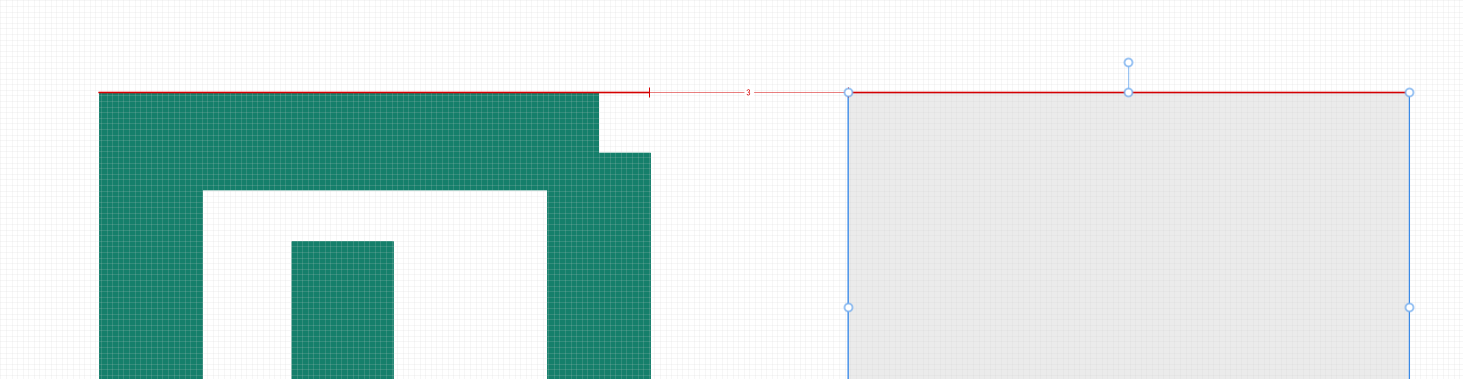
-
This post is deleted! -
-
@macos Indicator styles are customizable in Settings -> Indicator Styles
In the Snapping panel menu -> Snapping Options, enable the "Show Distances" (second column, top) to show distances when the Snap to Object is enabled.
