VectorStyler
    • Categories
    • Unread
    • Recent
    • Tags
    • Popular
    • Register
    • Login

    Image is changing position unintented when cropped

    Scheduled Pinned Locked Moved Questions and Support
    2 Posts 2 Posters 17 Views 2 Watching
    Loading More Posts
    • Oldest to Newest
    • Newest to Oldest
    • Most Votes
    Reply
    • Reply as topic
    Log in to reply
    This topic has been deleted. Only users with topic management privileges can see it.
    • RaaskotR Online
      Raaskot
      last edited by

      I can’t crop this image in mask although I have deselected any transform options. The image is changing position in the frame unintentionally. How can I avoid this and keep it fixed?
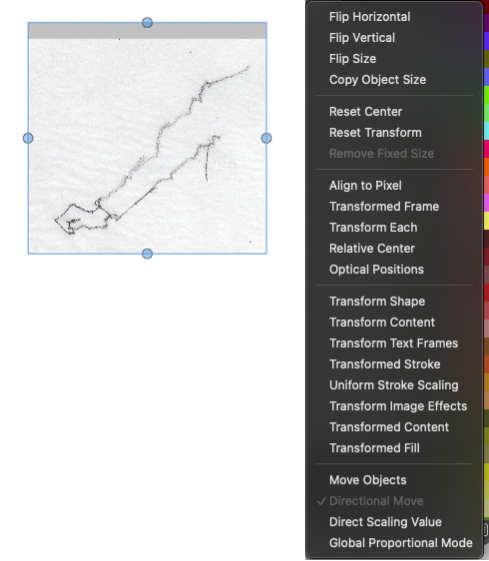
      https://somup.com/cO1rDfVnhBs

      crop.vstyler

      016535dc-a362-477b-927a-ab9d725200a8-image.png

      VectorStylerV 1 Reply Last reply Reply Quote 1
      • VectorStylerV Offline
        VectorStyler @Raaskot
        last edited by

        @Raaskot
        Looks like the crop tool keeps the image centered. I will try to find a solution for this

        An other way to crop is to convert to curves and use the Node tool to edit the path of the image.

        1 Reply Last reply Reply Quote 1
        • First post
          Last post
