Questions about rotating an object with two different centers
-
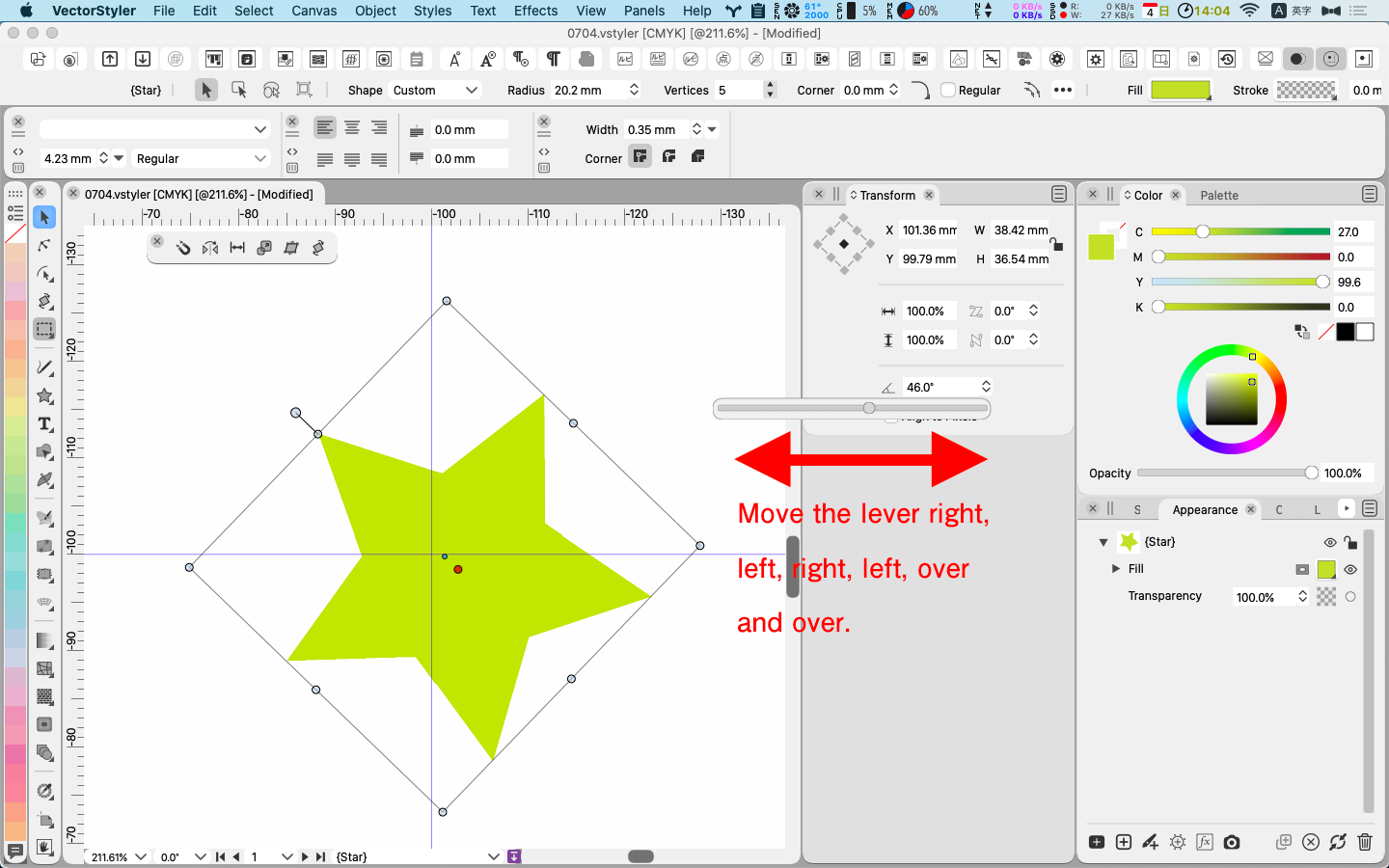
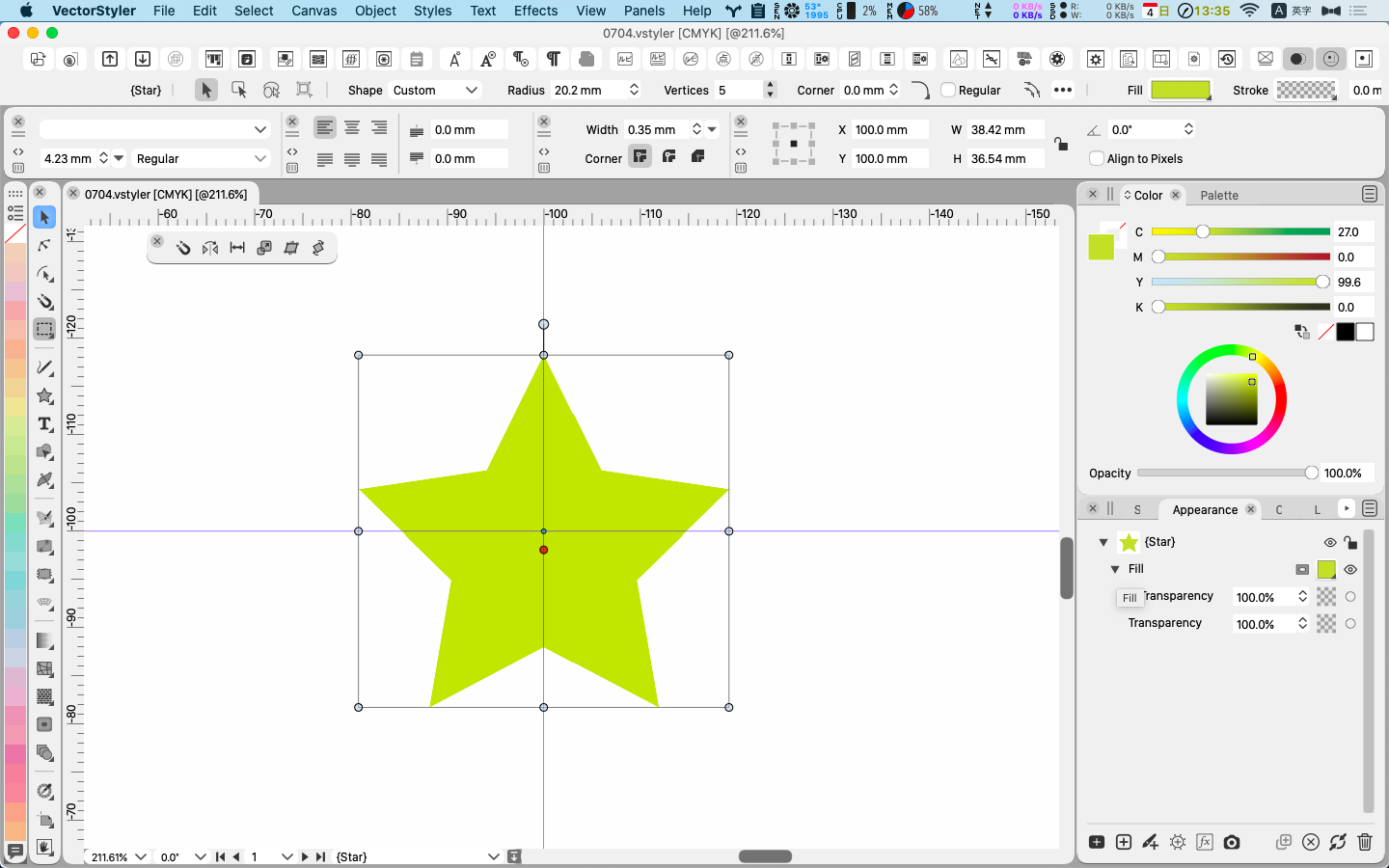
Objects such as stars, triangles, and paths have two center marks.
One is the center point of the object's bounding box. We tentatively call it (BBC).
The other is the center point of the shape. Supposedly (OC)
OC can be its starting point in the case of Path, or the origin of the first character of a line in the case of Text, and so on.Now, as an example, here is a pentagonal Star drawn with the Shape Tool.
Let's look at the various rotations.
A star drawn with Star has two "centers".
(fig. )
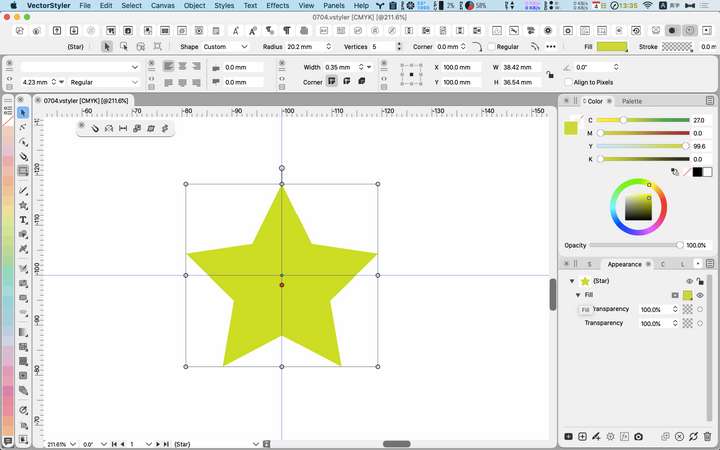
We will try to rotate it in four different ways
a) Rotate it using the handle.
Result: it will be rotated around the OC.b) Rotate using the Transform dialog.
Result: it will be rotated around the BBC.c) Rotate using the Rotate Tool.
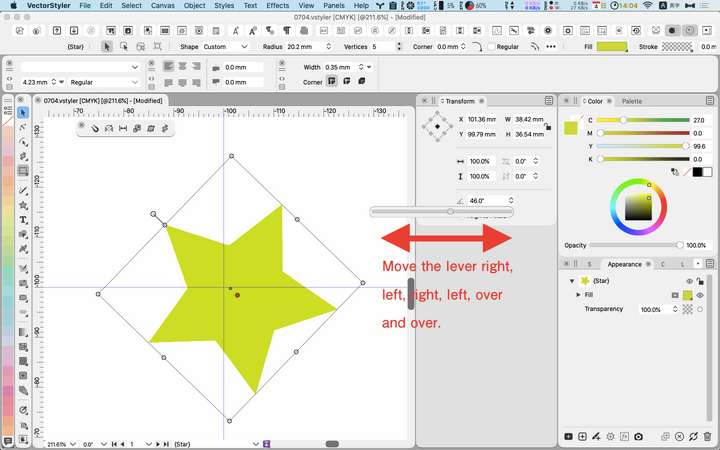
The result: the image is rotated around OC.d) While previewing in the Transform palette, move the lever right, left, right, left, and so on.
Result: the star will travel like a cycloidal gear.
(fig.)
Overall result
We now have the results of three different rotations.
I think that a) and b) give the same result. What do you think?
Is c) an easter egg or a bug?LIc. 0 OS10.15.8
MacBook Air (13-inch, Mid 2012) / Intel Core i5, 8GB / Intel HD Graphics 4000
LIc. 1 OS15.7.4
MacBook Pro (14-inch, 2023) / Apple M2 Pro, 16GB / Apple GPU -
@861475_VctSt In b) and d) there will be an option to rotate around the OC. This is in the backlog.
I would not change a) for now, and c) is by design.
I will check why the star is jumping around while rotating from the transform panel. It should keep the selected center fixed. -
Correction in the previous post.

False.
Is c) an easter egg or a bug?Correct.
Is d) an easter egg or a bug? -
@861475_VctSt (d) is a bug.

