VectorStyler
    • Categories
    • Unread
    • Recent
    • Tags
    • Popular
    • Register
    • Login

    How do I create a Compound path?
    Scheduled Pinned Locked Moved Questions and Support
    3 Posts 2 Posters 5.5k Views
    Loading More Posts
    • Oldest to Newest
    • Newest to Oldest
    • Most Votes
    Reply
    • Reply as topic
    Log in to reply
    This topic has been deleted. Only users with topic management privileges can see it.
    • BoldlineB Offline
      Boldline
      last edited by

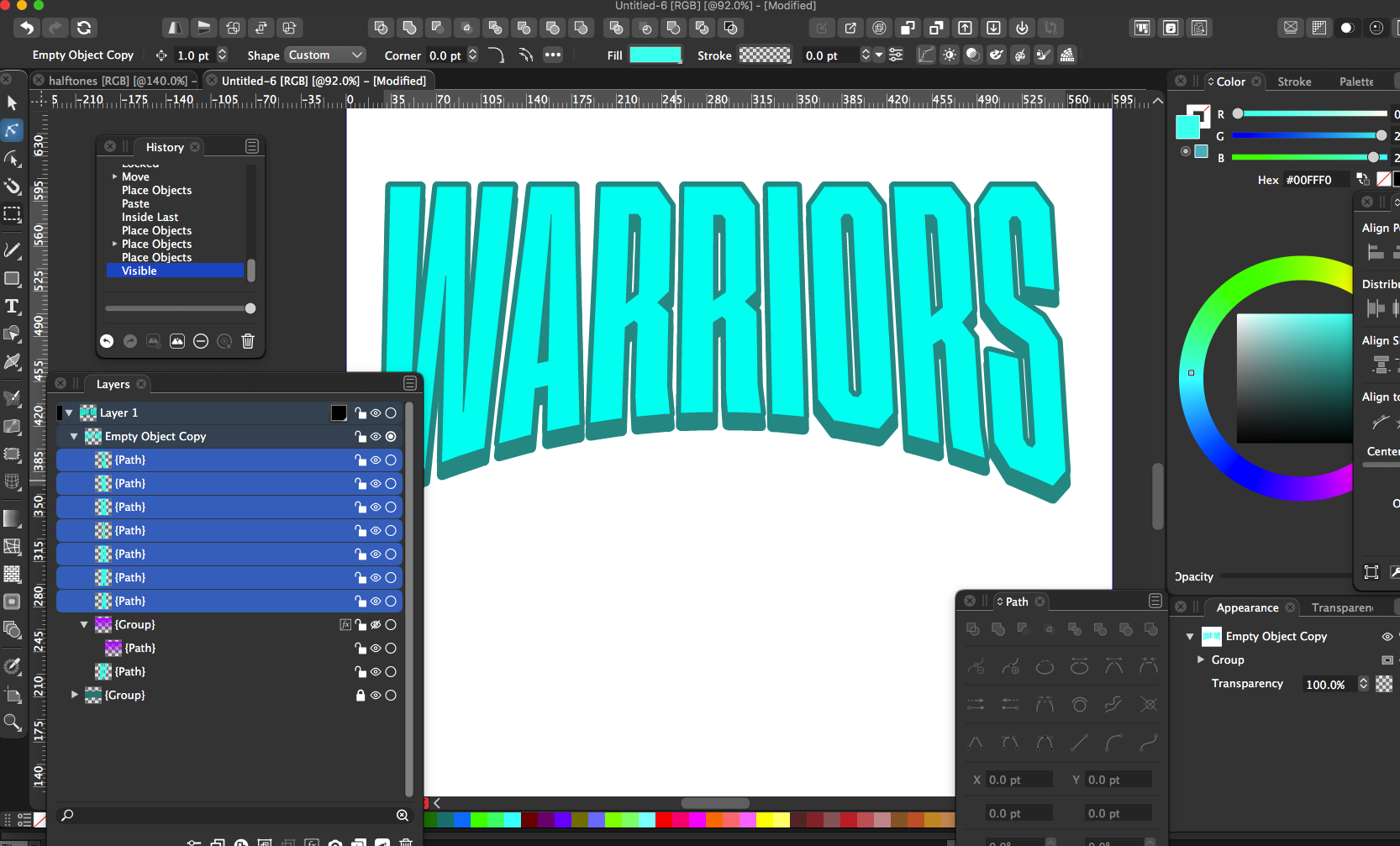
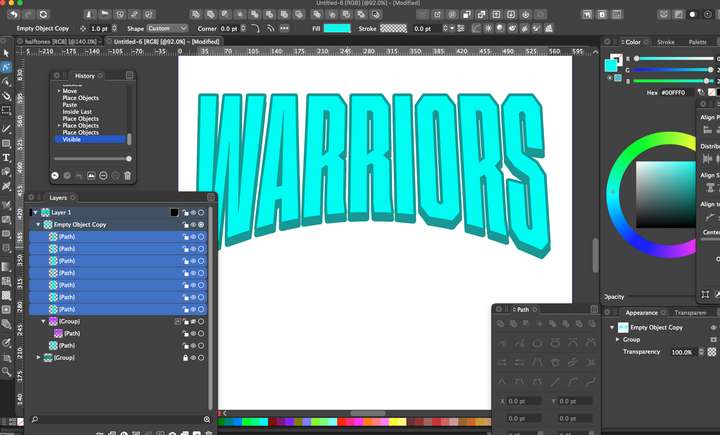
      I want to make all of the aqua letters one selection so I can clip something into all of them at the same time.
      In illustrator it's a "compound path". How would I accomplish this in VS?
      0_1627179441778_8031798c-7a2b-4528-a8da-4289b046b115-image.png

      🍎 macOS Tahoe 26.2, Mac mini (M1, 2020), Chip Apple M1, Memory 16 GB
      Cintiq 27QHD Display and LG Ultra HD Display

      VectorStylerV 1 Reply Last reply Reply Quote 0
      • VectorStylerV Offline
        VectorStyler @Boldline
        last edited by

        @Boldline Object -> Combine -> Combine creates a single shape from these.
        Also the first icon in the context panel boolean operations buttons does the same.

        The result will be the same type of shape that AI calls compound path.

        BoldlineB 1 Reply Last reply Reply Quote 1
        • BoldlineB Offline
          Boldline @VectorStyler
          last edited by

          @vectoradmin Thank you for explaining! This makes more sense. I had seen the combine option in the boolean operations panel but my Illustrator brain was not computing that - I get it now


          🍎 macOS Tahoe 26.2, Mac mini (M1, 2020), Chip Apple M1, Memory 16 GB
          Cintiq 27QHD Display and LG Ultra HD Display

          1 Reply Last reply Reply Quote 0
          • First post
            Last post