VectorStyler
    • Categories
    • Unread
    • Recent
    • Tags
    • Popular
    • Register
    • Login

    Copy attributes

    Scheduled Pinned Locked Moved Questions and Support
    2 Posts 2 Posters 3.3k Views
    Loading More Posts
    • Oldest to Newest
    • Newest to Oldest
    • Most Votes
    Reply
    • Reply as topic
    Log in to reply
    This topic has been deleted. Only users with topic management privileges can see it.
    • BoldlineB Online
      Boldline
      last edited by

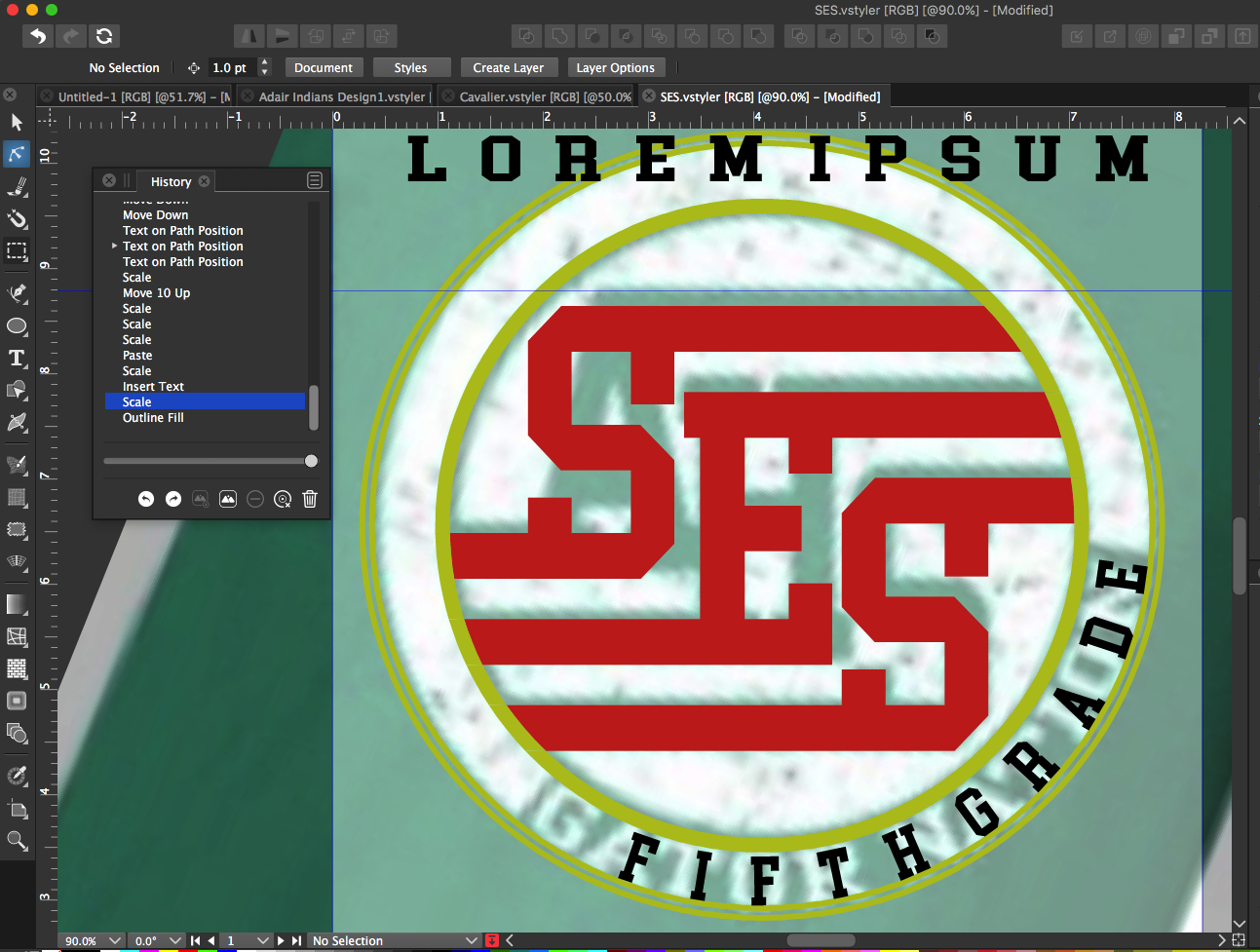
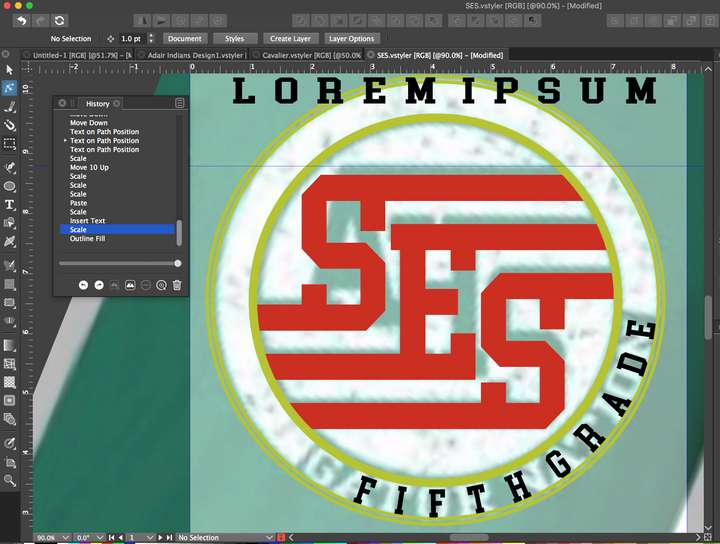
      I am wanting to stretch the wording on the path that says "Fifth grade" to be like the "Lorem Ipsum" at the top. (Is there a better way to just grab the text on the path and stretch it width-wise?)
      In illustrator, I can create a set of text like the "Lorem Ipsum" and stretch it width-wise and then when I click on the text on the path and tap the "I" key for eyedropper, I can click on the stretched text at the top and the bottom text takes on it's properties, including the stretching.
      (Side note: in illustrator, I often needed to do this to adjust vertical height of text on a path as well - I love that VS has that feature built in!)
      0_1631552113516_c0dfeb53-8fd5-4dce-ab8a-3fc8b0158231-image.png

      🍎 macOS Sequoia 15.3, Mac mini (M1, 2020), Chip Apple M1, Memory 16 GB
      Cintiq 27QHD Display and LG Ultra HD Display

      VectorStylerV 1 Reply Last reply Reply Quote 0
      • VectorStylerV Offline
        VectorStyler @Boldline
        last edited by

        @Boldline There is no eyedropper tool for character style, but the Copy / Paste Character Style in the Edit -> Attributes menu should help with this.
        For other attributes (like fill, outline, etc) the eyedropper tool should work.

        1 Reply Last reply Reply Quote 0
        • First post
          Last post
