Shape builder tool problems with 1.1.025
-
Hello,
first of all thanks a lot for the continuous improvements and updates for VS.
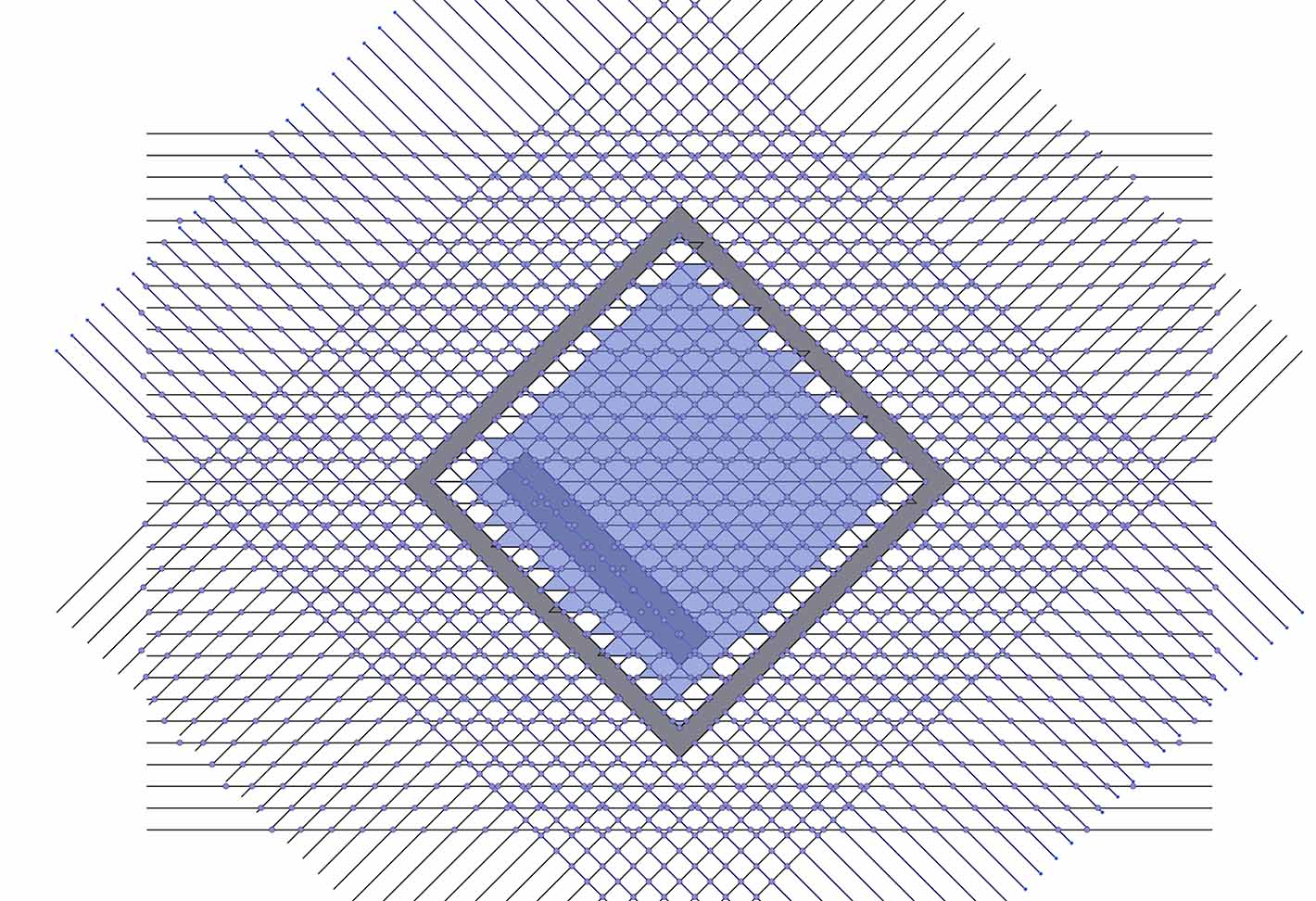
After the update to 1.1.025 I did check again the shape builder tool for the current function.- Please check the UNDO function with shape builder tool. The behaviour is unpredictable. One Press of Ctrl.-Z sometimes does revert the last step. sometimes it does revert several steps at once, sometime whole shapes disappear or breaks everything.
--> Shape_builder_bug_20220326_v2 - Still can happen that unwanted shapes are combined and even far away shapes are included into the shape. --> shape_builder_bug_20220326
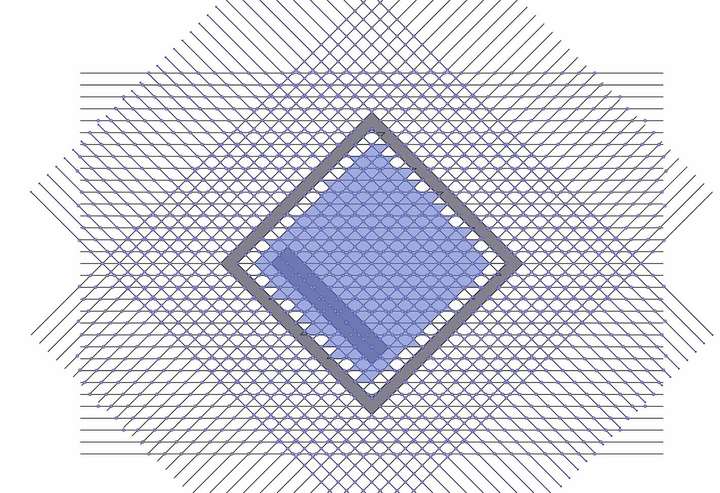
1_1648254692082_Shape_builder_bug_20220326_v2.vstyler
0_1648254692082_Shape_builder_bug_20220326.vstylerVideos are available for both situations.
Thanks.
MT - Please check the UNDO function with shape builder tool. The behaviour is unpredictable. One Press of Ctrl.-Z sometimes does revert the last step. sometimes it does revert several steps at once, sometime whole shapes disappear or breaks everything.
-
@MajorTom Issue (2) can be replicated easily. I will try to replicate (1) also (the file has the history, so that will help).
Added these to the backlog as bugs. -
@vectoradmin here one more example with the latest version. (1.1.028)
Please have a look at around 2:16, it is possible to Undo the mistake, but when ever I add something more it will reappear again.
https://recordit.co/9NmBC5wxkB
Below you can find attached the file.
0_1649119693725_20220405_Shapebuilder_bug.vstyler -
@MajorTom Can be replicate here also. Added it to the backlog.
-
@vectoradmin just had some test with the latest version 1.1.034
The undo function still does not work as expected.
If you are still working on it, just ignore that update.Thanks.
https://recordit.co/JAIH2Oy8TO
0_1650804933896_20220423_Shapebuilder_bug.vstyler -
@MajorTom Yes, some of these issues are still open.
